So First my question:
What is the official spec? Any recommand for a USB4/Thunderbolt4 storage/enclosure/NVMe?
Even though no USA site describes DGX Spark’s USB spec (except one in Sweden), they are USB 4 (40Gbps) as I found out.
Why does’t NVIDIA’s marketing dept make big deal of it? It is a big deal. Theoretically, that mean it can get R/W speed of ~2,800 MB/s to ~3,800 MB/s from a USB attached NVMe SSD. That is a big deal for AI engineers/Data Scientist on a machine like DGX Spark which is not upgradable.
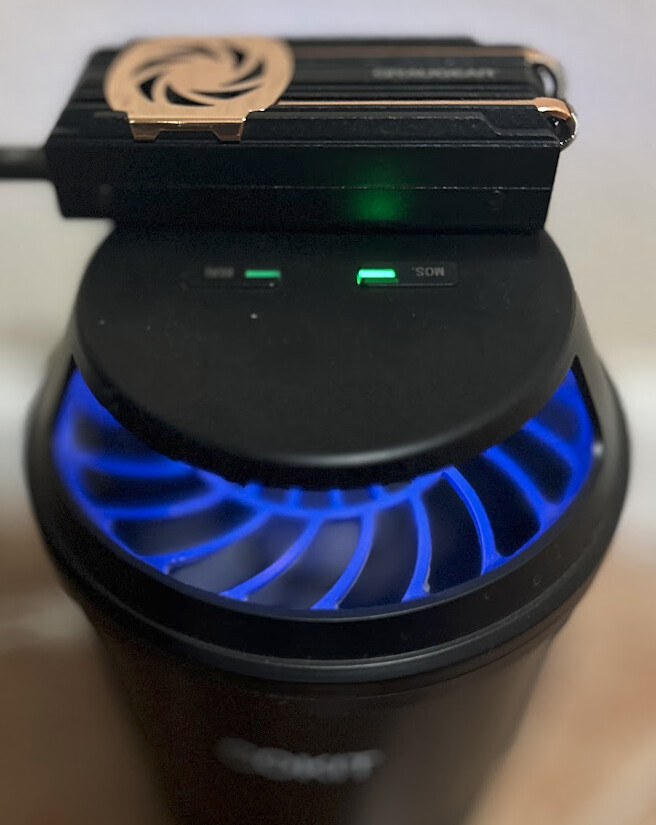
But I got R/W 1.8GB on Samsung NVMe 990 EVO Plus 2TB PCIe 4 in a USB4 NVMe enclosure (Cable powered) and connected directly to one of USBs on DGX Spark. This great, but if I can double the speed, absolutely.
!! IMPORTANT !! If you get only 40M/s, flip the plug. YEP! That works. Also when they heats up and yes they sure do, it drops back to 40M/s. Then no flipping plug works.

This one is just FYI for those who wants to find out by themselves.
# Feed the ouput of below to Gemini/ChatGPT for human friendly info
$ sudo dmesg | grep -i "thunderbolt\|usb4"
...
[    0.054132] ACPI: USB4 _OSC: OS supports USB3+ DisplayPort+ PCIe+ XDomain+
...

# When it is slow, you will see it under 480M, when it is fast,  20000M/x2
$ lsusb -t
...
/:  Bus 005.Port 001: Dev 001, Class=root_hub, Driver=xhci-hcd/1p, 480M
/:  Bus 006.Port 001: Dev 001, Class=root_hub, Driver=xhci-hcd/1p, 20000M/x2
    |__ Port 001: Dev 005, If 0, Class=Mass Storage, Driver=uas, 20000M/x2
...
Gemini’s response to the output of dmesg above.
Here is what this new dmesg output means:
- You DO Have a USB4 Controller: The lines
ACPI: USB4 _OSCandusb usb4are definitive proof. Your operating system is detecting and loading a USB4 host controller. - It’s Not an Intel Thunderbolt Controller: The
lspcicommand was empty for “Thunderbolt” because your controller is from NVIDIA (as shown byManufacturer: Linux 6.11.0-1016-nvidia xhci-hcd). This is whyboltctldoesn’t see it;boltctlis primarily designed for Intel’s Thunderbolt controllers. - Your Problem Remains the Same: Your core issue is that your enclosure is connecting as
/dev/sda(USB Mass Storage mode) and not as/dev/nvme0n1(PCIe Tunneling mode). The “flipping the cable” test confirms this is a physical layer problem.