Once again I am not near my Jetson at the moment, but read-edid might be in one of the non-default repositories. There is a file in /etc, I think /etc/apt/sources.list (going on memory). Several repos are commented out unless you add repos or uncomment the ones there. Then read-edid will be available. nVidia itself has a repo I don’t remember off the top of my head, but you can download a .deb file and it will add all the nVidia repo stuff.
I think Ubuntu probably comes with minicom, but I prefer gtkterm. Should be able to apt-get search and find out those packages.
Incidentally, port will be named something like /dev/ttyS0 or ttyS1. YMMV. If you use a USB adapter, naming is something like /dev/ttyUSB0.
Ok, linuxdev, I found my old serial cable. I can’t swear that it’s a null-modem cable; it maybe a straight-thru’. Do I need to check it?
Minicom and gtkterm do not exist on Ubuntu 13.10. So I had to apt-get install gtkterm from root to get it to install. (It also complained that it could not be validated or something like that.) Once it was installed I maned it. Nothing surprising. Then I tried to invoke it. Nope. It HAS to be invoke from the command line in terminal mode within Ubuntu Desktop and not from one of the six command line windows invoked by Alt-Ctrl-F1 thru’ F6. I was surprised it didn’t show up as an icon in the Apps window. (I guess MS Windows has spoiled me.)
Anyway, I finally got it to pop open on the desktop after I used “sudo gtkterm”. I also got a message that said it created and opened .gtktermrc. Ok. Then I saw it was running at 9600 baud. Oops. I shut it down and used nano to edit the .gtkterm file which was in the home directory. I changed the baud rate to 115200 and saved the file in my home directory. Now when I invoke the application (sudo gtkterm) I get a warning from gtkterm that the owner of /home/jim/.config/ibus/bus is not root. I have no idea what that means, but I don’t see any data coming into the window during Jetson TK1 boot up. I’ll check my cable. (Time passes) As I was afraid, I have a straight-through serial cable. I will buy a null-modem cable at work today.
Using a non-null-modem cable won’t hurt anything, but this would indeed be a symptom that no data makes it through. There are many “smart” serial port implementations in which it will detect an incorrect cable type and automatically switch tx/rx, but I wouldn’t bet on it.
FYI, gtkterm should have a “configuration” menu at the top (it is a GUI app). Minicom has its menu as well, and runs from console (it is ncurses-based instead of GUI), but is a bit more complicated to get used to (because of need to learn key bindings). I would just use the gtkterm menu at top to set up 115200 8n1. I use hardware flow control where listed, but no flow control seems to work exactly the same.
The “not root” warning can be ignored. It is because of using sudo on a system where there is no real separate root account, thus it doesn’t change to root owned files.
One particular missing serial data issue I have not seen with actual pure DB-9 connectors, but with a serial USB cable I have seen no data make it through until power was applied at both ends of the USB cable…meaning there have been times when booting the Jetson once was required (with subsequent reboot) to see serial data on a USB variant.
Straight DB-9 to DB-9 via null modem cable should always succeed from the very first character. Just be sure you have the right serial port named in your configuration…probably /dev/ttyS0 since you only have one external DB-9, but there is usually a controller for more than one serial port (even if not connected), and sometimes these other internal ports are in use where you don’t see them (thus it might not be the external DB-9 is ttyS0 in all cases).
I’m glad the use of a non-null-modem cable won’t cause problems other than no data is display on the remote terminal, in this case, my Ubuntu laptop. Once again, it truly bothers me that I didn’t see this documented anywhere.
Anyway, I got a null-modem cable from work and I will try to hook it up when I get home later on tonight to see what I can see.
Let me take a moment right here and right now to say “THANK YOU” for all of your help. I really do appreciate it.
As I mentioned previously I did load gtkterm on my Ubuntu laptop and got it working. And, yes, you are right, there is a menu bar across the top of the window (once opened) that is labeled “Configuration”. And, yes, I can go in there and set the data transfer rate speed to 115200. Of course, this morning, all I could see was a blank screen each time I booted up the Jetson TK1. I hope the null-modem cable changes that. Then I can send you my boot up dump list for analysis and you can tell me what is wrong with it and I can fix it! Hooray!!
Finally, let me reiterate a potential problem I saw early. I tried to do a “apt-get install rread-edid” from root and it failed. I also noted that there were 114 updates available 40 of which were security that I was alerted to immediately after logging in. When I attempted to do a apt-get install updates, they failed also. I can’t help but wonder if some corruption has crept into my Jetson TK1? Thoughts?
There are a number of reasons why apt-get would fail, corruption is not likely even with the system being rebooted without proper shutdown (unless you do so while apt-get upgrade runs). If you run apt-get without “sudo” this will fail, as you need root authority to update the system. Something like this sequence would be correct:
sudo -s
sha1sum -c /etc/nv_tegra_release
...this is to verify libglx.so prior to upgrade for backup...
...save a copy of the libglx.so file (I'm not around Jetson so I don't remember the exact location, but the libglx.so pinned thread should show it)
apt-get update
apt-get upgrade
(answer 'y' when it offers to upgrade the packages)
sha1sum -c /etc/nv_tegra_release
...if libglx.so is not correct after this, copy the replacement back.
...reboot if you want...
In terms of the security, you never ever want a stock Ubuntu linux distro available to the outside Internet world after install because of the standard “ubuntu” password for root access. If you are on a router with non-routable IP assigned, you’re ok. All of my development systems are on a private network anyway so I never worry about it.
Many security updates also don’t matter if you are behind a non-routable address, although some would matter at special times, like when web browsing. This is again a linux/ubuntu thing not related to Jetson.
The apt-get mechanism depends on which software repositories are available…if you use only the free GPL stuff which is part of an official distribution (default configuration from ubuntu), you lose access to many packages. Many other free packages exist as add-ons which require a different repository from the main ubuntu repos that provide base install. You will need to explore uncommenting repos (or using apt config commands) which are not on by default in /etc/apt/sources.list. An editor such as vi has to be used if you edit directly (vi is not a beginner’s editor, find a different one if you don’t already know vi…not sure which text based editors ubuntu arrives with). In the case of editing, the hash mark ‘#’ at the start of a line neutralizes it (except the first line, never alter that). If you simply want to see /etc/apt/sources.list, just use cat or less. I wish I could remember which one has read-edid. Mainly I come from the fedora/redhat world, so apt is not in my “best” of knowledge.
About corruption…the actual file system would have to be quite bad for ext4 to fail. It has good journaling, but individual files could become truncated or partially changed if there is a failure before it is written to disk and the system has power cut.
Ok, I got the null-modem cable and plugged it in and, lo and behold, it worked! After I re-adjusted gtkterm’s window size from 80x25 to 200x200, then turned on file capture, I booted Jetson TK1. Now, let’s see if I can attach it.
Well that wasn’t pretty. Ok, I’ve got about a thousand lines of text in a .TXT file on a flash drive which I pulled from my Ubuntu laptop. How do I insert it in here?
This file looks normal, nothing obvious. The next thing to do is to disable serial console logging until you have the system fully started, then start logging (makes for a shorter log), then “cat /var/log/Xorg.0.log”…end logging and paste a copy of this from filebin.ca (unless you have an easier way to copy the log file).
The read-edid package is becoming more important as a test. I believe your system is behaving basically “normal” up till this text console appears. The Xorg log will probably give some strong hints, but read-edid package would be a smoking gun on issues.
EDIT: I don’t know which “simple” editors come with Ubuntu. If you need to uncomment repos in /etc/apt/sources.list, it is possible “nano” could be added without uncommenting repos first (an easy simple editor), although I don’t know which repo it uses:
apt-get install nano
Try to install packages “read-edid” and “edid-decode”.
Ok, first things first. I saved a copy of libglx.so and then did a apt-get updates and upgrades and, yes, the libglx.so was over written. I replaced with the known good copy.
In the apt-get updates screen listing I saw Xserver_xorg_core go flashing by. Oops, I forgot to protect that file. I wonder if that is going to come back to bite me?
Apt-get install read-edid still fails with the message “E: Unable to locate package read-edid”.
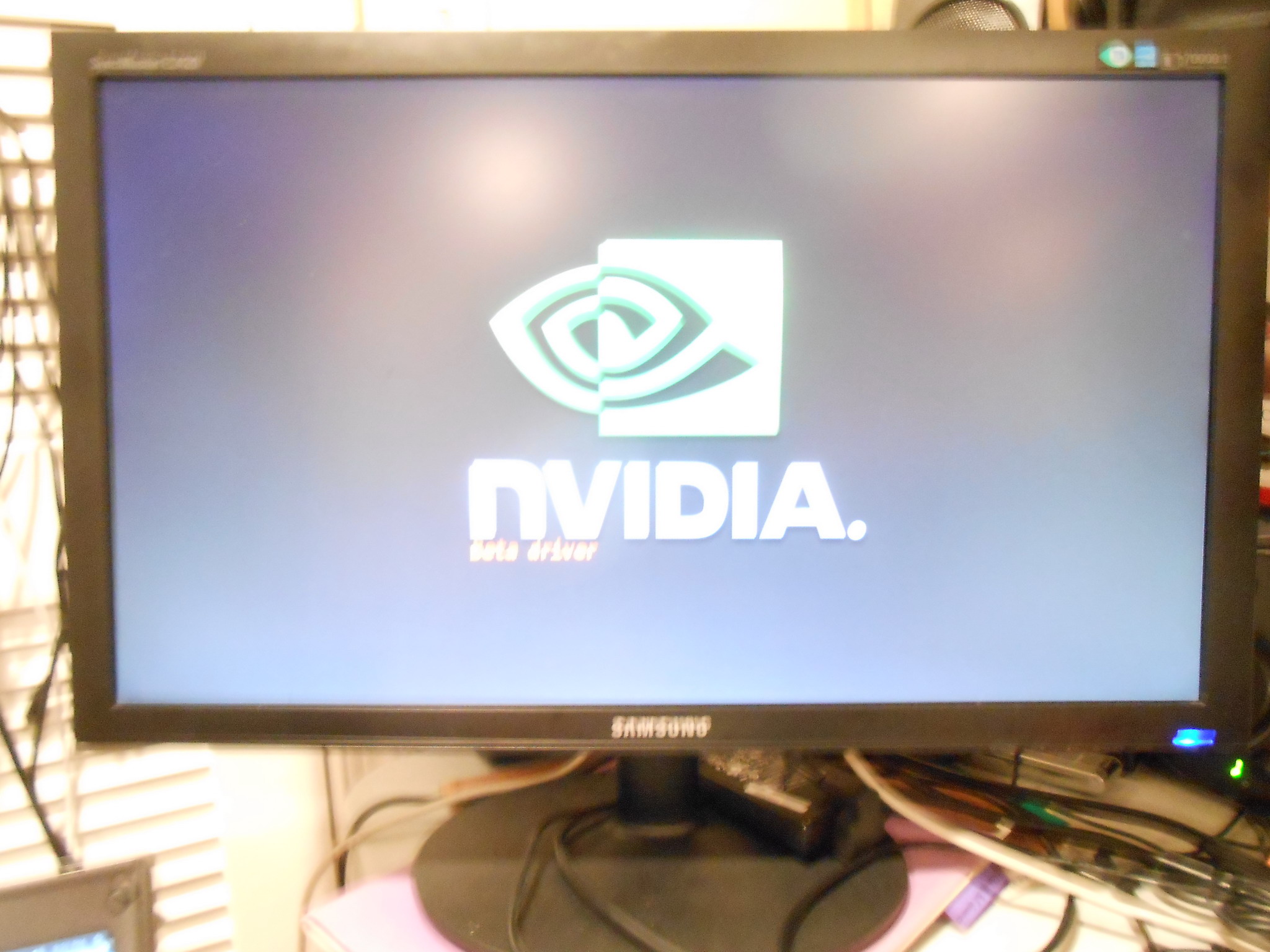
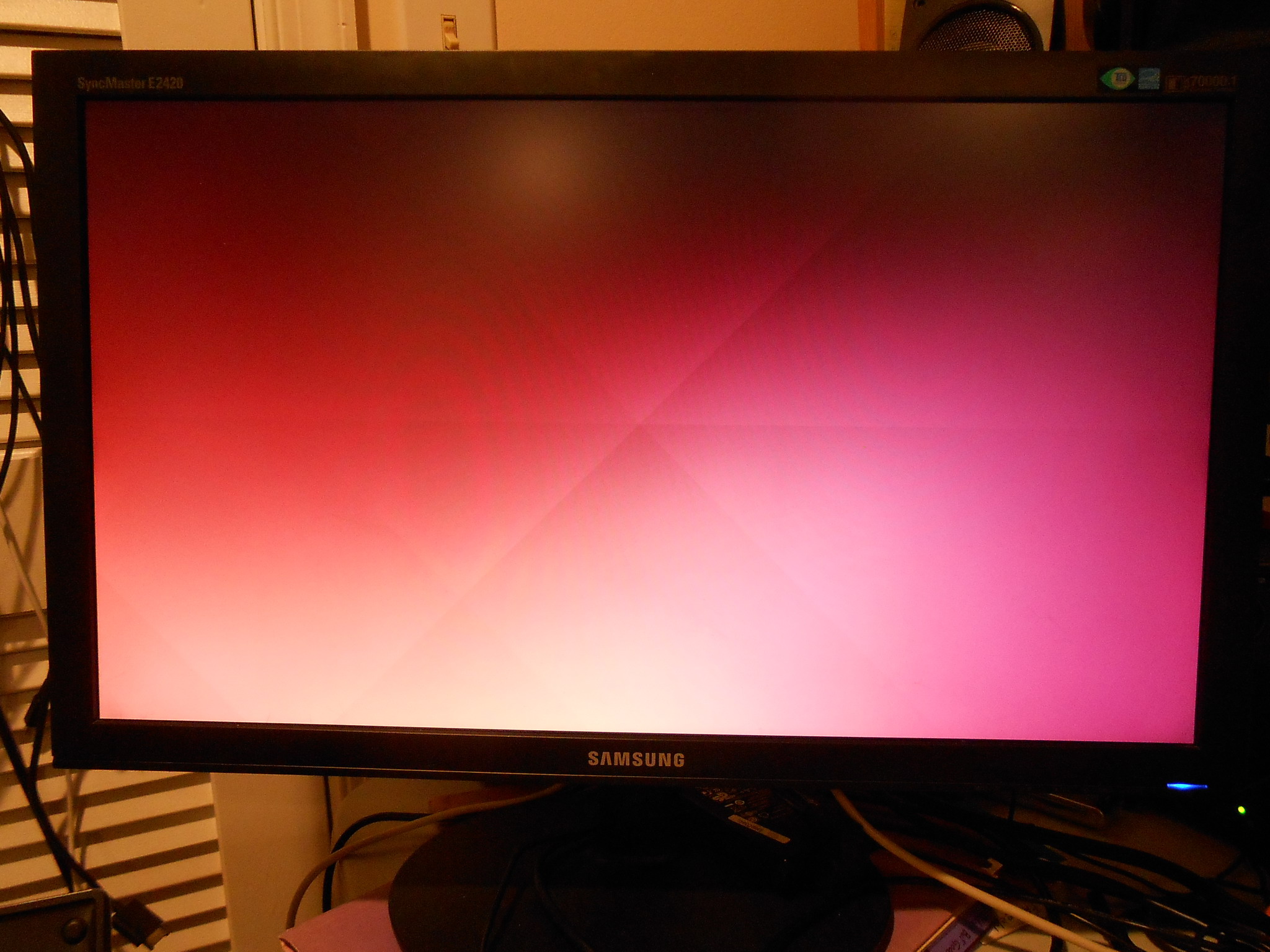
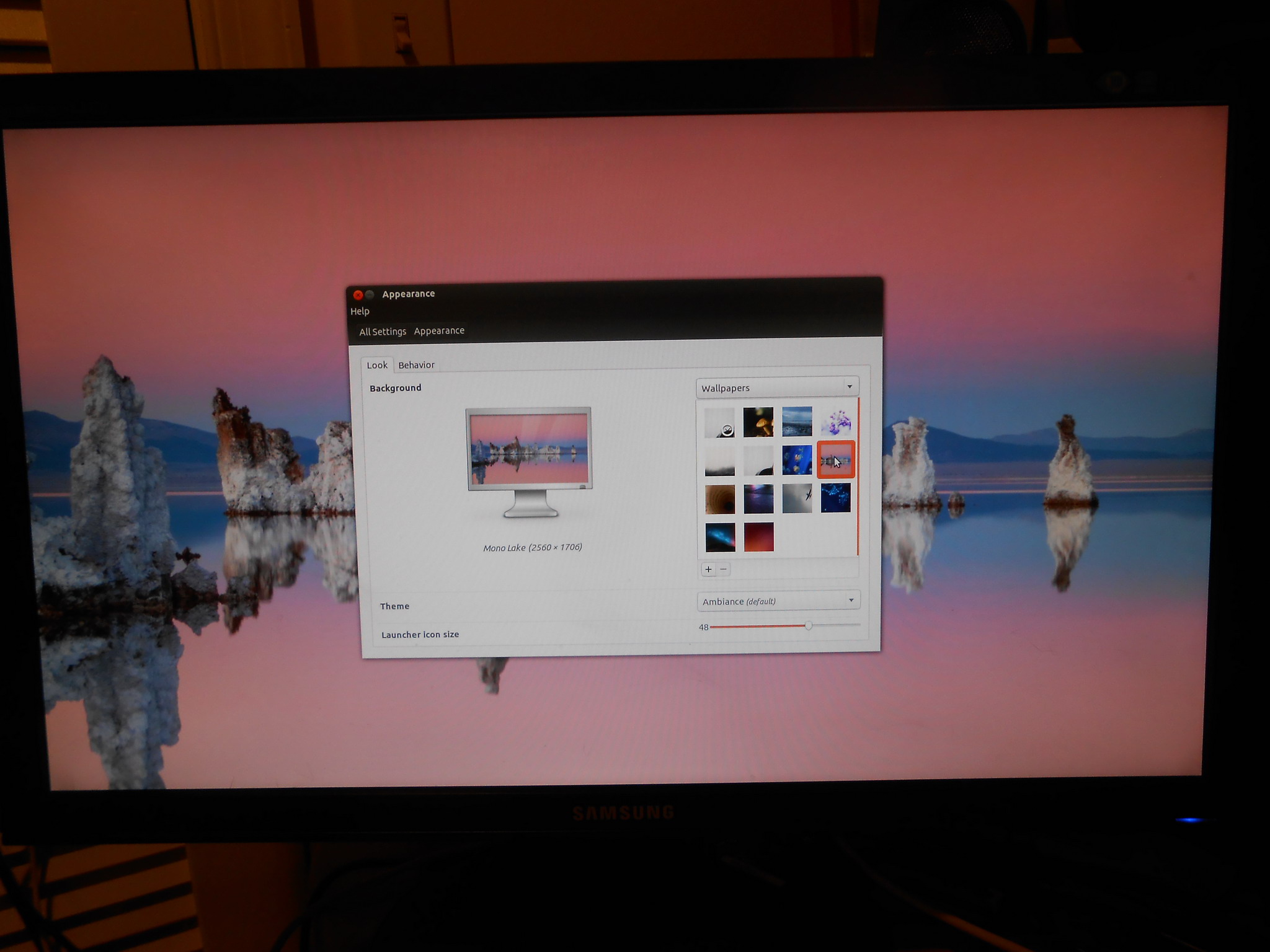
After the updates and upgrades were through, I rebooted the system. Seeing no Ubuntu Desktop appear, I ran startx just to see what it would do. There has been no change in the way it has been operating. I decided to take pictures of the screen to show you what I see.
Here is the NVidia splash screen (very hard to catch because it flashes by so fast):
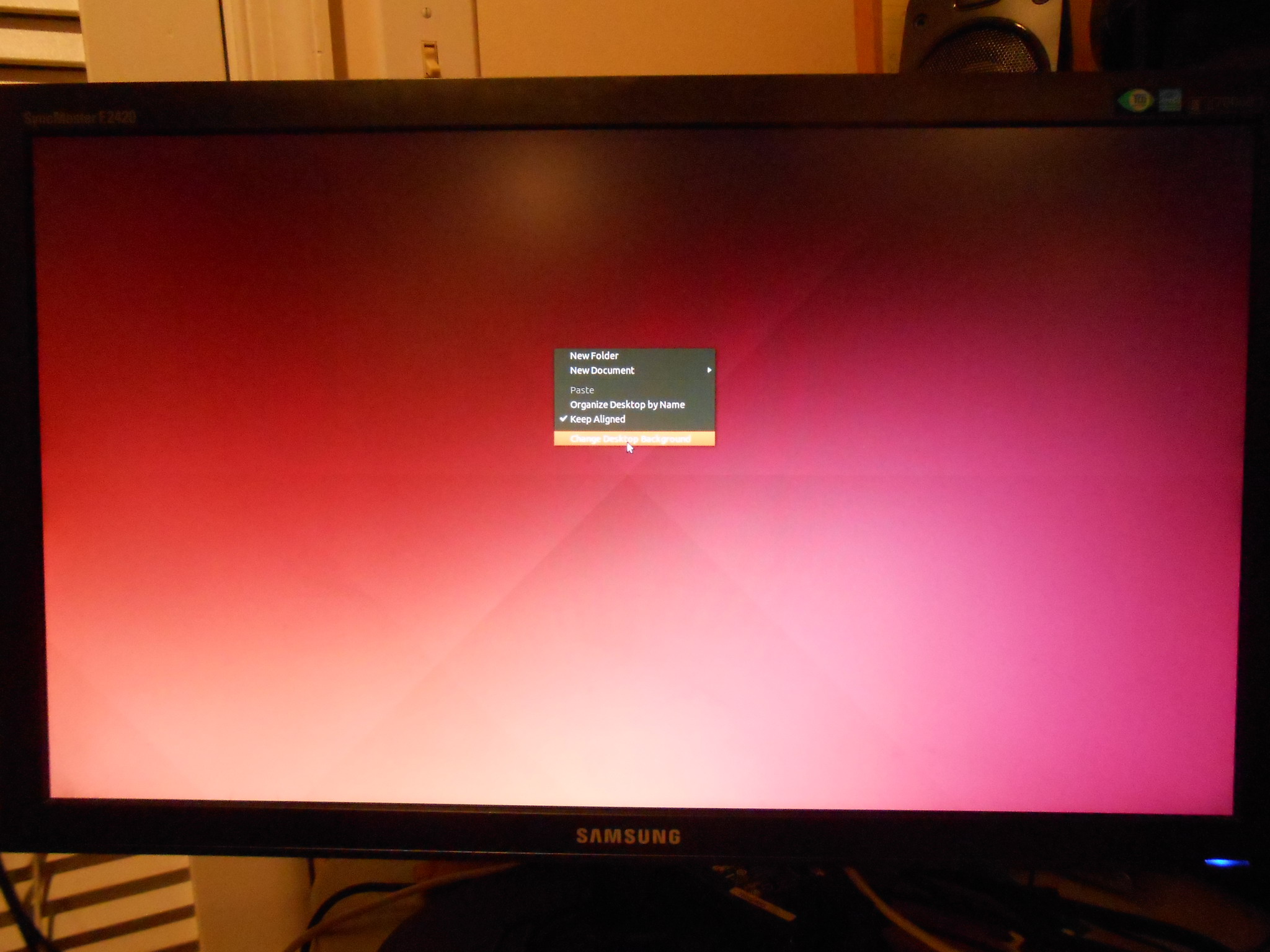
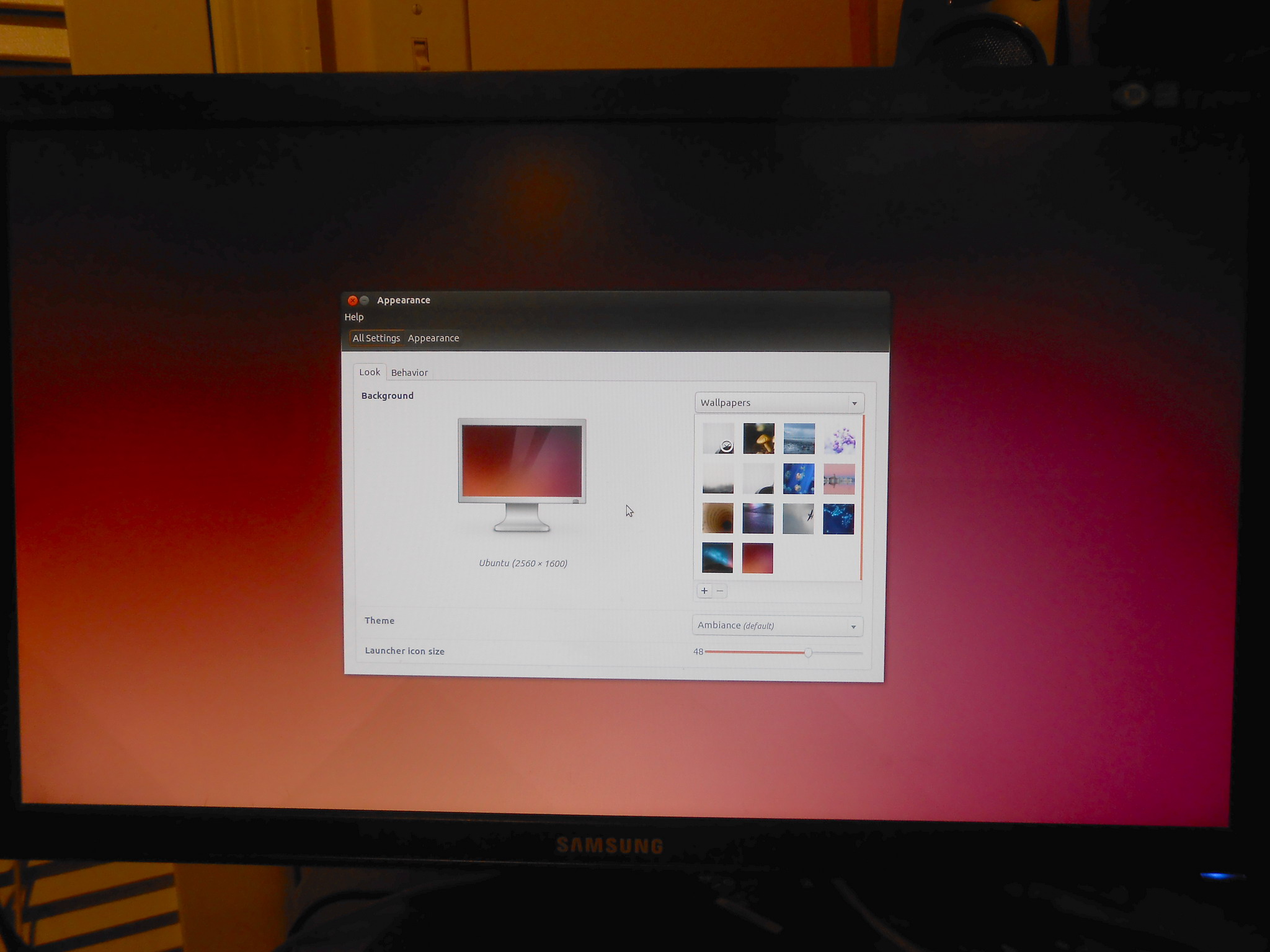
The first thing you should notice is no icons and no bars - just a blank screen with a background picture. And when I right-click on the desktop, I get this:
I’m not sure which repo has read-edid. I personally uncommented many of the repos and src repos in /etc/apt/sources.list, one of them provides read-edid. Trial and error, just uncomment the extra repos one pair at a time (src plus regular repo) until you find one that works.
Seeing the images above says that X11 is working, the issues are with the window manager itself from inside of X11. You should not have to manually use startx, I am suspicious of something else in the initial setup. EDID could still be failing, as you may have gotten lucky and hit a mode in the X11 that the monitor works with…but it seems more likely now that EDID is being read (at least to some extent…cable itself has to be good for it to get this far).
I found read-edid at StackBuilds.org and it was downloadable from that website but I could not find out which repository it might be in that is Jetson TK1 compatible.
I got to thinking about what you said when you saw my pictures:
“…the issues are with the window manager itself from inside of X11.”
Isn’t xserver.Xorg.core part of X11? If I corrupted that file from the get-go (which I may have done the first day I bought it when I did a apt-get update & upgrade). The question now remains “How do I check it for proper operation?” And “How do I download a new copy of xserver_Xorg_core and replace it?” I believe I saw it posted on this forum site in a much earlier blog. I will have to look back through them.
I just realized it’s Veteran Day (and I’m a veteran! Shame on me.) Happy holiday. Hope to hear from you tomorrow.
I found the blog entry that addressed xserver_Xorg_core. It said that apt-get install update & upgrades corrupted libglx.so, which I already protected and replaced after I ran apt-get install update & upgrade.
Update:
(1) sha1sum is still reporting all is well;
(2) after log on, the system is only reporting 3 packages can be updated (as opposed to 114 before the apt-get install updates & upgrades);
(3) now I have a strange error line appearing after log in - “run-parts: /etc/motd.d/98-fsck-at-reboot exited with error code 1”.
Ok, boss, where do we go from here? And why are my posts now being hidden? And it looks like a bunch of irrelevant post addressing health issues have been added to this forum. (There goes the neighborhood.)