I’ve been experiencing the following but for months and the 590 driver hasn’t changed anything.
Describe the bug
After allowing the screen to lock, and then sleep, my G93SC drops from 240Hz to 60Hz. I am not able to change the refresh rate back to 240Hz until I reboot or turn the display off and on again.
What did you expect to happen?
The monitor should resume back into 240hz, not force a 60hz refresh rate.
Hardware
System Specs:
i7 13700k
MSI Gaming Trio Nvidia RTX 4090
G93SC Samsung monitor
64GB of DDR5 Ram
HDMI 2.1
Extra information or context
Attempting this on DP 1.4 results in the monitor never waking up at all.
This bug is repeatable regardless of distro or DE. It works totally fine in Windows however.
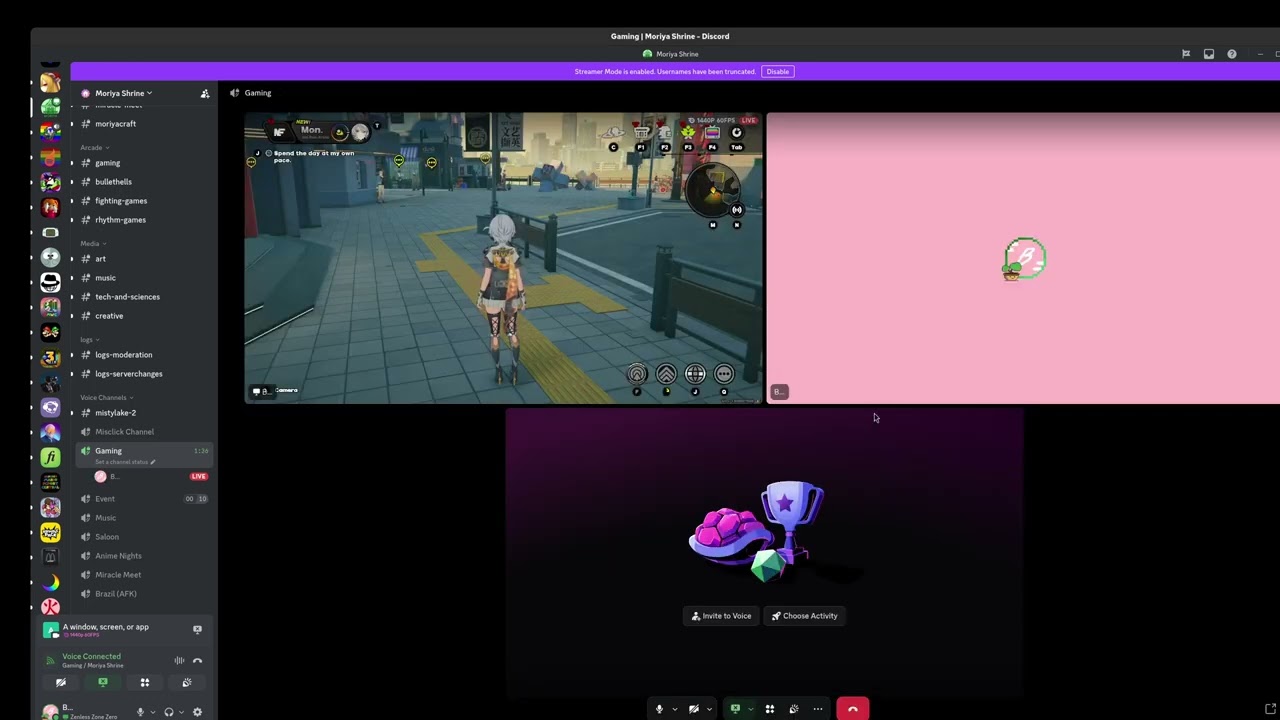
@aplattner Has this issue been resolved yet? This bug is driving me nuts. I would suggest the Linux Driver team fix this issue on GNOME please while streaming on discord
It would be nice to narrow the issue down since it’s not as universal as you seem to think. Both smooth motion and DLSS framegen are working okay for me on an RTX 4060 Laptop GPU, CachyOS. FWIW, DLSS gets reflected in mangogud while smooth motion does not (but it’s still pretty obviously working).
Below are the bugs filed internally and their latest updates.
5724234 Black Myth: Wukong benchmark broke with NVRM: Xid (PCI:0000:01:00): 109 using driver 590.44.01 Update: We have local repro, engineering team is working on the fix.
5724208 Silent Hill f hangs and reports NVRM: Xid (PCI:0000:01:00): 109 with driver 590.44.01 Update: We have local repro, engineering team is working on the fix.
5772735 Enabling Ray Tracing option causing black screen on start in Wuthering Waves with driver 590.48.01 Update: We have local repro, engineering team is working on the fix.
5761897 Launching Avowed shows black screen for a long time with error xid 109 Update: We have local repro, engineering team is working on the fix.
5778403 Graphics errors occur in Hunt Showdown as soon as post processing is not set to low with driver 590.48.01 Update: Team is currently trying to duplicate issue in labs.
5778455 SteamVR performance is horrible with lot of frames are either dropped or extremely late with driver 590.48.01 Update: Team is currently trying to duplicate issue in labs.
5778752 dispcmnCtrlCmdSystemGetVblankCounter_IMPL: invalid head number error seen on 590.44.01 Update: Team is currently trying to duplicate issue in labs.
5778794 Cyberpunk 2077 freezes regularly on KDE (rendering stalls, recovers after desktop switch) with driver 590.48.01 Update: Team is currently trying to duplicate issue in labs.
I launched Zenless Zone Zero using (DXVK_ENABLE_NVAPI=1 %command% -use-d3d12) since that is the only way to get rtx and dlss to work on Zenless Zone Zero
Hi I have this issue as well and know another person who has it as well. All on GNOME. This has been an issue for several driver versions now and is nothing new. Though I think it wasn’t always the case but I am not sure when it started.