I want to send data from C2000 to jetson nano and jetson nano to C2000 using SPI. however because jetson nano is not built as a slave i try to follow some tutorial from the forums. but when i try to send data to the jetson nano the data is not received in the jetson nano.

Hi dyan.puspita1998,
Do you want to use Jetson Nano as SPI slave?
If so, what’s the SPI master device you are connecting with?
Have you verified SPI loopback test before?
yes i want to use jetson as a slave and the master will be LAUNCHXL-F28379D Development kit. i verify the loopback test of both end separately.
this is for DSP

and this is for jetson nano

but when i do jetson as a slaveit doesnt work
Okay, how do you configure Jetson Nano as slave?
Could you share the device tree and dmesg for further check?
Is the slave.py written by you?
i use similar like this. Jetson Nano SPI Slave setup 2022 - #4 by elhe.
in initial post it showing 0 because i didnt connect the ground.
but now, after connecting the ground, i change the slave.py and also connection mosi-miso and miso-mosi.
in this state the jetson receive but rather than value that i send {0x55AA, 0x44BB, 0x33CC, 0x22DD, 0x11EE};
jetson receive random number like this.

i also provide the slave.py that i write
You have to update compatible string with -slave to use SPI slave driver.
You have to connect MOSI to MOSI, MISO to MISO instead.
I would suggest using spidev tool.

you mean this?
so my bad, before this the slave mode is not activated. but after its activated and using MOSI to MOSI, MISO to MISO in slave mode the jetson showing me this.

could you suggest me topic for spidev using jetson and other device? because i test spidev for loopback test in jetson only.
thank you.
Is slave.py written from yourself?
Please refer to https://elinux.org/Jetson/L4T/peripheral/#Slave_Mode to know how we verify SPI slave on Jetson.
And also share the full dmesg for further check.
i done it at it verified in the first line of this figure.
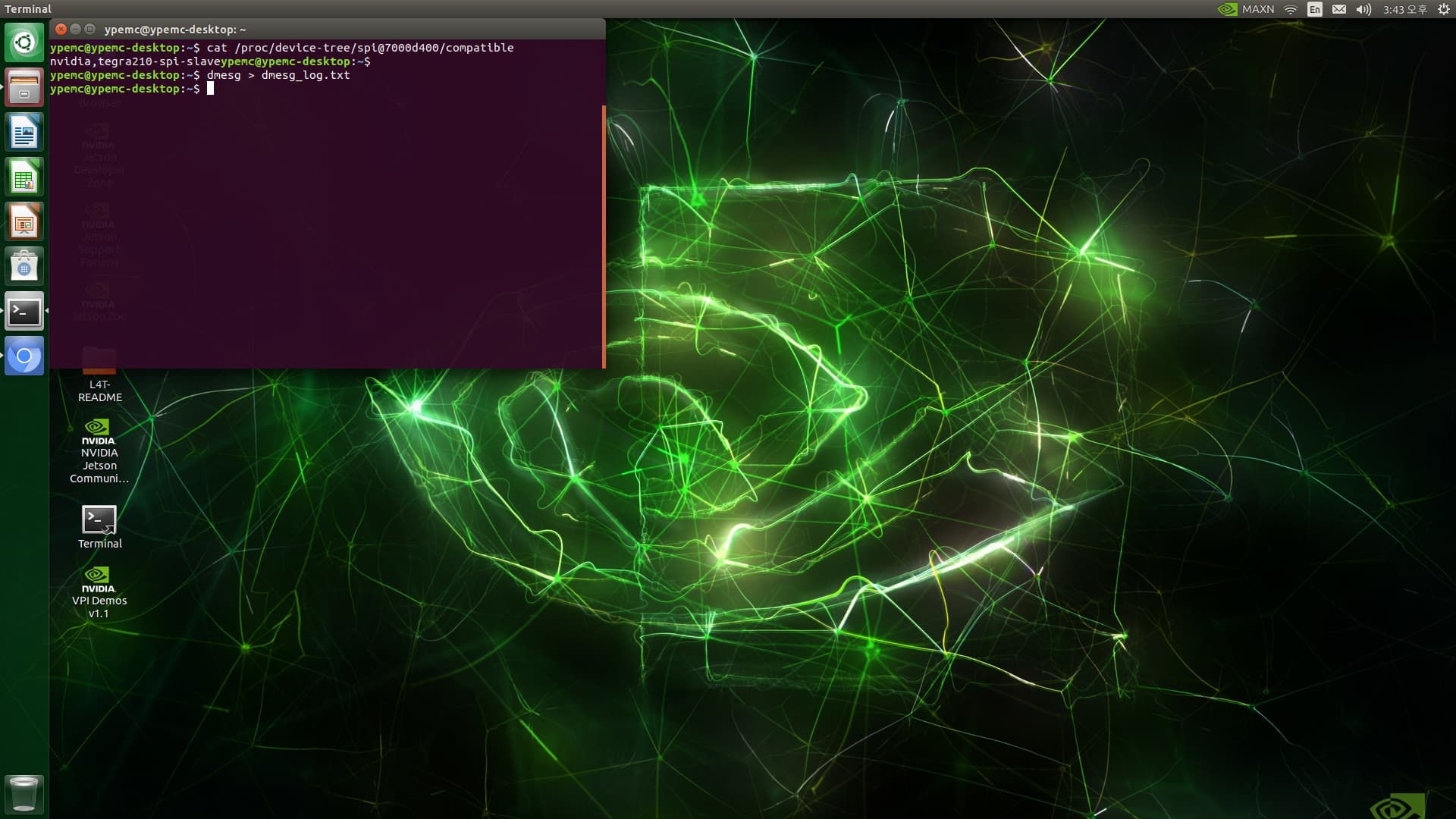
and yes the slave.py i written it myself as i dont find reference for this.
and i attach the dmesg here:
dmesg_log.txt (97.3 KB)
I found the following errors in the dmesg you shared.
[    5.170580] ffffffc0ff0e4f20: buggy DT: spidev listed directly in DT
[    5.170636] ------------[ cut here ]------------
[    5.175294] WARNING: CPU: 1 PID: 3822 at /dvs/git/dirty/git-master_linux/kernel/kernel-4.9/drivers/spi/spidev.c:767 0xffffff800117f2a8
[    5.187428] Modules linked in: spidev(+) userspace_alert nvgpu ip_tables x_tables
It seems the spi driver not probed successfully.
What’s the Jetpack version in use?
Please share the result of cat /etc/nv_tegra_release on your board.

this is the Jetpack that i use.
i cannot assign hardware configuration using sudo /opt/nvidia/jetson-io/jetson-io.py. because it always crash, so i do it manually using device-tree.
Please run the following command on your board and share extracted_proc.dts for further check.
$ sudo dtc -I fs -O dts -o extracted_proc.dts /proc/device-tree
Jetson-IO should work on the devkit. Do you have other devkit with the similar issue?
this is my extracted_proc.dts
extracted_proc.zip (45.8 KB)
Please try configuring tegra-spidev instead of spidev as following.
		spi@1 {
-			compatible = "spidev";
+			compatible = "tegra-spidev";
			reg = <0x1>;
			spi-max-frequency = <0x1f78a40>;

			controller-data {
				nvidia,enable-hw-based-cs;
				nvidia,rx-clk-tap-delay = <0x7>;
			};
		};

		spi@0 {
-			compatible = "spidev";
+			compatible = "tegra-spidev";
			reg = <0x0>;
			spi-max-frequency = <0x1f78a40>;

			controller-data {
				nvidia,enable-hw-based-cs;
				nvidia,rx-clk-tap-delay = <0x7>;
			};
		};
This topic was automatically closed 14 days after the last reply. New replies are no longer allowed.