nvidia-bug-report.sh is in package nvidia-utils-515
Seems the driver install is only partially. Please check if
sudo apt update
sudo apt upgrade
sudo apt --fix-broken install
fixes this. Otherwise, install nvidia-utils manually and run nvidia-bug-report.sh as root.

Location? Just install it.
sudo apt install nvidia-utils
or
sudo apt install nvidia-utils-515

run sudo nvidia-bug-report.sh and attach the resulting nvidia-bug-report.log.gz file to your post.


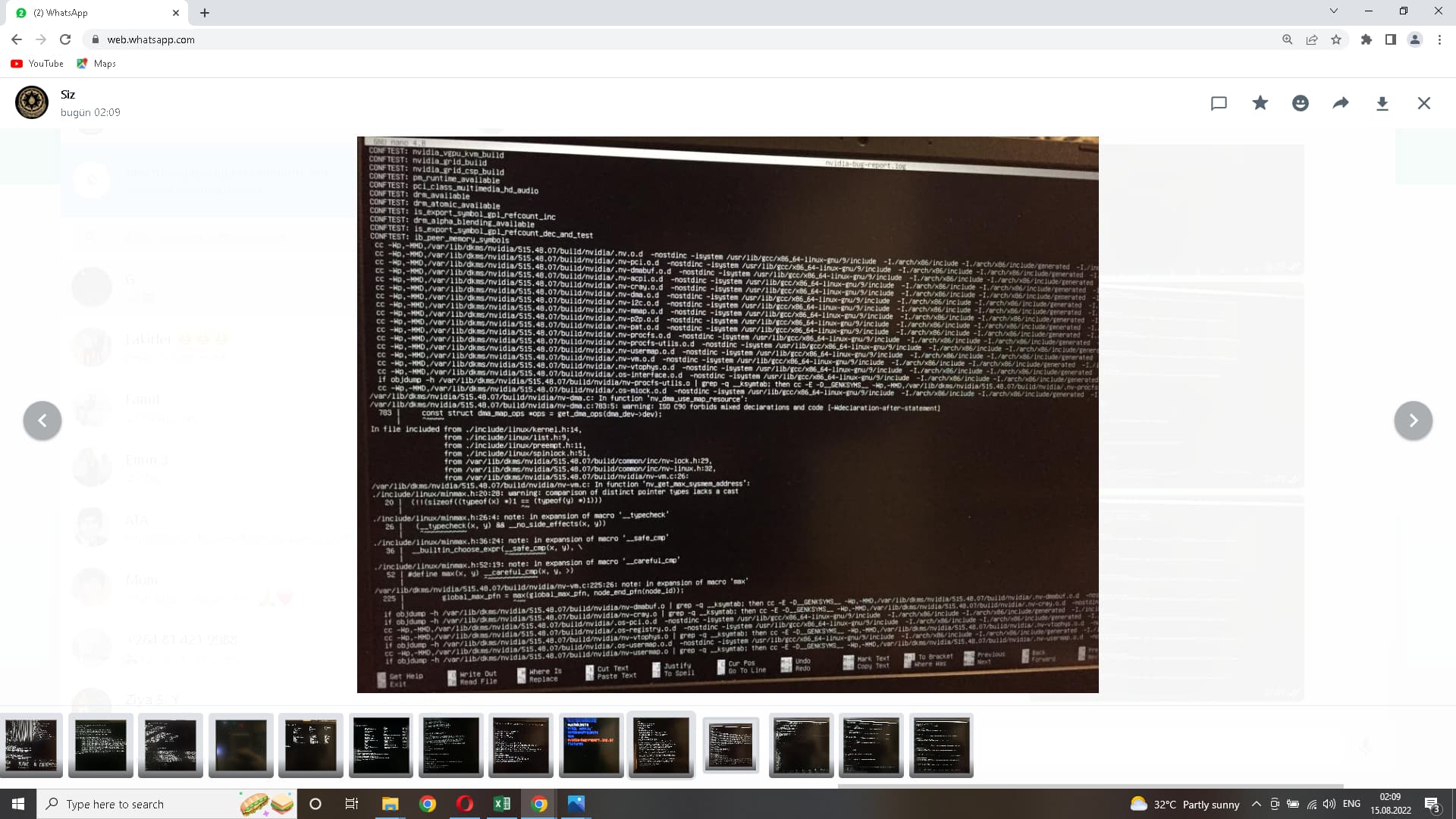


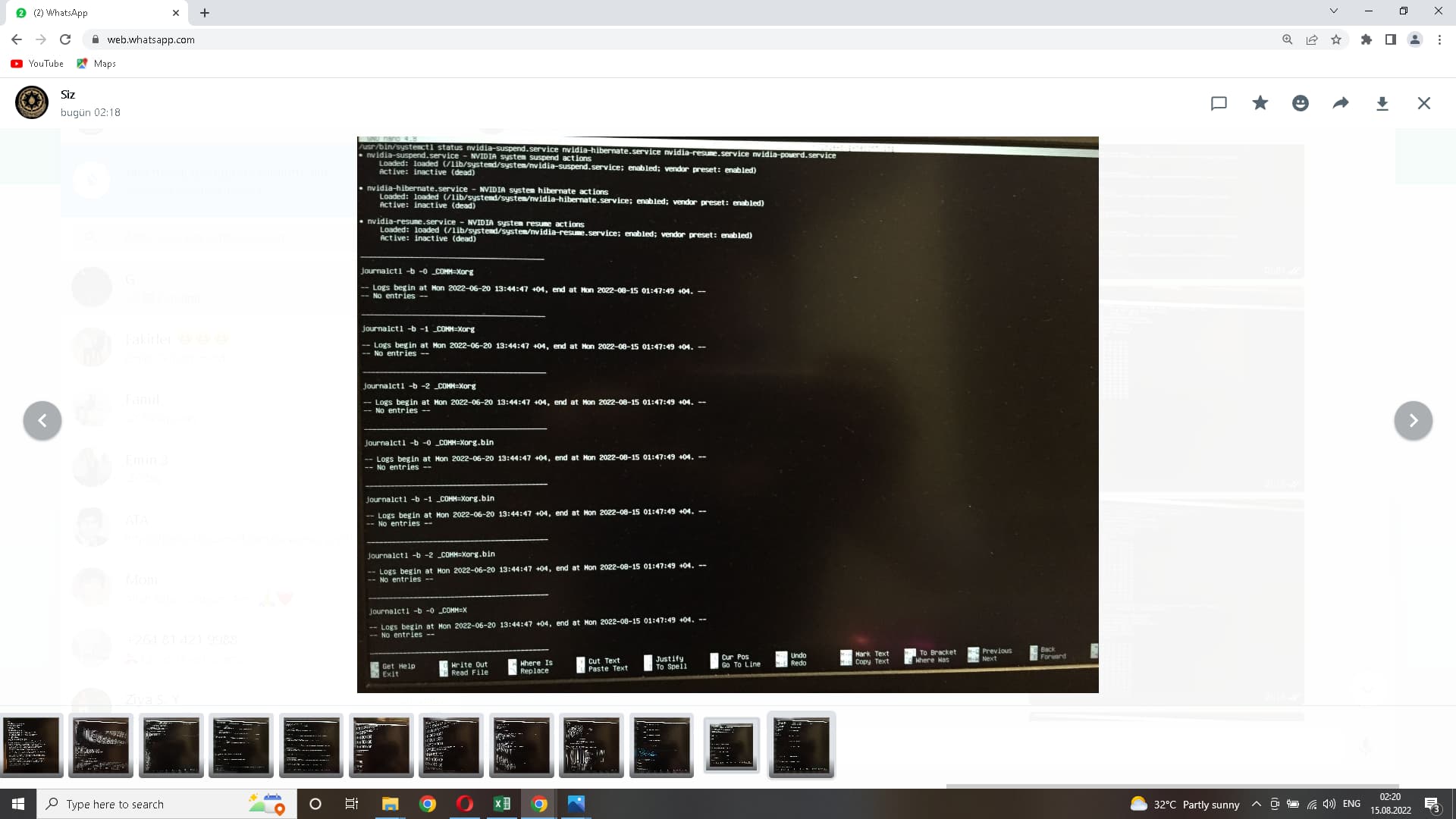
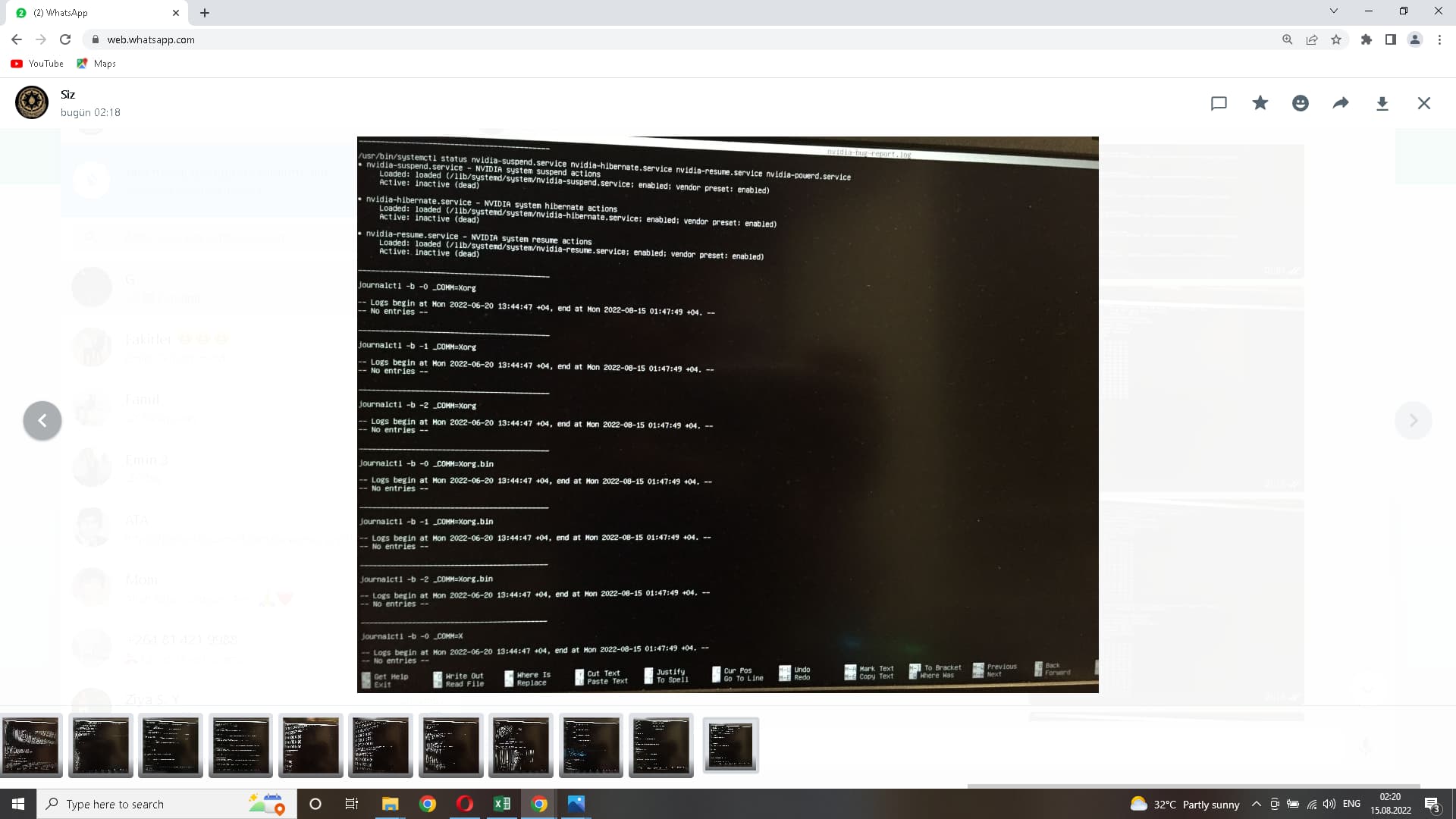
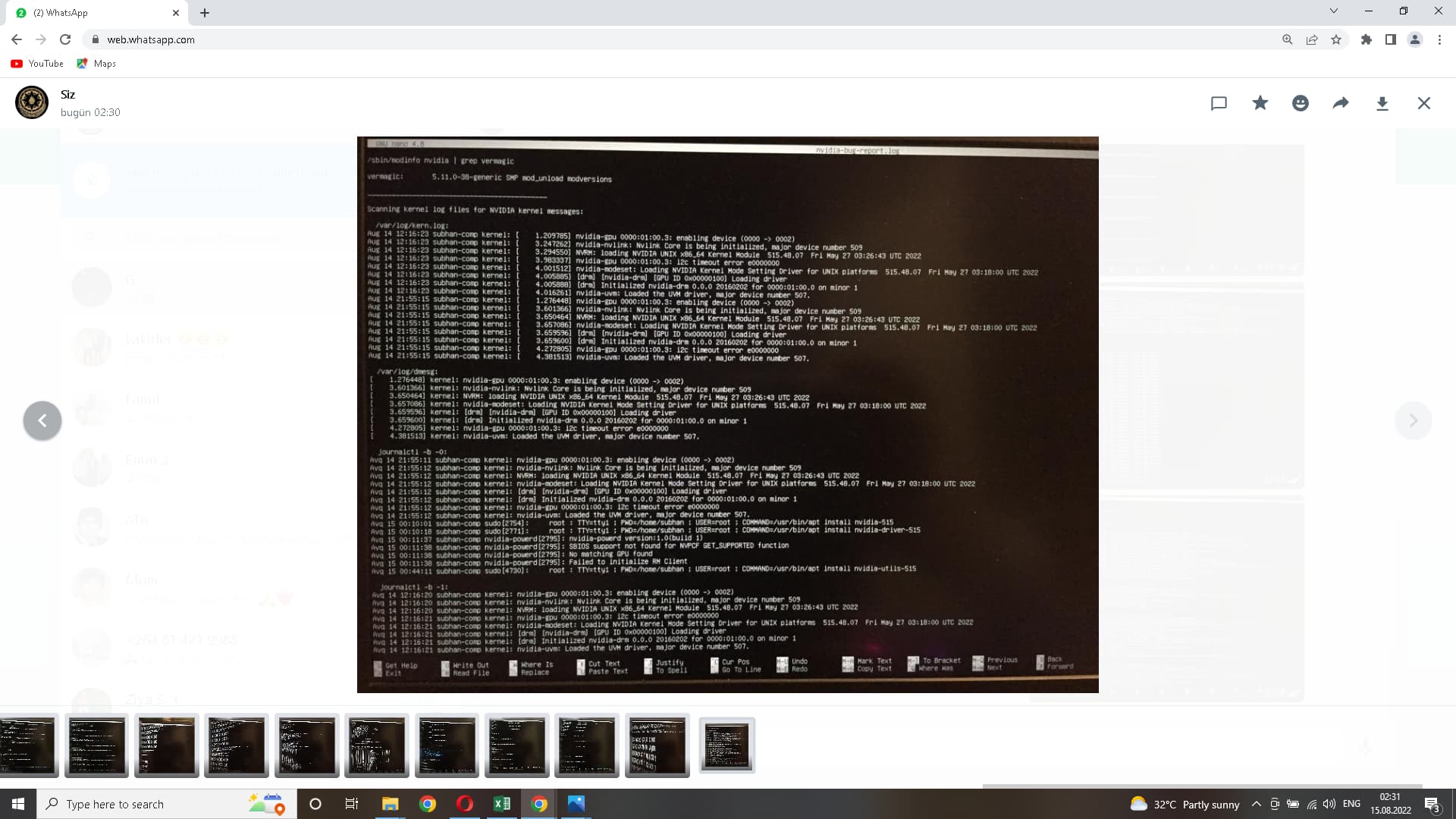
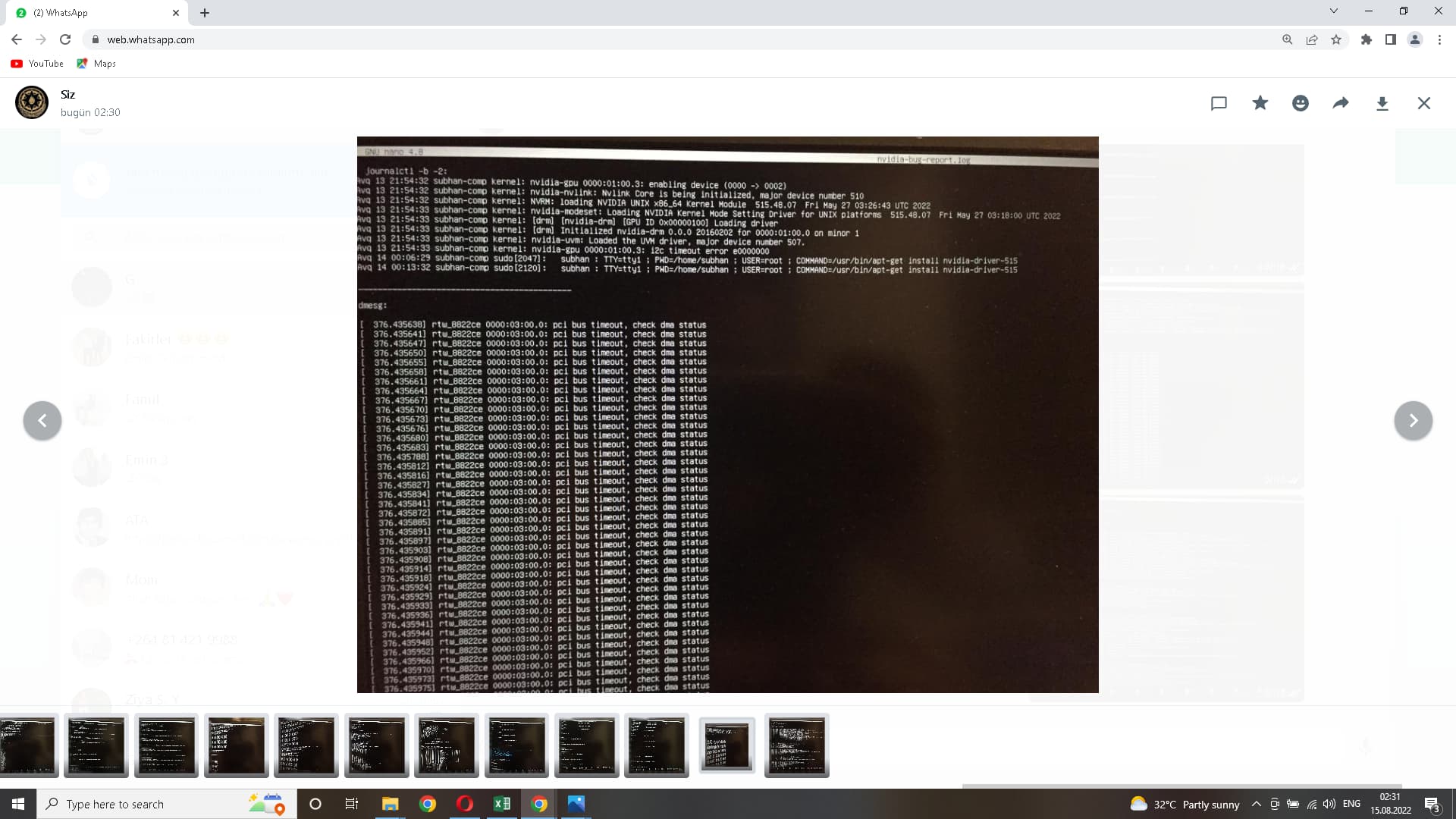
would you please watch the video? then I’ll delete it so it doesn’t take up space
the part of the video after 1.15 was the last 2 pictures I posted above
If you have internet connection, you can use pastebinit to upload it from console.
- install pastebinit (sudo apt install pastebinit)
- unzip logfile (gunzip nvidia-bug-report.log.gz)
- upload logfile (pastebinit -i nvidia-bug-report.log)
- note down and post the url you’re given
The nvidia driver is running.
To get rid of the wifi error messages, please add kernel parameter
rtw88_pci.disable_aspm=1
and reboot.
To enable the DE, please try running
sudo dpkg-reconfigure gdm3
sudo systemctl start display-manager
Please create a new nvidia-bug-report.log afterwards.
rtw88_pci.disable_aspm=1 how do I add it?

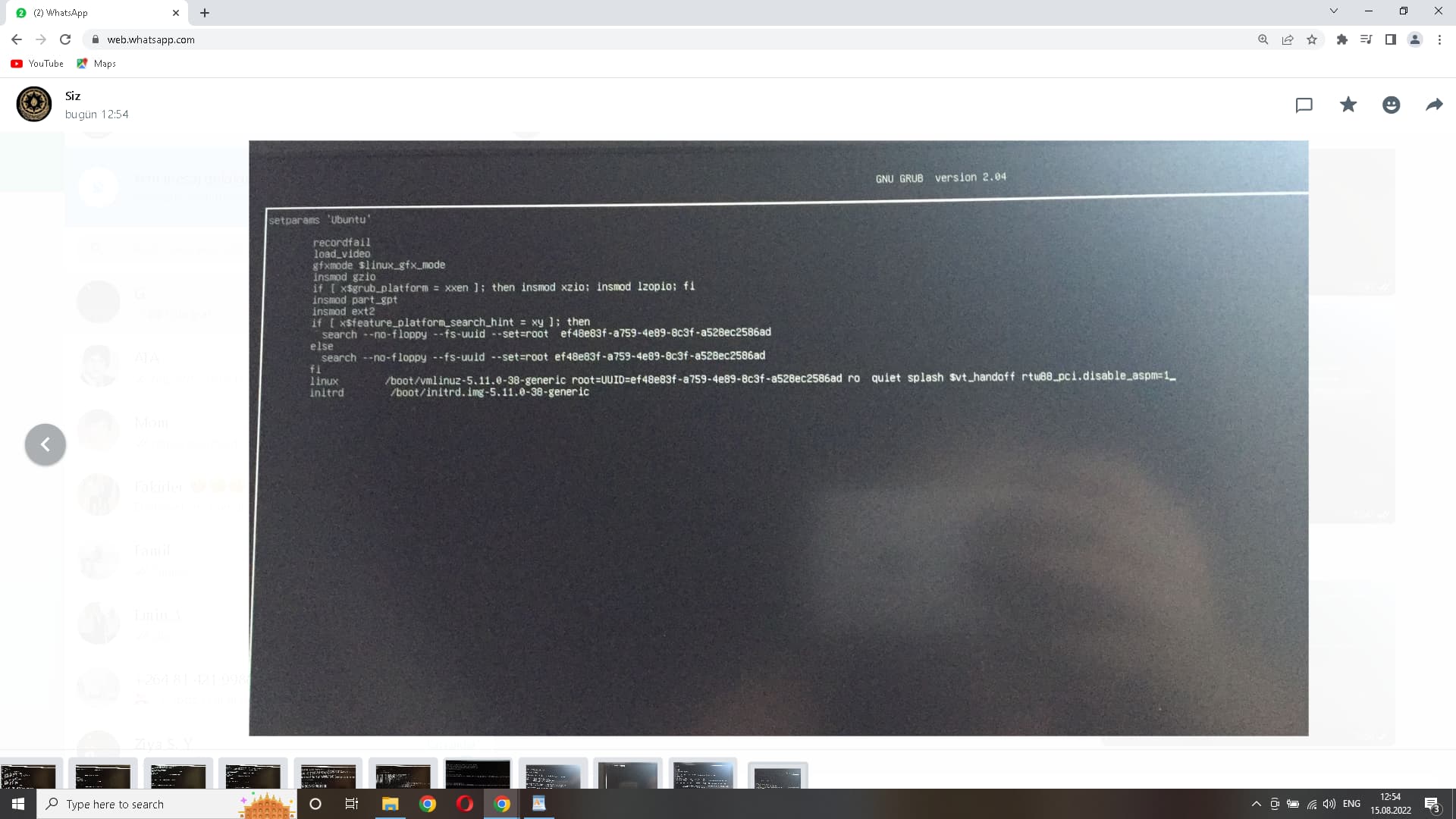
Looks correct but rather make it permanent by editing /etc/default/grub
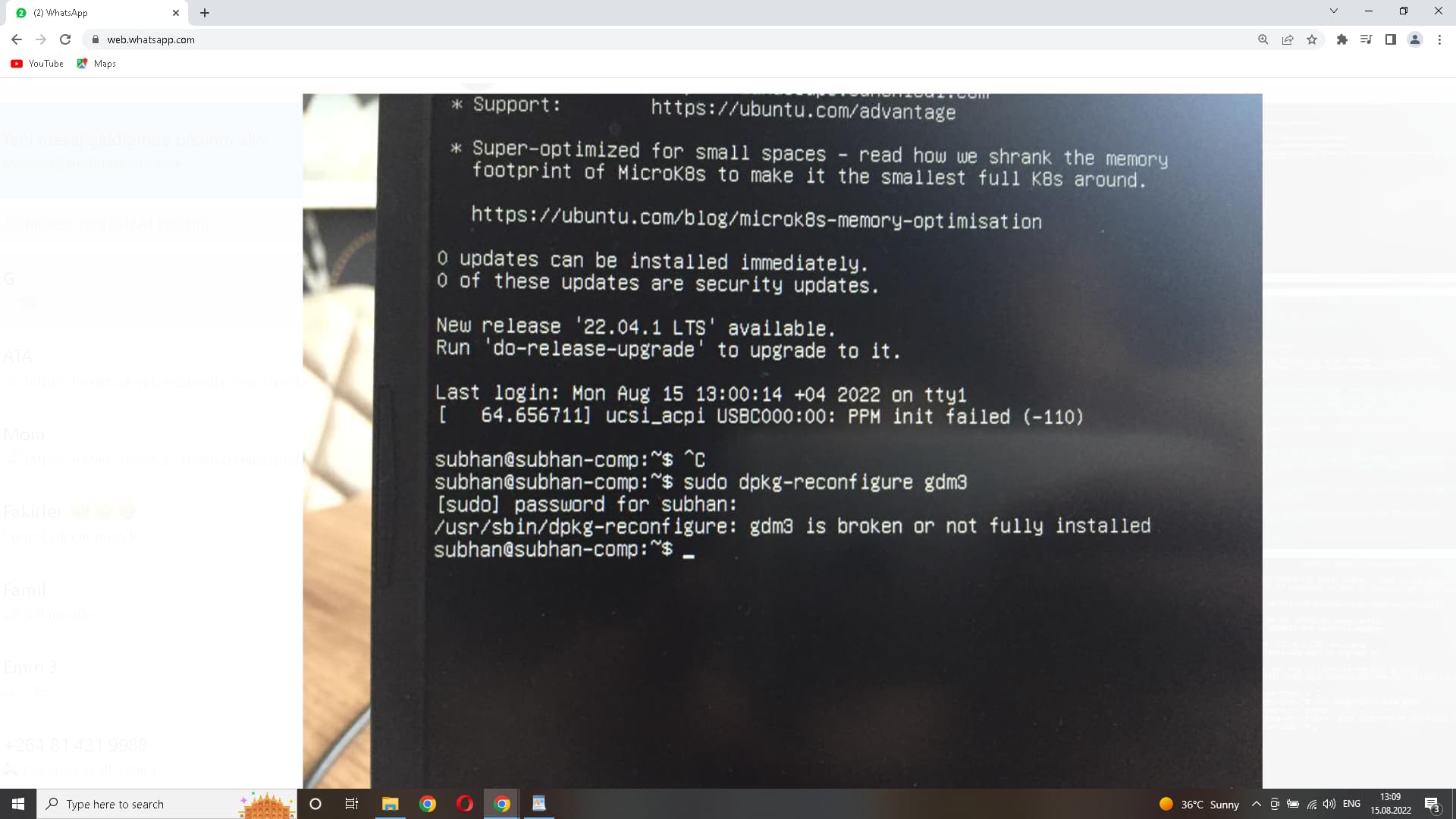
sudo apt-get install --reinstall gdm3
is sufficient, it will run reconfigure automatically.

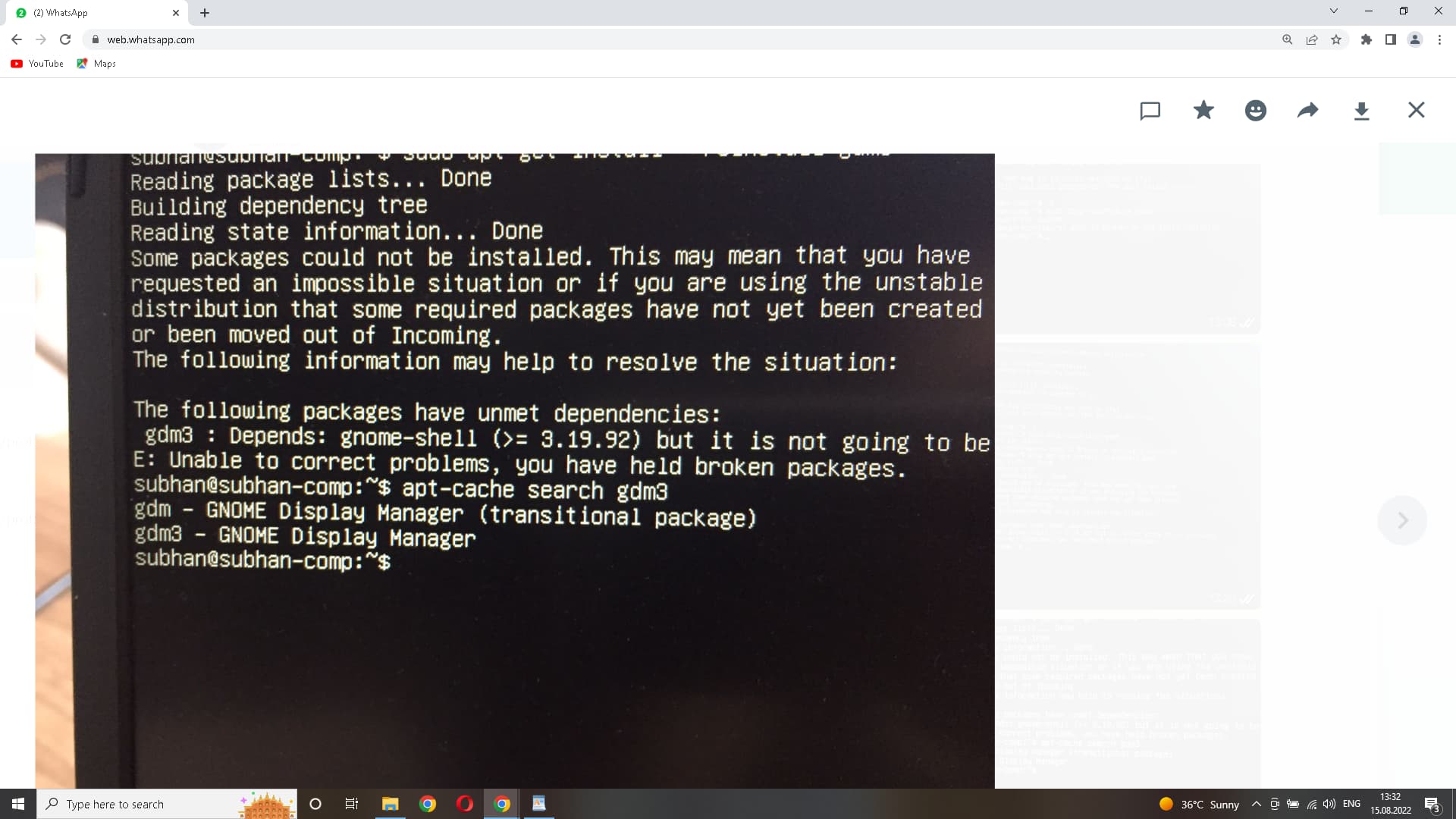
The solution in my particular case was to deactivate Wayland modifying /etc/gdm3/custom.conf uncommenting or enabling WaylandEnable=false so the GNOME display manager will always load the GNOME desktop environment from gnome-desktop and not Wayland. This is because Wayland usually has errors with some graphics drivers.
Why the heck did you uninstall python? This uninstalled half of your system.
You can run
sudo apt install --reinstall ubuntu-desktop
which then shows missing dependencies that you add to the apt install command, like
sudo apt install --reinstall ubuntu-desktop gdm3 gnome-shell […]
which will then show again missing dependencies to add to apt install. Iterate this until it gets installed or rather reinstall the whole OS.

Try installing and using aptitude instead of apt, if that doesn’t help, reinstall ubuntu.