Hi,
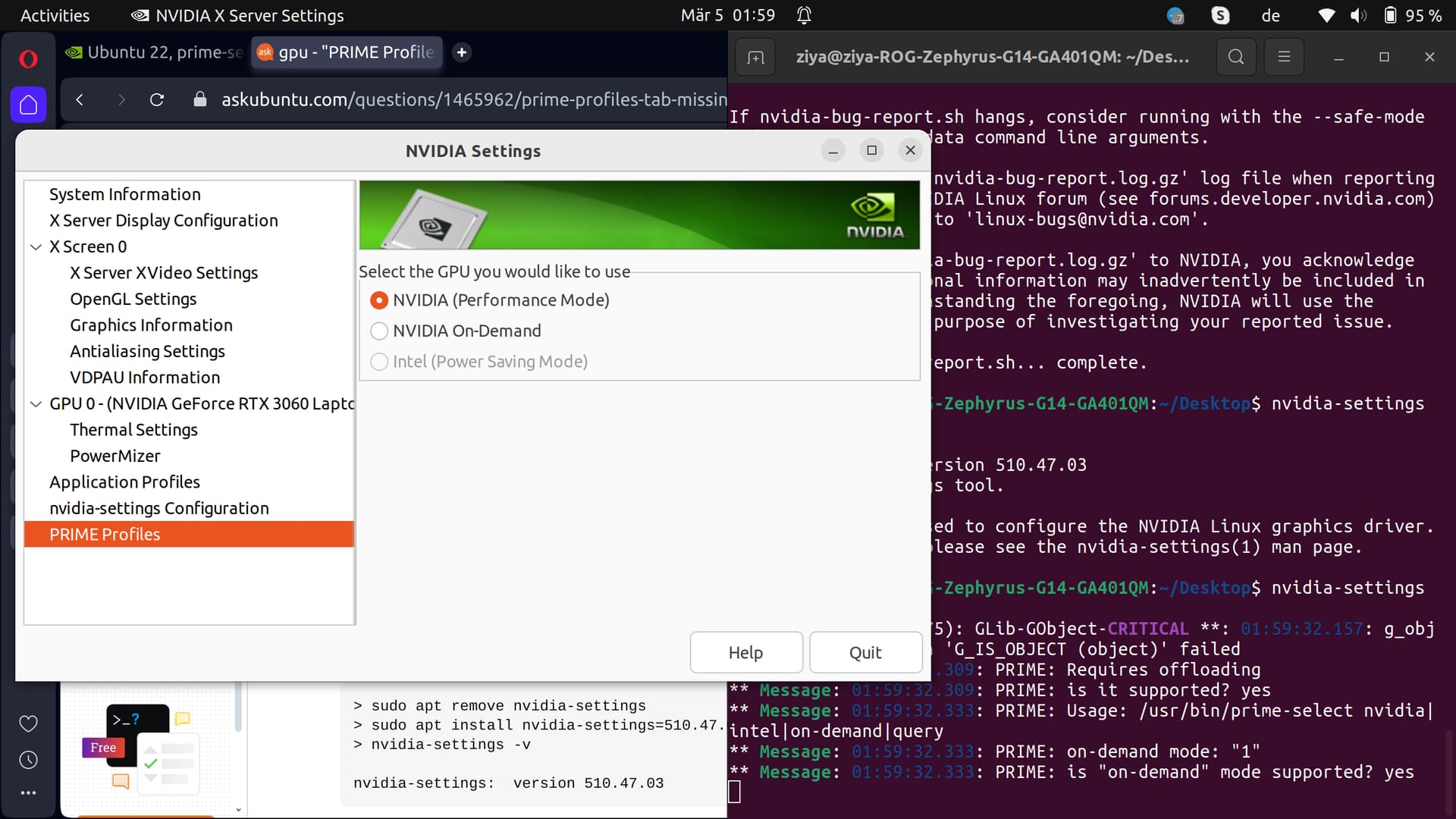
Although I select performance mode from X Server settings or do prime-select nvidia, ubuntu still works with on-demand mode. This is very annoying since I need GPU all the time and causes freezes and lags. I now have to pretty much open every app by right-clicking and picking open with discrete gpu. So far, I have tried
Installing and Uninstalling drivers (I tried 525, 535 and 545 to no avail).
Picking on-demand first, then reboot then picking performance then reboot.
Hard reset.
Running ubuntu gpu-manager, (output is attached).
I did not want to reinstall ubuntu from scratch but this issue is really annoying. If that helps, the computer is run on dual-boot with windows installed alongside. Could this mess up the configuration in any capacity?
GPU manager outputs:
DO NOT EDIT. AUTOMATICALLY GENERATED BY gpu-manager
Hi,
Thank you very much for your answer, I reinstalled the driver after purging the old ones using drivers-autoinstall and still keep having the same issue, unfortunately. I attached the new bug report where I don’t have the version mismatch. Although, the mode is selected as performance, it still tells me that no mode is selected, thus I still cannot run the computer on performance mode. nvidia-bug-report.log (2.3 MB)
Btw, is it helps, this is the output of GPU-manager on terminal.
last_boot_file: /var/lib/ubuntu-drivers-common/last_gfx_boot
new_boot_file: /var/lib/ubuntu-drivers-common/last_gfx_boot
can’t access /opt/amdgpu-pro/bin/amdgpu-pro-px
Looking for nvidia modules in /lib/modules/6.5.0-21-generic/kernel
Looking for nvidia modules in /lib/modules/6.5.0-21-generic/kernel/nvidia-545
Looking for nvidia modules in /lib/modules/6.5.0-21-generic/kernel/nvidia-535srv
Looking for nvidia modules in /lib/modules/6.5.0-21-generic/kernel/nvidia-535
Found nvidia.ko module in /lib/modules/6.5.0-21-generic/kernel/nvidia-535/nvidia.ko
Looking for amdgpu modules in /lib/modules/6.5.0-21-generic/kernel
Looking for amdgpu modules in /lib/modules/6.5.0-21-generic/updates/dkms
Is nvidia loaded? yes
Was nvidia unloaded? no
Is nvidia blacklisted? no
Is intel loaded? no
Is radeon loaded? no
Is radeon blacklisted? no
Is amdgpu loaded? yes
Is amdgpu blacklisted? no
Is amdgpu versioned? no
Is amdgpu pro stack? no
Is nouveau loaded? no
Is nouveau blacklisted? yes
Is nvidia kernel module available? yes
Is amdgpu kernel module available? no
Vendor/Device Id: 1002:1638
BusID “PCI:4@0:0:0”
Is boot vga? yes
Vendor/Device Id: 10de:2520
BusID “PCI:1@0:0:0”
Is boot vga? no
Chassis type: “10”
Laptop detected
/etc/u-d-c-nvidia-runtimepm-override found. Will try runtimepm if the kernel supports it.
Linux 6.5 detected.
Is nvidia runtime pm supported for “0x2520”? yes
Trying to create new file: /run/nvidia_runtimepm_supported
Checking power status in /proc/driver/nvidia/gpus/0000:01:00.0/power
Runtime D3 status: Enabled (fine-grained)
Is nvidia runtime pm enabled for “0x2520”? yes
Trying to create new file: /run/nvidia_runtimepm_enabled
Found “/dev/dri/card0”, driven by “amdgpu”
output 0:
card0-eDP-1
Number of connected outputs for /dev/dri/card0: 1
Skipping “/dev/dri/card0”, driven by “amdgpu”
Skipping “/dev/dri/card1”, driven by “nvidia-drm”
Skipping “/dev/dri/card0”, driven by “amdgpu”
Skipping “/dev/dri/card1”, driven by “nvidia-drm”
Skipping “/dev/dri/card0”, driven by “amdgpu”
Skipping “/dev/dri/card1”, driven by “nvidia-drm”
Does it require offloading? yes
last cards number = 2
Has amd? yes
Has intel? no
Has nvidia? yes
How many cards? 2
Has the system changed? No
Takes 0ms to wait for nvidia udev rules completed.
AMD IGP detected
NVIDIA hybrid system
Creating /usr/share/X11/xorg.conf.d/11-nvidia-prime.conf
Setting power control to “on” in /sys/bus/pci/devices/0000:01:00.0/power/control
Thank you very much for your answer. I am still having issues here since even on performance mode I have to specifically choose nvidia driver when opening the applications (an ss is attached). Also, in the bug-report it says that because no mode is requested, it reverts to auto as:
No modes were requested; the default mode “nvidia-auto-select” will be used as the requested mode.
The ss:
If I do not explicitly pick this option, I get freezes and lags in my computer. Am I looking at a fresh ubuntu install here? Something seems to be off. Is there anything I can do further here?
This is the terminal output when I run the nvidia-settings form terminal.
This is about the mode the monitor is set to, i.e. its resolution. This is always displayed.
Is this still the case since now the driver setup seems to be clean. Please install the packages mesa-utils and vulkan-tools, the post the output of
glxinfo -B
and
vulkaninfo --summary
Usually web browsers, chrome and opera specifically. I also use teams web app (chrome based) where during video calls it lags quite a lot. Also minor lags in pycharm sometimes. But still, I should not see the option to run them with discrete graphics since nvidia is always on during performance mode or am I mistaken? Btw, everything was working well a couple weeks ago I think something got broken somehow. Thank you very much for your help btw.
Btw, I did a fresh install of ubuntu but still have the same problem. Also tried it with wayland. But I still have lags especially on opera and still have to manually pick the gpu even in performance mode. Do you think this is a bug with the latest kernel update or something?
I rather suspect this to be an nvidia driver issue as the setup seems to be fine. Please try with the 550 driver, if not already in the standard ubuntu repo, use the graphics driver ppa.
Since this happens in chromium based browser, please check chrome://gpu in them, once started normally, once started with the “run on discrete gpu” switch used. Maybe some difference is noticeable.
Hi,
Thank you very much for your quick response. I did upgrade ubuntu to 23.10 ans drivers to 550 yesterday. The lag and tearing are gone. It still asks me whether I want to run it with discrete graphics but performance is pretty much the same for both cases. I can live with this :D. I did the driver update on ubuntu 22.04 but it was the upgrade to 23.10 that did the trick. I cannot see prime settings on x server but can make the change with sudo prime-select though though I am not sure if the change is registered. This is not an exact solution but good enough for me hahaha.