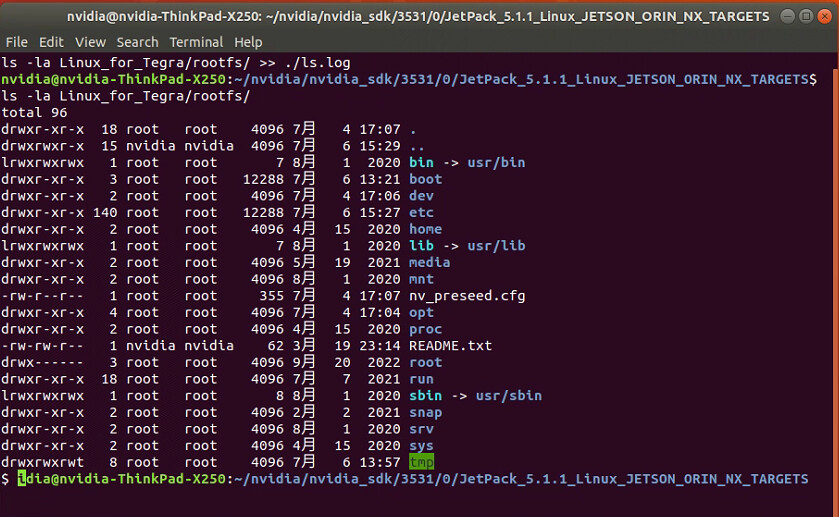
I just notice that you are using Orin NX with NVMe. Workflow 3 is not currently supported for this configuration.
Is there a way to brush multiple devices in batches?
BOARDID,FAB, BOARDSKU, BOARDREV ,Where are these parameter values obtained?
What configuration does orin nx have to use Workflow 3?
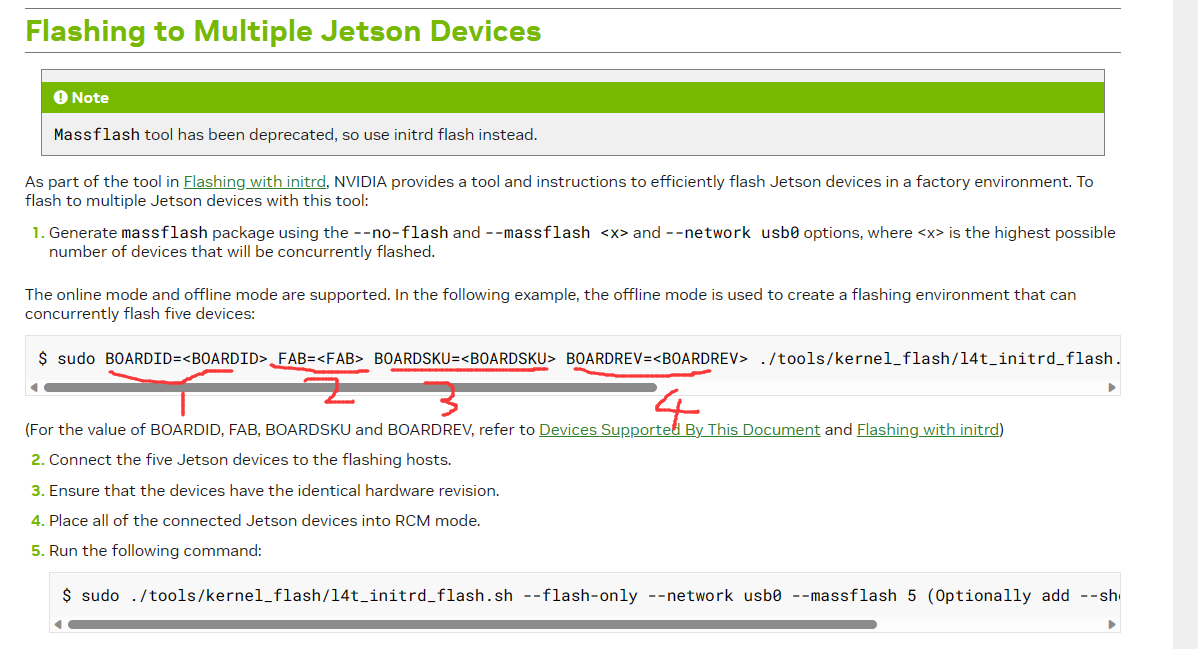
Can you upload the log of a normal burn. From it we can get the BOARDID info
flash_1-4_0_20230712-155844.log (38.7 KB)
sudo ./tools/kernel_flash/l4t_initrd_flash.sh --external-device nvme0n1p1 -c tools/kernel_flash/flash_l4t_external.xml -p “-c bootloader/t186ref/cfg/flash_t234_qspi.xml” --no-flash --showlogs --network usb0 jetson-orin-nano-devkit internal
Can you get me the full flash log of this not just the generated log file
flash_1-4.4.4.3_0_20230713-162032.log (29.3 KB)
can you put the device into recovery mode and run this command
sudo ./tools/kernel_flash/l4t_initrd_flash.sh --external-device nvme0n1p1 -c tools/kernel_flash/flash_l4t_external.xml -p "-c bootloader/t186ref/cfg/flash_t234_qspi.xml" --no-flash --showlogs --network usb0 jetson-orin-nano-devkit internal | tee flash.log
And the upload the flash.log file
flash.log (261.6 KB)
The log says
Board ID(3767) version(300) sku(0001) revision(N.2)
Chip SKU(00:00:00:D4) ramcode(00:00:00:02) fuselevel(fuselevel_production) board_FAB(300)
So
BOARDID=3767 BOARDSKU=0001 FAB=300 BOARDREV=N.2 CHIP_SKU=“00:00:00:D4” RAMCODE_ID=“00:00:00:02”
Is it possible to brush multiple devices at the same time through the operations on this document?

Yes you can
flash_1-4.4.4.3_0_20230717-093628.log (7.3 KB)
Just tried, but failed, you help analyze the log, what is the reason?
what kind of storage does this device have
nvme0n1p1,size:128G