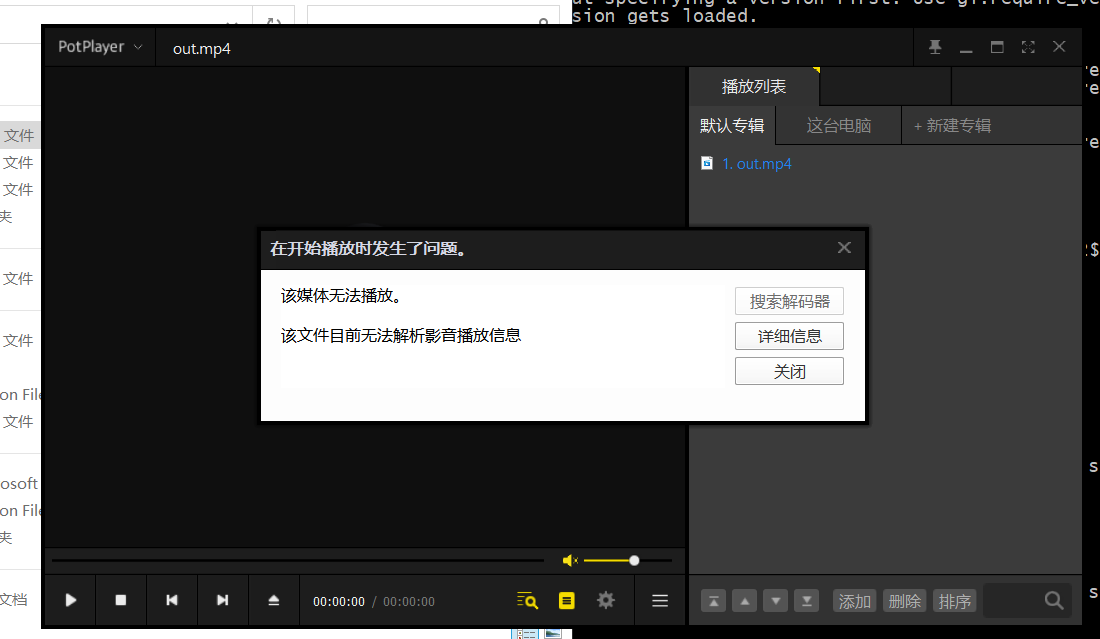
I found a problem when recording a video. If I use the following code, even if I force the program to be interrupted, the recorded video can still be played due to the addition of EOS.
gst-launch-1.0 -e v4l2src ! video/x-raw,width=640,height=480 ! videoconvert ! queue ! timeoverlay ! x264enc key-int-max=10 ! h264parse ! qtmux ! filesink location=video.mov
But when I don’t use the -e parameter, after the recording video is forced to be interrupted, the subsequent video cannot be played, and there are indeed fewer moov atomic files.
If you want to record video, we suggest your use the h264 format to save the video. If you want to implement -e paras in the code, you should catch all the inter msg and send EOS msg by yourself.
I have set the format like this and msg has been set for him, but the parameters like -e don’t know how to affect my writing to the file test_video_storage.py (5.2 KB)
There is no update from you for a period, assuming this is not an issue anymore. Hence we are closing this topic. If need further support, please open a new one.
Thanks
1.You cannot set the -e para in deepstream,cause it’s a gst-launch paras. You can refer the source code of gst-launch.c of Gstreamer to impletation it. https://gstreamer.freedesktop.org/
2.We suggest you save it to h264 format instead of mov if you want to force to stop it.