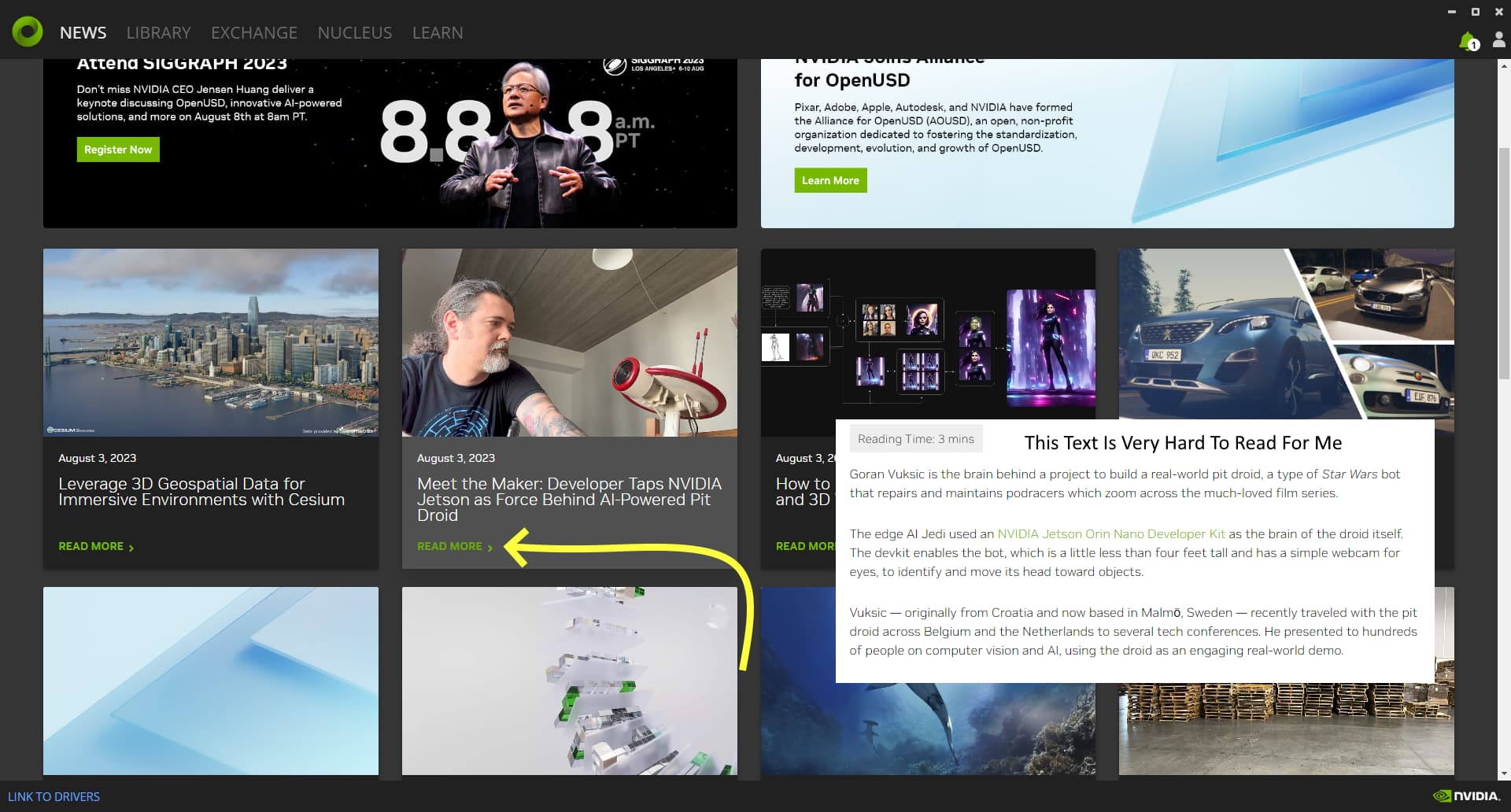
All NVidia employees must have great vision. I am used to Code and Composer not having a font selector, but even the news stories open to an internal app of some kind.
These pages look like HTML pages, but I don’t see the URL that I can open the same page with a browser, so I can use 150% zoom I need to see.
Is there a way to open these news stories in a browser, or is there a way to change the zoom level?
and in those “browser” popups, supposedly you can still use combination of Ctrl and + or - to change zoom level. That said, i noticed “Ctrl + -” (zoom out) seems to be the one working (at least on my end); and for zoom in, i had to go to View > Zoom In instead, which can be a bit cumbersome.
The font for ‘View’ is so small I didn’t notice any of the menu options until you told me it was there. I had tried Control Mouse Wheel which works in a browser, I didn’t think to try Control +.