Hello everyone! Quick question here. I recently got the NVIDIA Jeston Orin Nano as a gift from some people I know, and I written some codes that connect the Jetson to a moving automobile. The code is complex, and I want it that everytime I start the robot, the code will restart, which gets me to my main point: How do I integrate a switch to the NVIDIA? This has been really confusing for me. I recently got notice of the NVIDIA Hacks YouTube, however, this method is too risky and is very difficult. All I want is a on and off switch for the NVIDIA that restarts the code. Any ideas?
I really should have clarified this in my response to other post where I mentioned that Jetson Hacks video. When I said the GPIO pins weren’t enabled, it’s just output that they aren’t enabled for by default. They should already support input, such as a switch in your case.
I’m not sure what programming language you’re planning on using, but there’s a jetson-gpio python library that is quite easy to use. I’d suggest trying out the simple input example they have.
An alternate idea would be to connect the Jetson to a small embedded system (Arduino, ESP32, etc), connect the button to it, then connect the Jetson - embedded system via USB and handle communication via serial over USB. Feels a little like overkill.
Probably worth pointing out that simply placing a switch between a GPIO pin and a 3.3v pin isn’t a great idea. Better solution would probably involve pull down and current limiting resistors. This however is getting out of my area of expertise.
Hello Lachlan! I really appreciate the response and I truly appreciate your dedication to my question. The programming language we are currently using is C, I believe. Our only fear for the overall project is that the NVIDIA would somehow crash due to the fact that we are turning it on and off.
To add on to that, when we tried using the pins, the button only worked once and stop working after that. Any wonders on why that happened?
Sorry that I am not quite sure about the terms here. What is “switch” in this discussion?
And what is the main problem you want to know here?
I may need a more concrete question. Other users who have more experience about robotic design may know more.
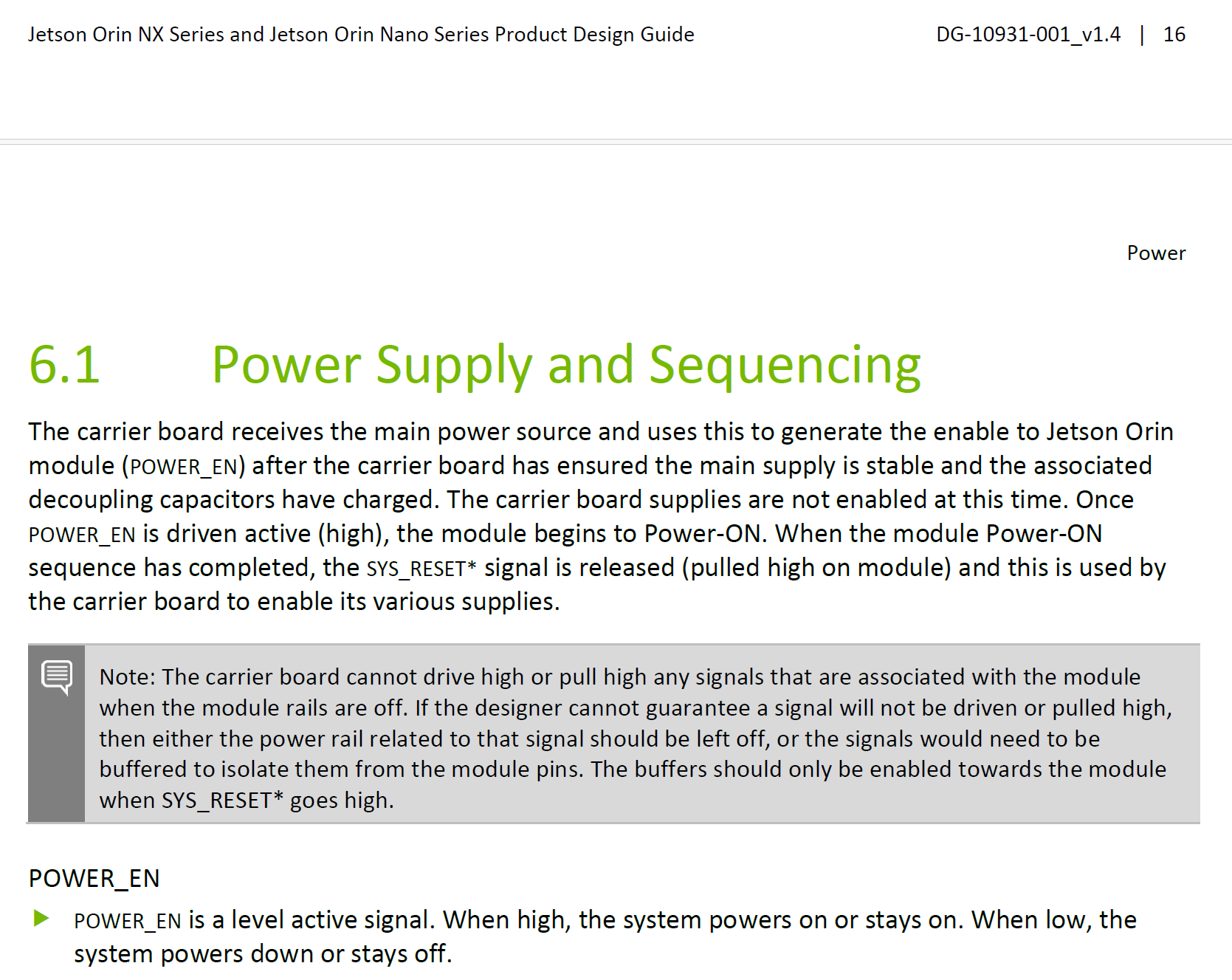
If question is related to Power ON/OFF of Jetson Orin Nano, please refer to Power Supply and Sequencing section in the Jetson Orin NX Series and Orin Nano Series Design Guide https://developer.nvidia.com/downloads/jetson-orin-nx-series-nano-series-design-guide


Hello Wayne! Glad to see a moderator in here. I really do need the help! The switch in this term, is more like a on/off switch that controls the power supply to the NVIDIA. Basically, what I want is a way to control the code in NVIDIA so that if I turn the NVIDIA off using a switch, the code will restart after I turn it back on. However, I don’t want to damage the NVIDIA or possibly burn it. The main problem is simply I don’t have a solution for having a on/off switch to control NVIDIA.
Did you check Power Button Supervisor MCU used on Jetson Orin Nano carrier board? This might help if your purpose is to turn ON/OFF the Jetson module using a push button.

Jetson Orin Nano Developer Kit Carrier Board Reference Design Files https://developer.nvidia.com/downloads/assets/embedded/secure/jetson/orin_nano/docs/jetson_orin_nano_devkit_carrier_board_reference_design_files_a04_20230320.zip/