@user112062 You dont need to reinstall AODT. Your installation looks correct-the UI is opening correctly. On the backend machine do the following:
cd backend
docker compose -f docker-compose-example stop
docker compose -f docker-compose-example up
This will start all the dockers including the backend. You will see that the backend is waiting for a connection request from UI. Then try to connect.
Share the screen shot.
Do and share screenshot.
docker ps
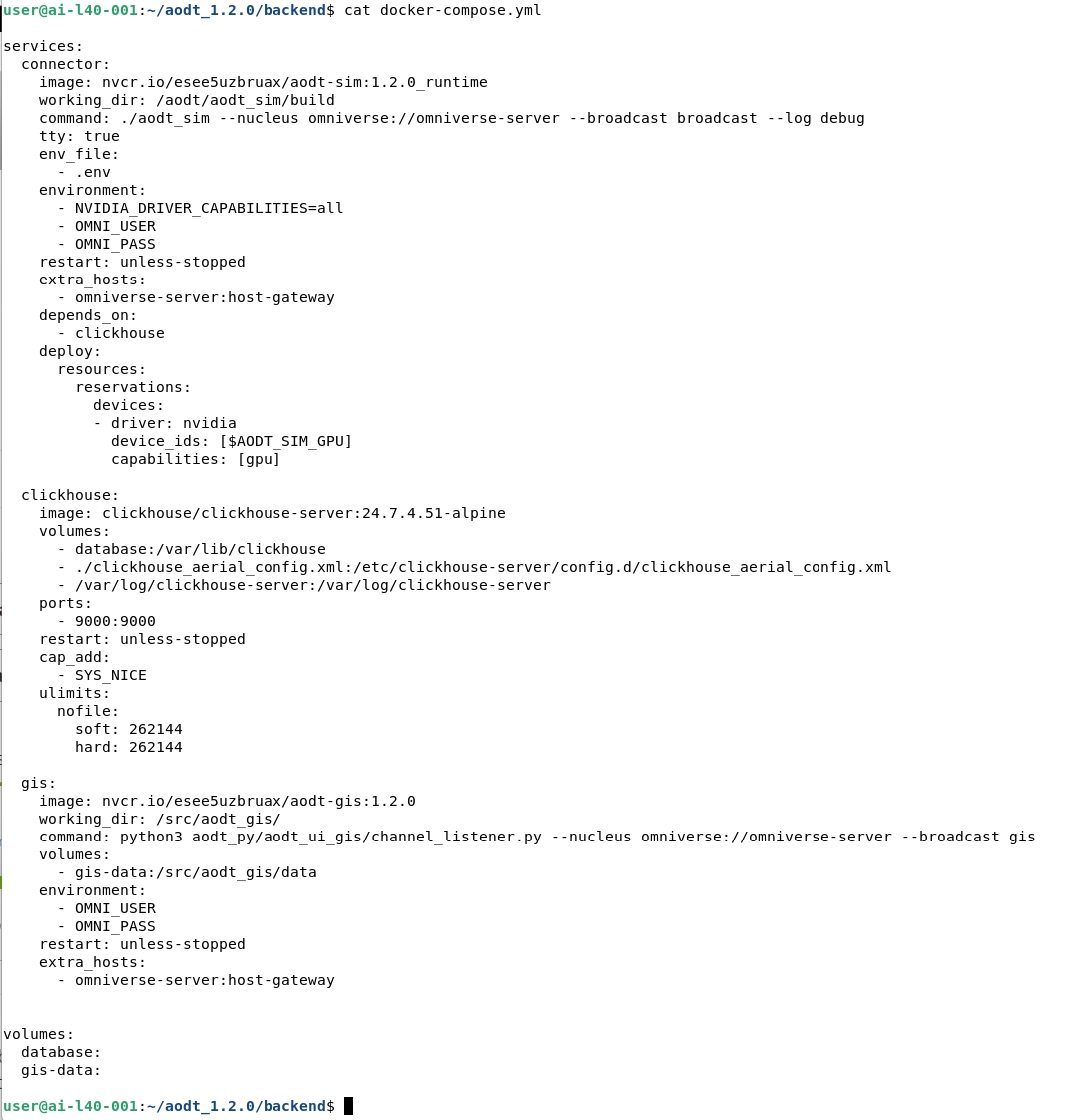
Hello, my backend directory does not have the docker-compose-exemplife.yml file, only docker-compose.yml, as shown in the screenshot below:
Sorry for the error on file name. Yes, use this file.
I have tried your suggestion, but it seems that the result is still the same. Please watch the following video:
The backend is running but you have not connected to the backend. On the left side vertical icons, click on the one that has three gears. The button will turn green. You can also refer to the documentation on how to connect to worker. Then you can add panels
Hello, thank you very much for helping me use AODT. I can now connect to the backend service and create templates.