Please provide the following info (tick the boxes after creating this topic):
Software Version
DRIVE OS 6.0.10.0
DRIVE OS 6.0.8.1
[*] DRIVE OS 6.0.6
DRIVE OS 6.0.5
DRIVE OS 6.0.4 (rev. 1)
DRIVE OS 6.0.4 SDK
other
Target Operating System
[*] Linux
QNX
other
Hardware Platform
[*] DRIVE AGX Orin Developer Kit (940-63710-0010-300)
DRIVE AGX Orin Developer Kit (940-63710-0010-200)
DRIVE AGX Orin Developer Kit (940-63710-0010-100)
DRIVE AGX Orin Developer Kit (940-63710-0010-D00)
DRIVE AGX Orin Developer Kit (940-63710-0010-C00)
DRIVE AGX Orin Developer Kit (not sure its number)
other
SDK Manager Version
2.1.0
[*] other
Host Machine Version
[*] native Ubuntu Linux 20.04 Host installed with SDK Manager
native Ubuntu Linux 20.04 Host installed with DRIVE OS Docker Containers
native Ubuntu Linux 18.04 Host installed with DRIVE OS Docker Containers
other
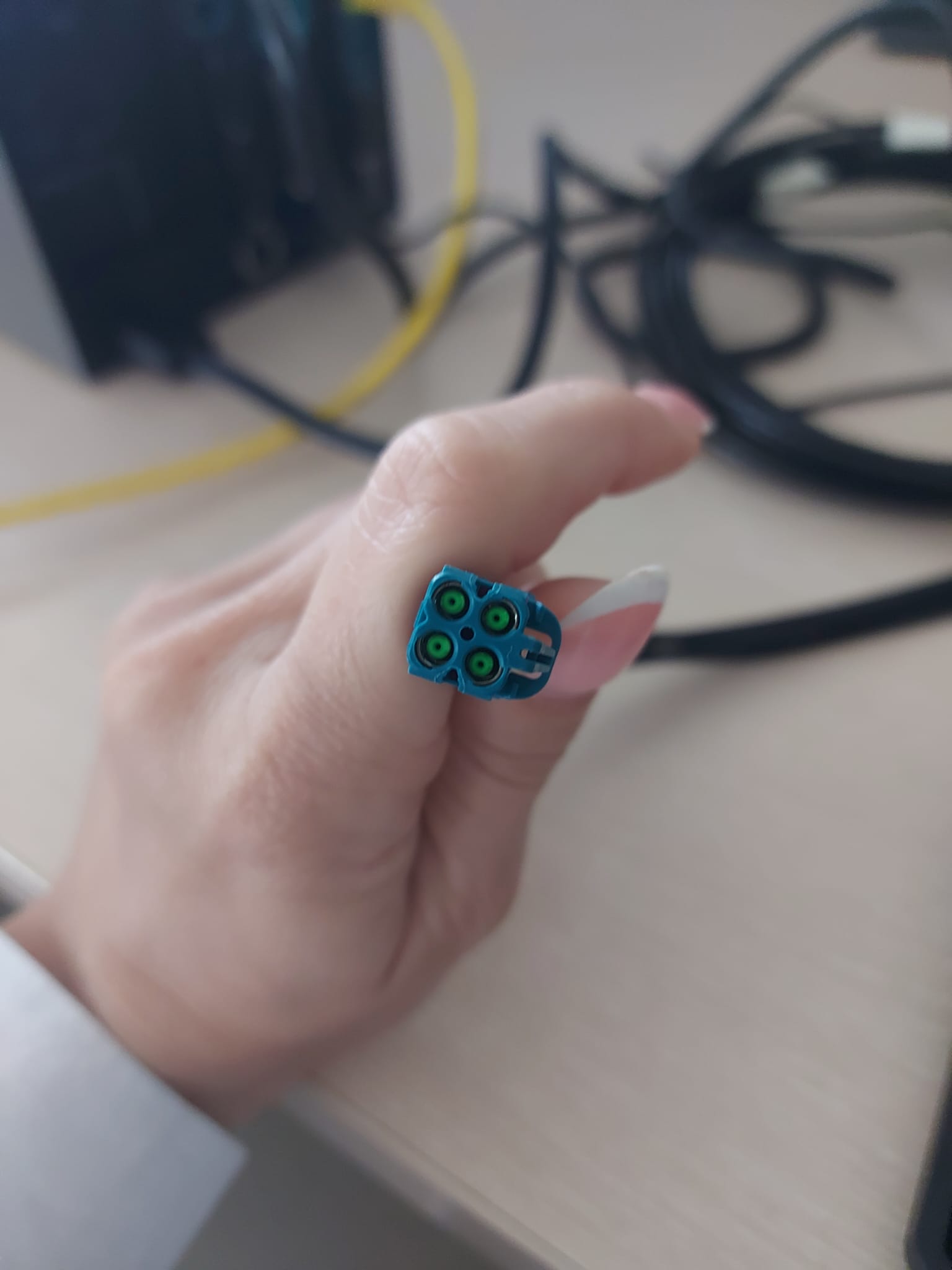
I have problem recognizing the camera, I plugged it the camera via this cable, but cheese doesn’t recognize it or the terminal, is it necessary to install additional drivers or what is the problem with recognizing camera?
Error String
< Please provide just the error messages here >
Logs
Provide logs in text box instead of image
Please paste the complete application log here. If there are multiple logs, please use multiple text box