Hi,
My goal is to install Nightshade and Glaze.
It looks like it was supposed to be smoothe, but I have encountered an error when I put an image and executed a command with Nightshade:
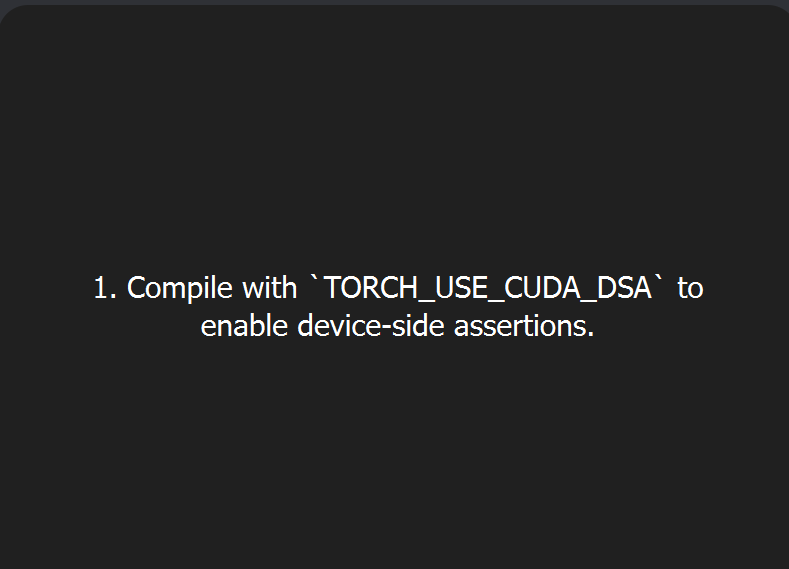
- Complie with ‘TORCH_USE_CUDA_DSA’ to enable device-side assertions.
So I searched the net, and tried to install CUDA and Nsight.
But I can’t.. and they require to install Visual Studio,
so I installed Visual Studio 2026 Community.
But still can’t install them.
I attahced the screenshots.
Is there any specific options to install when I install VS 2026?
Somebody says (on internet) there’s problem with 50 Series graphic cards driver, somebody says install Python 3.9 version, so I contacted Nvidia support and clean install new driver, and later (it didn’t work) I installed Python 3.9.13 separately.. (I’m not a developer but an end user simply trying to install Nightshade)
But nothing solved, and still I can’t install Nsight, CUDA, Nightshade, Glaze all not workiing.
Desktop
Windows 11 Home 25H2
Intel(R) Core™ Ultra 7 265K(3.90 GHz)
NVIDIA Geforce RTX 5060 Ti
RAM 128G
I’m very sad because I put lots of money to this new system in order to use AI related softwares.
NVIDIA and MS both directed me to “Developer Forums”.
I would greatly appreciate it if you could help me.
Thank you.
Can’t attache images here so imgur:


== Update ==============================
Hi,
I somehow got Visual Studio 2022 and 2019 Community and successfully installed Nsight for Visual Studio 2022 and 2019.

However, the error stays and the same; Nightshade and Glaze shows the same errors.
(Nightshare error has been posted earlier. Below is the Glaze’)

Afterwards, I tried also intall Python 3.10.1 and PyTorch, wishing it could help.
But it was useless also.
…..
Now a question came to my mind….
- Do CUDA and Nsight ever support Visual Studio 2026?
aren’t they supposed to work on the most up to date environment, and
Nsight 2022 and 2019 are just to there to support people who use “older versions”? - Thus only the problem is the connection between NVIDIA products (CUDA/Nsight) and Chicago’s (Nightshade and Glaze)?
Maybe nothing to do with Visual Studio…
And I share a link:
Mine is also “50” series…
Do NVIDIA Staff give answer here??
Thanks.
