When I boot the NVDA SPARK, enter user setting step by step. When I input wifi password(the password is right), the DGX Spark tell me cant’t join the wifi network. and then I reboot the DGX Spark, repeat the user setting step, When wifi step, the spark can’t find any wifi networks, errorcode reason 500. What can I do for these cases?

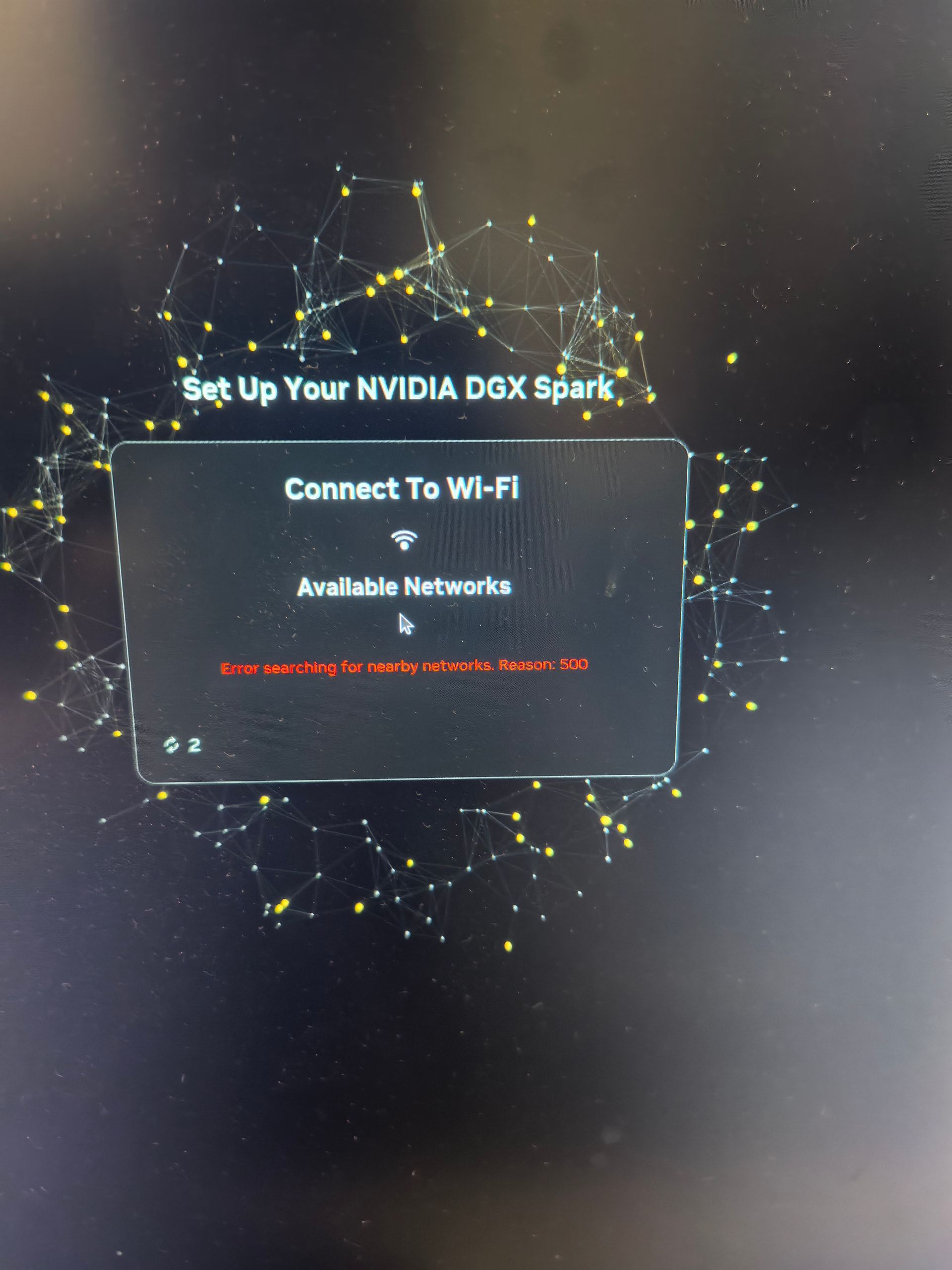
Recommend temporarily connect an ethernet cable that is providing internet. Power on the spark and wait to start the OOBE flow for 5 minutes. Then complete OOBE and you shouldn’t get prompted for WiFi. Once updated and rebooted you can connect wifi from Ubuntu.
If you want to complete setup via WiFi - try the using all lowercase for the password that’s printed on the Quick Start Guide.
I use cable, but the OOBE final step still find more wifi networks
Other laptops Cant’t find the DGX Spark wifi when the spark connect screen or other serial devices
Are you able to complete initial setup and finish the first time setup - OOBE (Initial Setup - First Boot — DGX Spark User Guide)
If you have completed OOBE the Wifi Hotspot will no longer be available. You DGX Spark should be joined to the WiFi you selected during first time setup.
If you are not able to find any WiFi network on initial setup, but laptops in the same location can are you able to complete the setup with an ethernet cable and then try to join the WiFi network?
What USB recovery image are you using?
I have the exact same issue/the issue images since 12/18/2025 during the initial setup. My DGX Spark is basically sitting idle here. The reason I put the date here is I want to see how long this issue can be resolved.
@derek.lyu Did you attempt the steps detailed in this thread by NVES?
I tried and it didn’t work.
Can you try using the usb recovery image to reinstall the OS?
Re-image works by following the links.
Thanks