Platform ubuntu18.04, tools sdkmanager. display interface DP to DP or DP to HDMI .How can I fix it?

The attached picture is the sign of successful burning, the video is Jetson orin nano configuration after reboot has been black screen.
Hi,
are you still able to login via UART?
No. Because my USART prints garbled characters. Under UART I tried baud rates 115200, 9600, 460800, etc. and the UART output is still garbled. The character set I have also tried to modify. Is there a standard UART setup for the Jetson Orin Nano UART?
Hi,
picocom should work fine:
sudo picocom -b 115200 /dev/ttyUSB0


Hi,
please do not use minicom as it’s not handling unicode characters properly.
Also, are you connecting the TTL cable correctly?
(TXD to RXD, RXD to TXD, GND to GND)

is connected as (TXD to RXD, RXD to TXD, GND to GND), if not, the terminal will not print a message.
Hi,
then please re-flash to see if it helps.
You may skip OEM configurations by creating user accounts in advance:
(this has to be done by flashing with scripts in our BSP, instead of SDK Manager)
sudo ./tools/l4t_create_default_user.sh -u <username> <password>
I have used
tar jxvf Jetson_Linux_R35.3.1_aarch64.tbz2
sudo tar xpf Tegra_Linux_Sample-Root-Filesystem_R35.3.1_aarch64.tbz2 -C Linux_for_Tegra/rootfs/
cd Linux_for_Tegra/
sudo . /apply_binaries.sh
sudo . /tools/l4t_flash_prerequisites.sh
sudo . /tools/kernel_flash/l4t_initrd_flash.sh --external-device nvme0n1p1 \ -c tools/kernel_flash/flash_l4t_external.xml -p "-c bootloader/t186ref/cfg/flash_t234_qspi.xml" \ --showlogs --network usb0 jetson-orin-nano-devkit internal
But the effect is the same as that of SDK Manager. There is no signal from the monitor.
In the video I used SDK Manager to install it. After everything is configured and then rebooted it stays black. How can I get the LOG please?
Hi,
所以你用script的方式重燒一次之後,跑完OEM config還是一樣黑屏?
你可以試試看這個方法嗎?
但是先不說這個,如果你的UART還是一坨亂碼(picocom也是亂碼?),那可能真的是板子或module的硬體有些問題。
可能要送RMA。
视频里面是我用脚本跑的安装 到NVME中。参考的文档是
https://docs.nvidia.com/jetson/archives/r35.3.1/DeveloperGuide/text/IN/QuickStart.html#to-flash-the-jetson-developer-kit-operating-software
但是开机后还是黑屏。


你可以先試試看我說的這個跳過OEM config嗎?
因為你看起來都是燒好之後第一次可以開機,但是跑完OEM config才黑屏的。
另外UART只會噴亂碼的話應該真的是板子的硬體有問題,或者你們換一條TTL cable試試看…
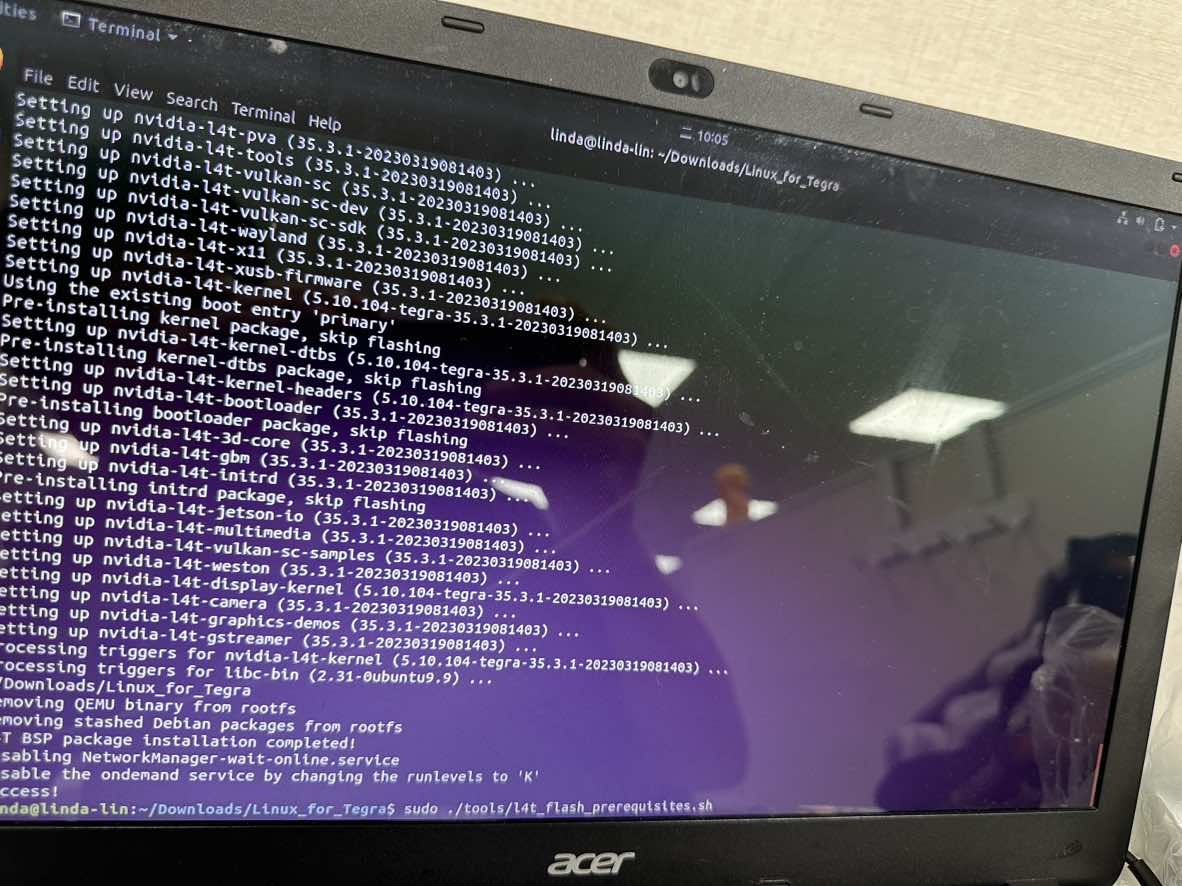
我在脚本安装的过程中在执行完 sudo ./tools/l4t_flash_prerequisites.sh这句命令之后,我手动执行了,
sudo ./tools/l4t_create_default_user.sh -u user -p password 但是不知道为什么还要我手动的配置。 您知道吗?
這是正常的,跳出來那個畫面你只要按接受就好。
另外不知道你有沒有會錯意,但是user和password只是舉例,你要換成自己要用的帳號密碼…

不太懂你說的手動配置是什麼意思?
