hello,
after the system ok,
1、 run nvidia-smi , display as follows:
2、run cuda-samples/Samples/1_Utilities/deviceQuery$ ./deviceQuery
3、 but in the " Making sure you're not a bot! " , I see
Please help me confirm what is wrong with my environment, which causes the NVIdiA-SMI display to be abnormal (nvidia thor off),
DaneLLL
September 9, 2025, 5:06am
3
Hi,$ sudo jetson_clocks and check if GPU is enabled.
thanks ,run $ sudo jetson_clocks it’s work;
but I have anther question,
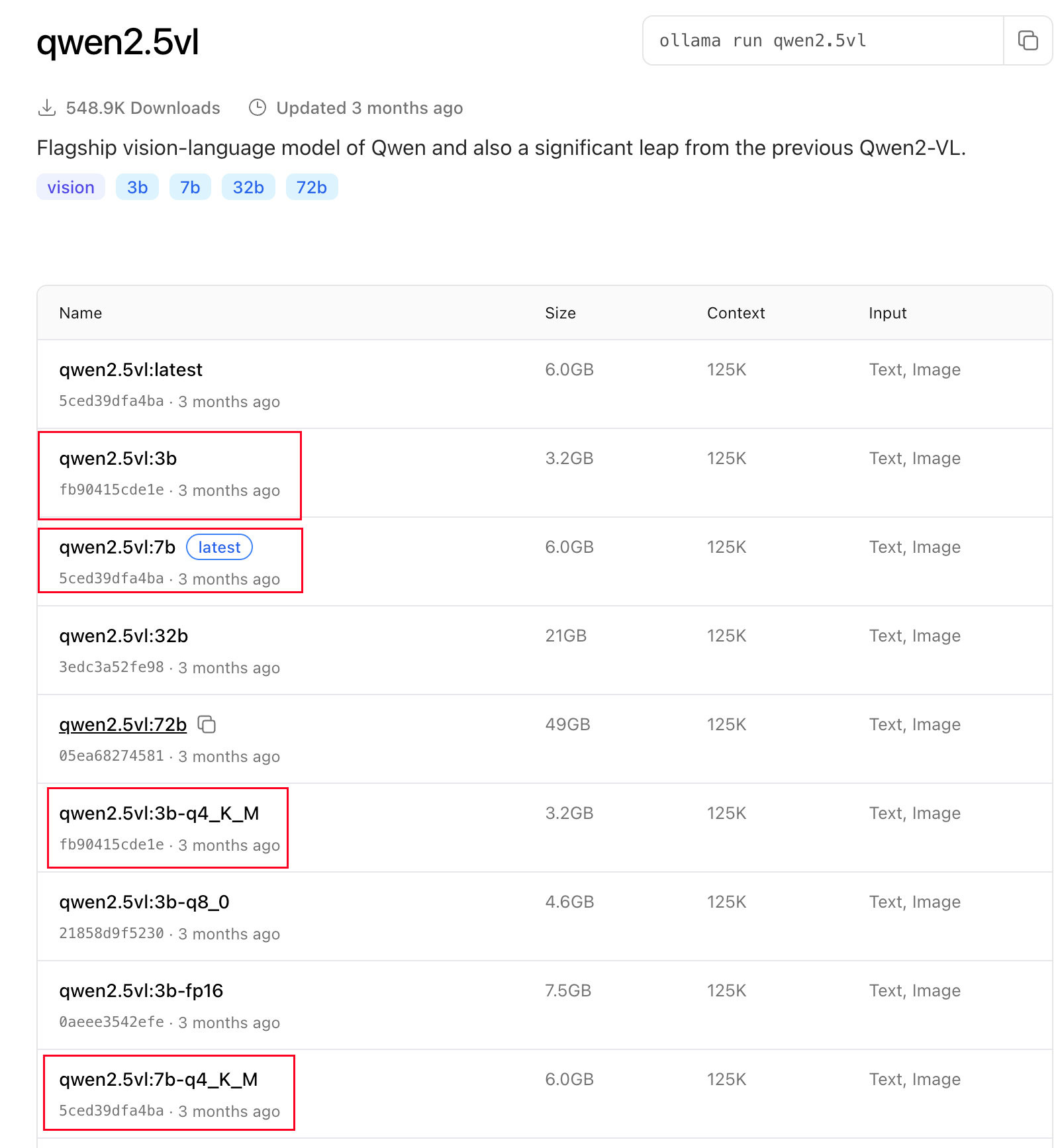
I’m trying VLM by ollama, base on the web" Tags · qwen2.5vl ", we can try ollama server + webUI + qwen2.5vl;
1、 Install the ollama server, the cmd is:https://ollama.com/install.sh / sh
2、 Install Open WebUI base by docker:http://host.docker.internal:11434 ghcr.io/open-webui/open-webui:main
3、 start the VLM experiment
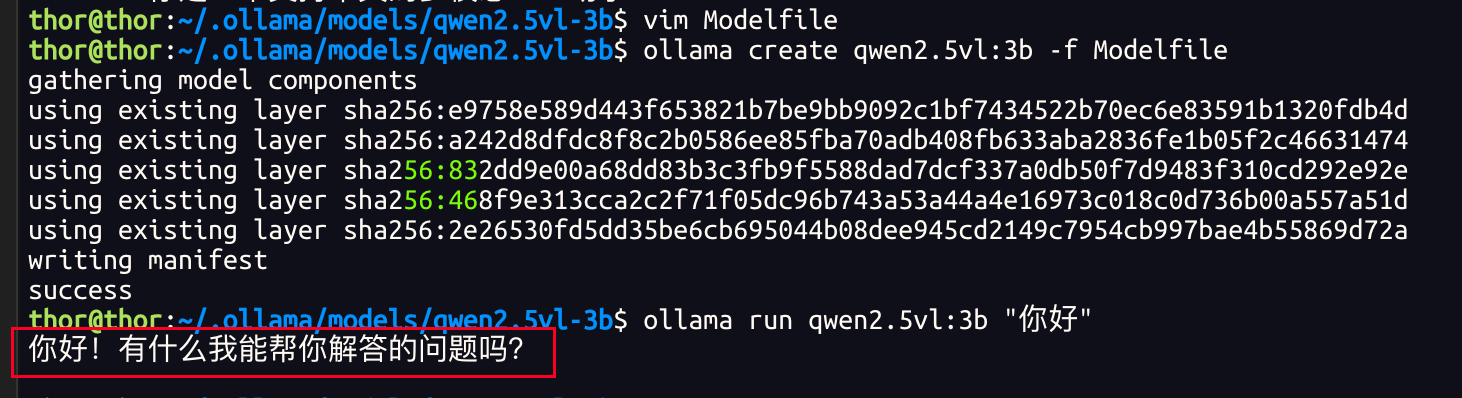
but, the result is:
if I modify the Modelfile as: PARAMETER num_gpu 1 ----> 0, it's work,
but it’s not I wanted, it’s working on cpu, not GPU
Please help me confirm what is wrong with my environment, thanks;
DaneLLL
September 9, 2025, 9:41am
5
Hi,