Brilliant because all this information the support representative gave you is already public on their site. I know because I have read it. Though the mystery why the advertised features are not working on their cards remains.
Please update us if/when you do eventually get a competent support staff member. This is currently the most up-to-date thread on the publicly accessible internet regarding this card and this feature. I can almost guarantee it.
I’m escalating this internally and I’ll report back when I get an answer about what steps are actually required for this. Sorry for the delay.
In the meantime journos are regurgitating the party line:
“The GPUs are also significant insofar as this generation now supports NVIDIA MIG or multi- instance GPUs. For folks who want to partition the larger 96GB GPUs into up to four smaller chunks. This means in an 8 GPU system, one can have up to 32 GPU partitions with MIG.”
Oh yeah?
Can you please generate and attach an nvidia-bug-report.log.gz file? I don’t see one attached here or in bug 5336054.
You should have seen Nvidia’s support for Quadro and Tesla owners. Dozens of forum posts from people who bought expensive premium products not given the time of the day. The way Nvidia treats their premium customers and people who use their software(what this Forum is supposed to be about) is horrific.
OP should (ironically) consider himself lucky right now. It might sit in a bug tracker for a year or two but it sounds like there is some actual effort into getting this fixed.
nvidia-bug-report.log.gz (470.3 KB)
Here you go sir.
I think I found out where this mystery vBIOS is coming from…
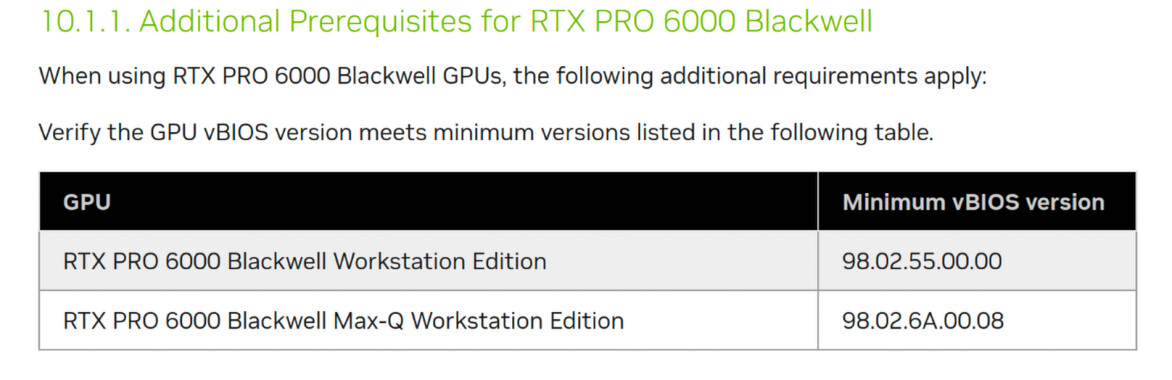
98.02.55 but we have 98.02.52
PNY has ZERO information on when or where vbios .55 is.
Nvidia once again dropping the ball. I mean, if you set the vbios as a requirement for usage, then it had to exist at that point right? How did this even happen?
Thank you, please keep us posted.
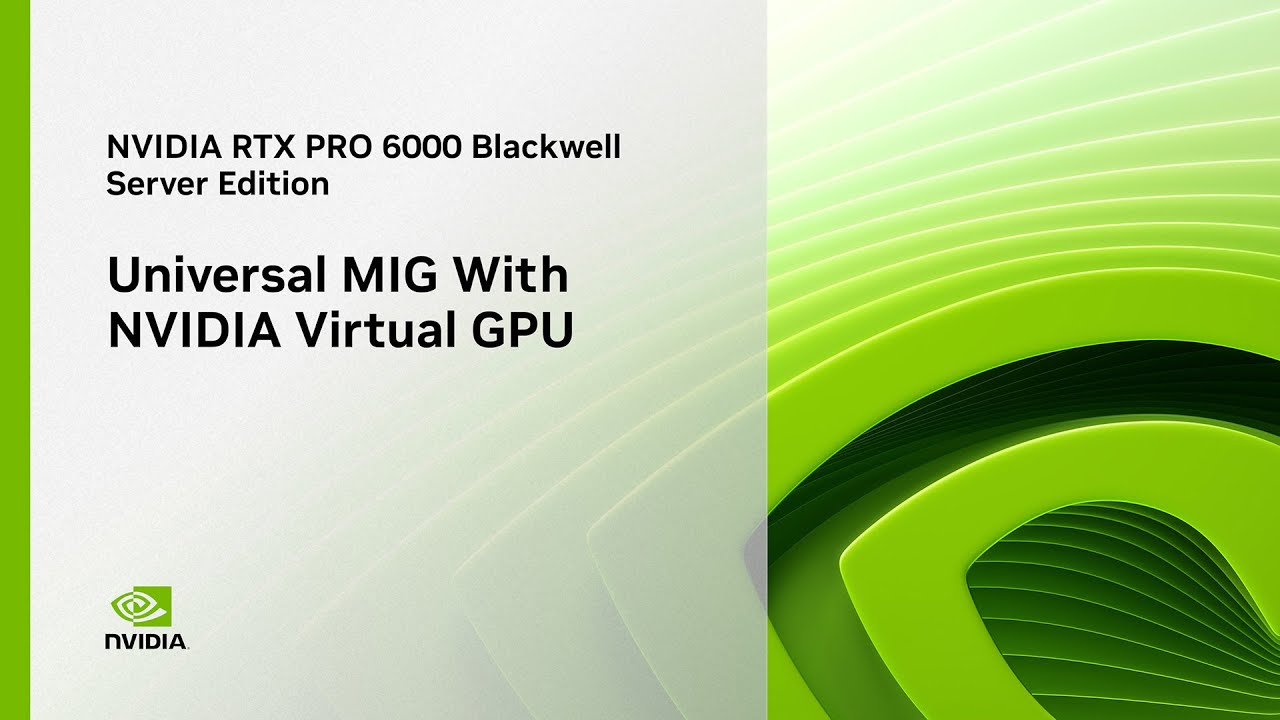
No MIG with vGPU for anything but the Server Edition.
@aplattner any news or updates on this?
That actually makes me hopeful, did they provide you any information how the process of updating the vBIOS looks like? I am not familiar with the process at all.
As it was put:
3 weeks is much faster than initially anticipated.
;-]
It’s still being worked on but I don’t have anything I can share at the moment.
Do you have any information about what @ALowlyConsumer mentioned that PNY said a fitting vBIOS will be released in a couple weeks or is this information news to you too?
Could you please share the BIOS once you get it? I’d be happy to test it. I got my card from Exxact, but they haven’t provided any information about when the BIOS update will be available. Thanks!
@colin88 has discovered a tool called NVIDIA Display Mode Selector Tool that enables display output on these cards: see his post and the follow-ups. The documentation of the tool also mentions MIG, so maybe it would be able to solve this issue also.
@colin88 have you seen any MIG related settings maybe when playing with this tool?
I haven’t got as far as setting up vGPU yet, it was a battle of its own to work out how to get the cards out of compute only mode.
on the vGPU page is says support for the 6000 pro in vGPU is coming later in the year still, so im not sure if it has been added yet?
The bios in my cards is 98.02.67.00.0A