Nvblox quickstart example :no output in rviz

Hi, I’ve been following the quickstart guide to use Nvblox. Quickstart Documentation I followed:
https://nvidia-isaac-ros.github.io/repositories_and_packages/isaac_ros_nvblox/isaac_ros_nvblox/index.html#quickstart
I should see something like the image as written in the guide.
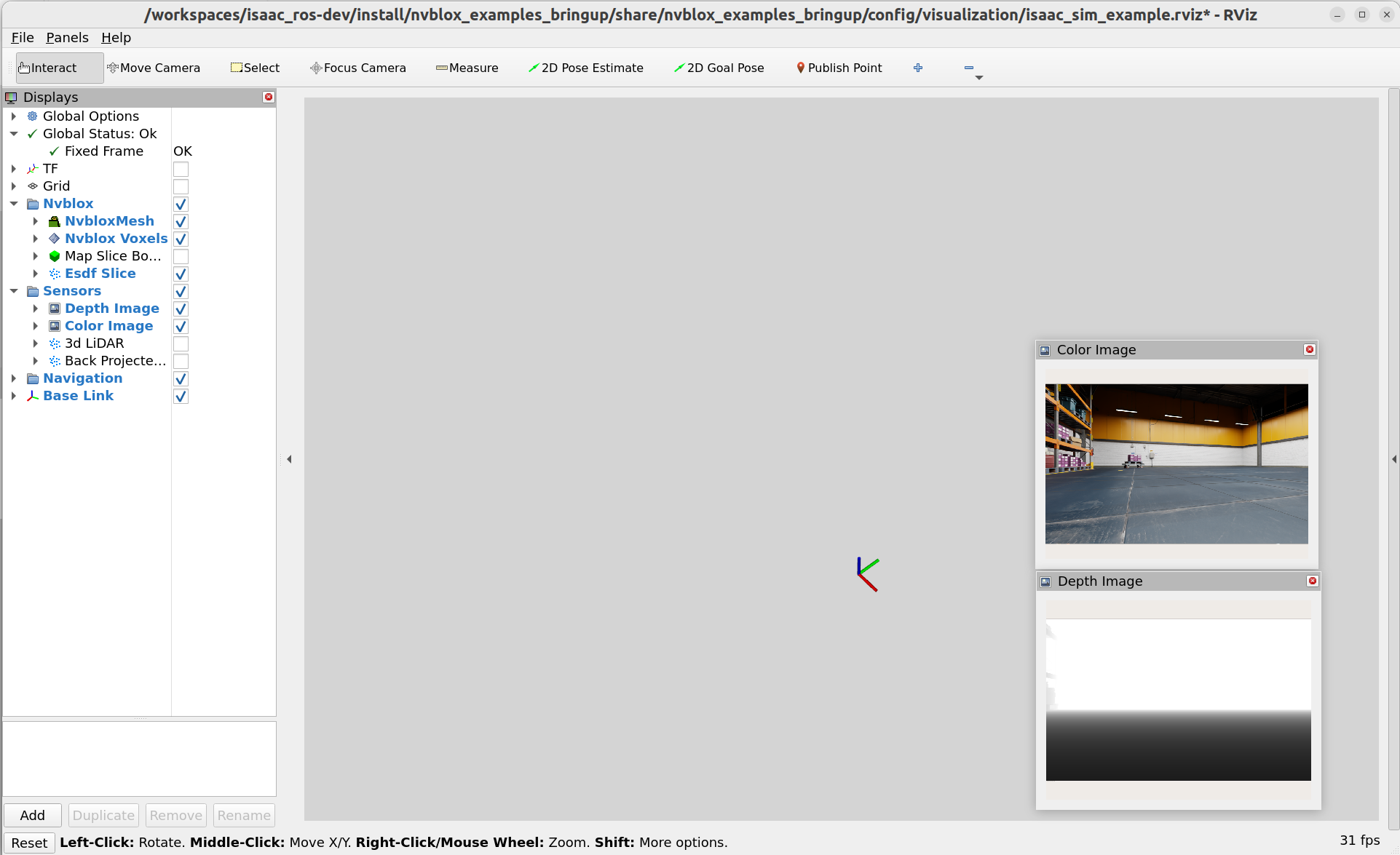
However, what I see is this below,

Below is what I get from terminal when launching rviz.
I’d appreciate it if you help me solve this problem!

log.txt (49.7 KB)


The output should be like this as mentioned in the guide.

Hi @cuwyt6,

Thank you for your post, and welcome to the Isaac ROS forum.

From your attached log, the process “ros2-2” for reading the rosbag finished too early. I suspect that the file might be broken. Could you try deleting the rosbag and following the quickstart to download it again?

Best,
Ahung

Hello, have you solved this problem? I’m also encountering the same issue and the map isn’t being generated. I re-downloaded the asset file, but the problem persisted.
After replacing the equipment with a suitable one, I solved the problem and it was able to display.