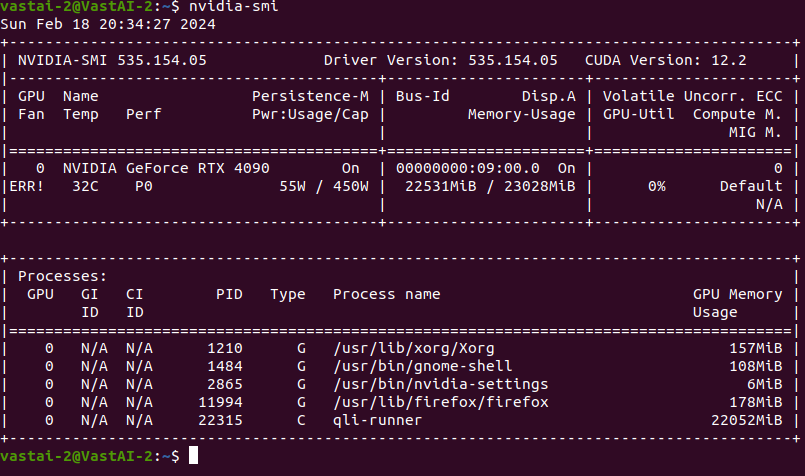
Hi there, I have a MSI 4090 running on Ubuntu 20.04 that I am trying to set up for AI work. I have Nvidia driver 535 installed (non-open version).
I am unable to control the fans on the GPU so when the GPU hits 90C it ramps up to 100% and stays there even when the temps come back down. When I click on enable fan control in Xserver, it immediately defaults back to GPU fan control disabled

I have tried editing Xwrapper.config to have needs_root_rights=yes and allowed_users=anybody. I have tried enabling cool-bits=28 but nothing seems to have worked.
Any ideas on what I should try next?
vastai-2@VastAI-2:~$ nvidia-settings -a ‘GPUTargetFanSpeed=50’
ERROR: Error assigning value 50 to attribute ‘GPUTargetFanSpeed’
(VastAI-2:0[fan:0]) as specified in assignment ‘GPUTargetFanSpeed=50’
(Unknown Error).
ERROR: Error assigning value 50 to attribute ‘GPUTargetFanSpeed’
(VastAI-2:0[fan:1]) as specified in assignment ‘GPUTargetFanSpeed=50’
(Unknown Error).`