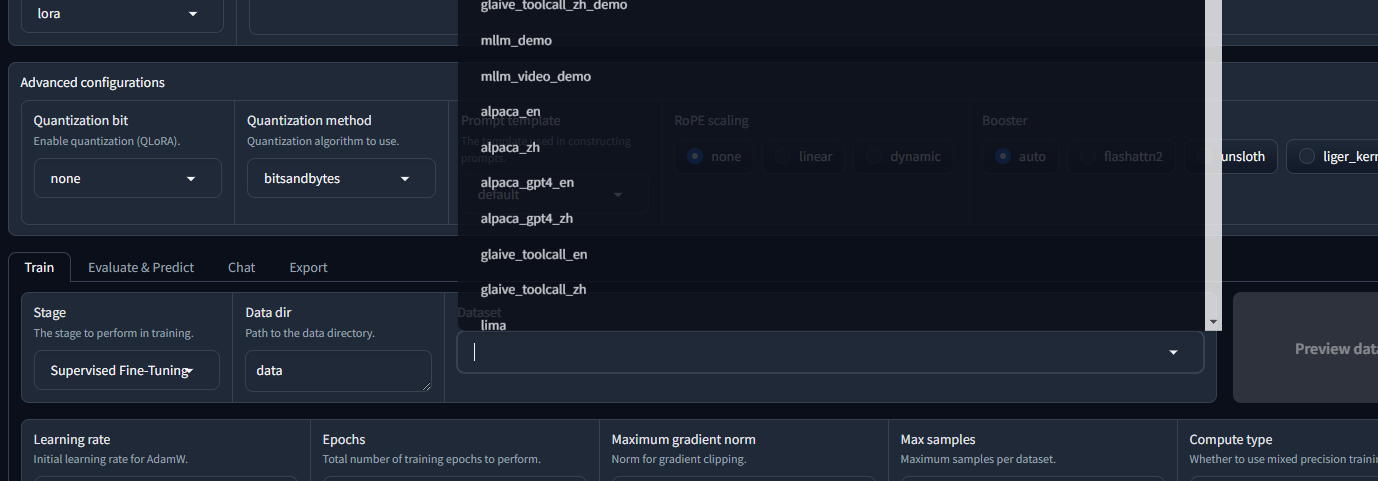
I’m running the training example from here and it only showed ‘Failed’ at the bottom of the browser page.
I’m running Windows, and have 2 graphic, one is internal another is RTX 3050, I suspect it’s failed due to my driver installation but not confirmed, where can I see the error log?
thanks

Hi. Sorry for the late reply.
I suspect you want to see the logs for the LlamaFactory application, not AI Workbench.
Regardless, the user guide around where to find logs is here: Log and Runtime Files - NVIDIA Docs
Bottom left of AI Workbench UI (not the web app you are running) has an Output widget. If you click it, you get a drop down that shows you various logs. Web app logs will show up there. See screenshot below.
If you want to see the actual log files for the app running in the project, you can follow these instructions: Log and Runtime Files - NVIDIA Docs