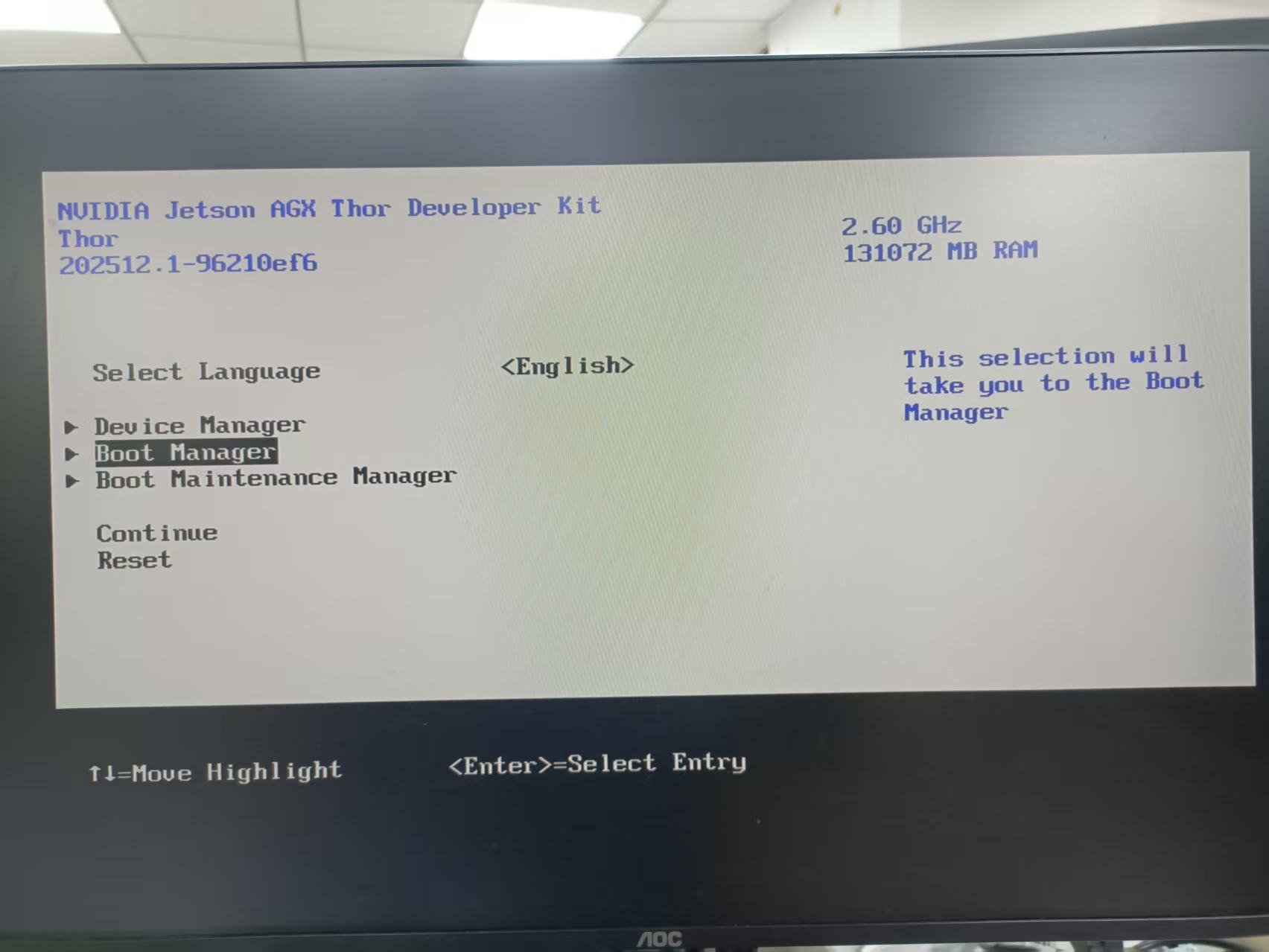
Hi, experts:
(1) In thor device, there is efi file: /boot/efi/EFI/BOOT/BOOTAA64.efi, which should be responsible for booting linux.
(2) But in UEFI boot log, “Attempting Direct Boot” is printed, which means BootMode is NVIDIA_L4T_BOOTMODE_DIRECT and the kernel is booted from L4TLauncher.c directly. So BOOTAA64.efi is not used.
(3) I have tried to rename or delete BOOTAA64.efi on thor device, the thor device stopped in UEFI and can not boot to linux.
question:
Is the file /boot/efi/EFI/BOOT/BOOTAA64.efi responsible for boot or NVIDIA_L4T_BOOTMODE_DIRECT in “L4TLauncher.c” responsible for boot?
What is the purpose of /boot/efi/EFI/BOOT/BOOTAA64.efi? Why the device can not boot when I deleted BOOTAA64.efi?
where is the source code of BOOTAA64.efi? Can I change and rebuild it?
Linux_for_Tegra$ grep -C3 BOOTAA64.efi tools/ota_tools/version_upgrade/nv_ota_customer.conf

# L4T Launcher
# If this option is set to "false", that means the L4T Launcher is not
# used, so skip updating the "BOOTAA64.efi" in the ESP partition.
# By default, this option is set to "true" and the "BOOTAA64.efi" in
# the ESP partition is to be updated during OTA.
USE_L4T_LAUNCHER="true"
# I believe this is correct:

UEFI firmware from bootloader partition
        ↓
finds EFI System Partition, usually mounted at /boot/efi
        ↓
loads /EFI/BOOT/BOOTAA64.efi
        ↓
L4tLauncher reads Jetson boot config
        ↓
loads Linux kernel, initrd, DTB/overlays, bootargs
        ↓
starts Linux
# This document that describes using Grub in place of LrtLauncher to boot Jetson devices may provide context.
https://docs.nvidia.com/jetson/archives/r38.4/DeveloperGuide/SD/Bootloader/UEFI.html#grub-support

strings /boot/efi/EFI/BOOT/BOOTAA64.efi | grep -i -E 'l4t|launcher|extlinux|grub'
/out/nvidia/bootloader/uefi/L4TLauncher_RELEASE/edk2/MdePkg/Library/BasePrintLib/PrintLibInternal.c
L4TLauncher
/out/nvidia/bootloader/uefi/L4TLauncher_RELEASE/edk2/MdePkg/Library/BaseLib/SafeString.c
/out/nvidia/bootloader/uefi/L4TLauncher_RELEASE/edk2/MdePkg/Library/BaseLib/String.c
/out/nvidia/bootloader/uefi/L4TLauncher_RELEASE/edk2/MdePkg/Library/BaseMemoryLibOptDxe/Arm/MemLibGuid.c
/out/nvidia/bootloader/uefi/L4TLauncher_RELEASE/edk2/MdePkg/Library/BaseMemoryLibOptDxe/ZeroMemWrapper.c
/out/nvidia/bootloader/uefi/L4TLauncher_RELEASE/edk2/MdePkg/Library/BaseMemoryLibOptDxe/CompareMemWrapper.c
/out/nvidia/bootloader/uefi/L4TLauncher_RELEASE/edk2/MdePkg/Library/BaseMemoryLibOptDxe/CopyMemWrapper.c
/out/nvidia/bootloader/uefi/L4TLauncher_RELEASE/edk2/MdePkg/Library/BasePrintLib/PrintLib.c
/out/nvidia/bootloader/uefi/L4TLauncher_RELEASE/edk2/MdePkg/Library/UefiMemoryAllocationLib/MemoryAllocationLib.c
/out/nvidia/bootloader/uefi/L4TLauncher_RELEASE/edk2/MdePkg/Library/UefiDevicePathLib/DevicePathUtilities.c
/out/nvidia/bootloader/uefi/L4TLauncher_RELEASE/edk2/EmbeddedPkg/Library/AndroidBootImgLib/AndroidBootImgLib.c
/out/nvidia/bootloader/uefi/L4TLauncher_RELEASE/edk2/MdePkg/Library/BaseLib/Arm/Unaligned.c
/out/nvidia/bootloader/uefi/L4TLauncher_RELEASE/edk2/MdePkg/Library/UefiLib/UefiLibPrint.c
/out/nvidia/bootloader/uefi/L4TLauncher_RELEASE/edk2/MdePkg/Library/UefiLib/UefiLib.c
/out/nvidia/bootloader/uefi/L4TLauncher_RELEASE/edk2/ShellPkg/Library/UefiHandleParsingLib/UefiHandleParsingLib.c
/dvs/git/dirty/git-master_linux/bootloader/uefi/edk2-nvidia/Silicon/NVIDIA/Application/L4TLauncher/L4TLauncher.c
/out/nvidia/bootloader/uefi/L4TLauncher_RELEASE/edk2/MdePkg/Library/DxeHobLib/HobLib.c
/out/nvidia/bootloader/uefi/L4TLauncher_RELEASE/edk2/MdePkg/Library/UefiFileHandleLib/UefiFileHandleLib.c
/out/nvidia/bootloader/uefi/L4TLauncher_RELEASE/edk2/ArmPkg/Library/ArmArchTimerLib/ArmArchTimerLib.c
/out/nvidia/bootloader/uefi/L4TLauncher_RELEASE/edk2/MdePkg/Library/UefiBootServicesTableLib/UefiBootServicesTableLib.c
/out/nvidia/bootloader/uefi/L4TLauncher_RELEASE/edk2/MdePkg/Library/UefiRuntimeServicesTableLib/UefiRuntimeServicesTableLib.c
/out/nvidia/bootloader/uefi/L4TLauncher_RELEASE/edk2/MdeModulePkg/Library/UefiHiiServicesLib/UefiHiiServicesLib.c
/out/nvidia/bootloader/uefi/L4TLauncher_RELEASE/edk2/MdePkg/Library/DxeServicesTableLib/DxeServicesTableLib.c
/out/nvidia/bootloader/uefi/L4TLauncher_RELEASE/Build/L4TLauncher/RELEASE_GCC/AARCH64/Silicon/NVIDIA/Application/L4TLauncher/L4TLauncher/DEBUG/AutoGen.c
ExtLinuxBoot
ProcessExtLinuxConfig
L4TLauncher
/out/nvidia/bootloader/uefi/L4TLauncher_RELEASE/Build/L4TLauncher/RELEASE_GCC/AARCH64/Silicon/NVIDIA/Application/L4TLauncher/L4TLauncher/DEBUG/L4TLauncher.dll
whitesscott:
In my Linux_for_tegra folder, there is no "tools/ota_tools/version_upgrade/nv_ota_customer.conf " file, but only "tools/ota_tools/version_upgrade/nv_ota_common.func ". In nv_ota_common.func file, USE_L4T_LAUNCHER is not set to true or false. nv_ota_common.zip (10.5 KB)
I changed the file L4TLauncher.c, added additional log and recompiled. I flashed the new uefi_t26x_general.bin to qspi flash. The power-on log did not changed.
So I think KevinFFF is correct, L4TLauncher.c is compiled into BOOTAA64.efi
But how to compile BOOTAA64.efi? Build with docker · NVIDIA/edk2-nvidia Wiki can only build uefi_t26x_general.bin.
KevinFFF:
Is there different command to build BOOTAA64.efi?
Another question about UEFI boot:
The qspi flash in SOM stored mb1.bin ,mb2.bin, and other firmwares. What partition type does the qspi flash in thor SOM use? MTD or GPT, or others?
Do you have any requirement to use Grub instead of extlinux?
Do you have the full serial console log in this case?
Thor SOM QSPI flash does not use standard GPT. It uses NVIDIA’s PCT/L1PT/L2PT partitioning scheme, while MTD is only an access interface for some partitions.