Hi I want to replace PeopleNet model with my custom yolo model in nvidia metropolis, with jetpack 6.0.2(rev.2). But I’m unable to do so.I’m using Nvidia Agx Orin board. I did some changes according to this ticket. But it’s not working with latest metropolis release.
I’ve successfully generated onnx and engine file
Can you provide some more details on what specifically is not working? Is DeepStream crashing when trying to launch or is some other part of the pipeline not functioning? Are you pre-generating the engine file before running DeepStream? If so, what steps are you taking to generate it?
I’ve downloaded files from that link only, Actually it has downloaded .pt file and converted that into onnx format but while converting it into engine file I’m getting error
I can get below log when parse /ds-config-files/yolov8s/setup_config_agx.txt in DeepStream container:
root@ubuntu:~# export GST_DEBUG=NVDS_CFG_PARSER:6
root@ubuntu:~# /yolov8s-files/yolov8s_setup.sh --agx
NOTE: For each dataset an user elects to use, the user is responsible for checking if the dataset license is fit for the intended purpose.
Using AGX so batch size set to 8…
yolov8s-dependencies directory exists - skipping download/init. If there was a failure last time, please delete this folder and retry.
Running AGX setup…
(gst-plugin-scanner:42): GStreamer-WARNING **: 05:57:24.420: Failed to load plugin ‘/usr/lib/aarch64-linux-gnu/gstreamer-1.0/libgstmpg123.so’: libmpg123.so.0: cannot open shared object file: No such file or directory
(gst-plugin-scanner:42): GStreamer-WARNING **: 05:57:24.517: Failed to load plugin ‘/usr/lib/aarch64-linux-gnu/gstreamer-1.0/libgstmpeg2enc.so’: libmpeg2encpp-2.1.so.0: cannot open shared object file: No such file or directory
(gst-plugin-scanner:42): GStreamer-WARNING **: 05:57:24.572: Failed to load plugin ‘/usr/lib/aarch64-linux-gnu/gstreamer-1.0/libgstopenmpt.so’: libmpg123.so.0: cannot open shared object file: No such file or directory
(gst-plugin-scanner:42): GStreamer-WARNING **: 05:57:24.610: Failed to load plugin ‘/usr/lib/aarch64-linux-gnu/gstreamer-1.0/libgstchromaprint.so’: libavcodec.so.58: cannot open shared object file: No such file or directory
(gst-plugin-scanner:42): GStreamer-WARNING **: 05:57:24.653: Failed to load plugin ‘/usr/lib/aarch64-linux-gnu/gstreamer-1.0/libgstmpeg2dec.so’: libmpeg2.so.0: cannot open shared object file: No such file or directory
(gst-plugin-scanner:42): GStreamer-WARNING **: 05:57:24.687: adding type GstEvent multiple times
(Argus) Error FileOperationFailed: Connecting to nvargus-daemon failed: No such file or directory (in src/rpc/socket/client/SocketClientDispatch.cpp, function openSocketConnection(), line 204)
(Argus) Error FileOperationFailed: Cannot create camera provider (in src/rpc/socket/client/SocketClientDispatch.cpp, function createCameraProvider(), line 106)
(gst-plugin-scanner:42): GStreamer-WARNING **: 05:57:24.745: Failed to load plugin ‘/usr/lib/aarch64-linux-gnu/gstreamer-1.0/deepstream/libnvdsgst_udp.so’: librivermax.so.0: cannot open shared object file: No such file or directory
Have you modified any of the configs under ./config/deepstream/yolov8s/ from what is included in the bundle?
Also ensure that the ./yolov8s/yolov8s-dependencies/yolov8s.onnx file exists on the host system. If ./yolov8s/calib.table or any .engine files exist under the ./yolov8s/ or ./yolov8s/yolov8s-dependencies/ folders, try deleting them and rerun that command.
Thanks @hfarooq@kesong for your reply. I’ve reinstalled docker again and now I can visulize the yolov8 overlay output by doing some modification in “yolov8s-ds-config_agx.txt” file. Now I have a custom trained “.pt” file of yoloV7 that I wanted to use with metropolis, so could you please suggest me with the steps for the same.
I have trained yolov8 model on my custom datasets and trying to convert it into engine format with “yolov8s_setup.sh” script but I’m unable to do so. It’s successfully converting into onnx format but not converting to engine format. best.zip (19.8 MB)
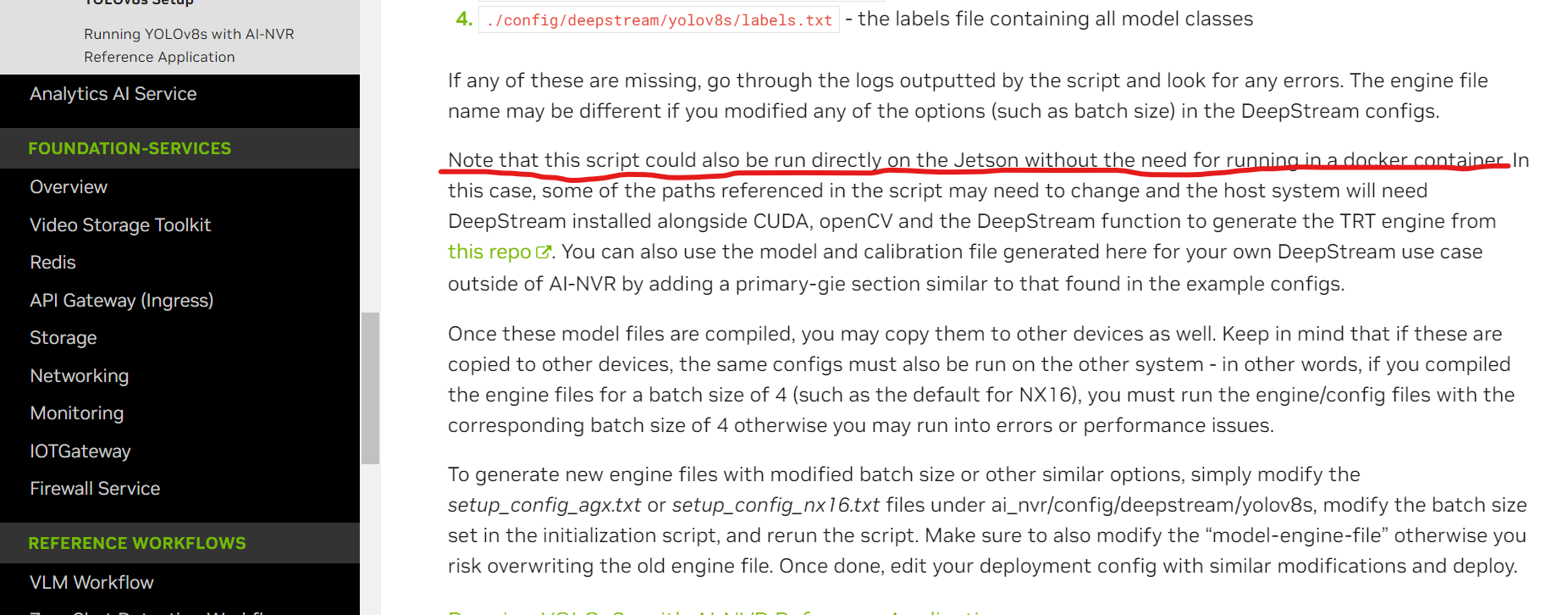
Yes, I generated the engine of the default YOLOv8 using the DeepStream Docker container. However, to generate the engine for my trained model, I need to set it up on the host. The engine file is not being generated on the host for the default YOLOv8. I have installed all the required dependencies on the host as well.
Since you are running this outside the container: have you created the /yolov8s directory on the system before running the script?
And you have installed all dependencies, correct? This being OpenCV (with pkgconfig and extramodules) and the YOLO DS function to generate the TRT engine from the 3rd party repo.
You will also need to modify the DS YOLO initialization configs to point to the location of the .so file for TRT engine generation and the location of your ONNX file.