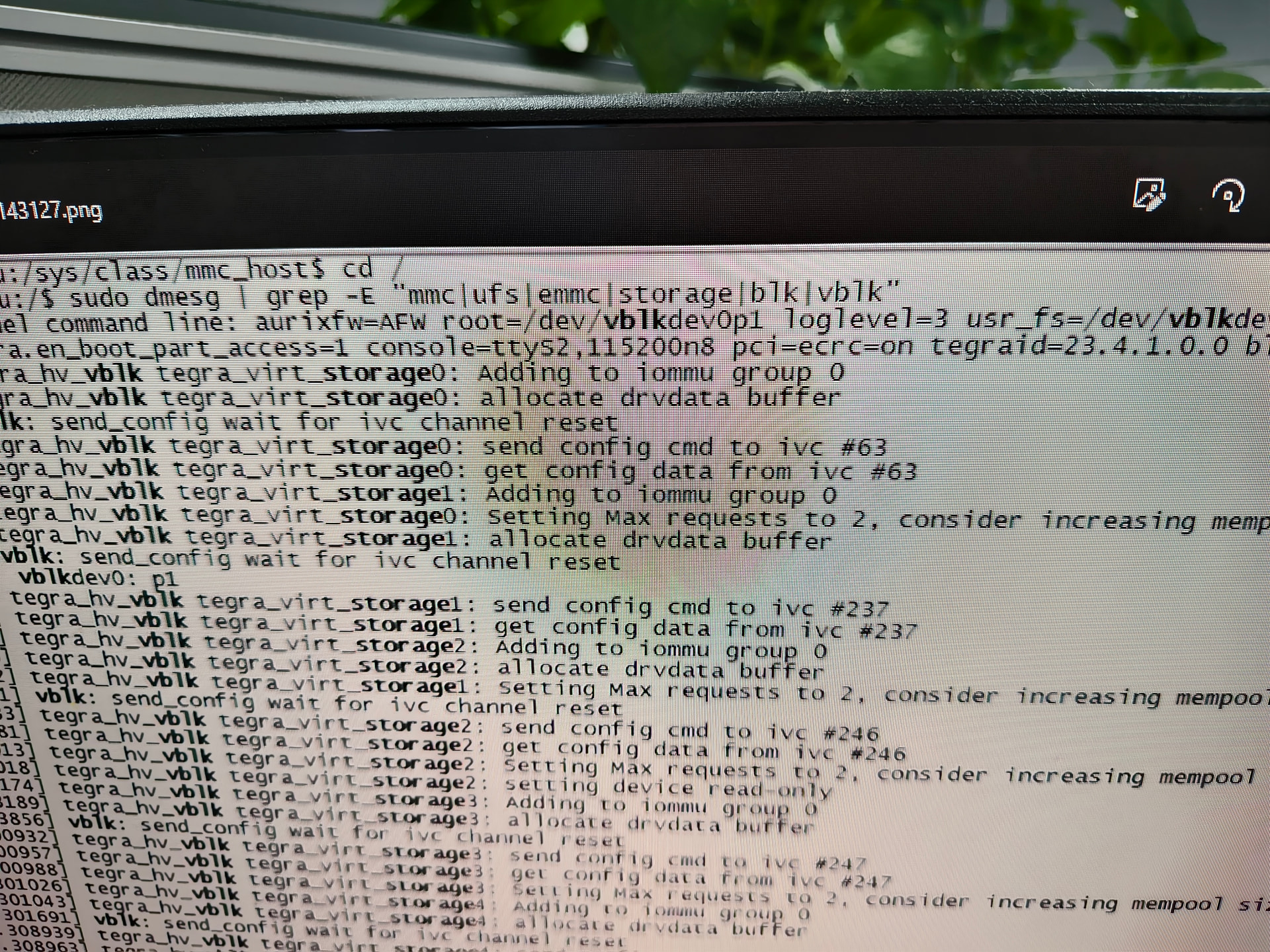
We can’t get the emmc/UFS device’s information. We find a devices named /dev/vblkdev2 ,May it be UFS? but we cannot edit it.
Hello,
Thanks for visiting the NVIDIA Developer Forums.
To ensure better visibility and support, I’ve moved your post to the Jetson category where it’s more appropriate
Cheers,
Tom
Hi evelyn.xie,
Are you using the devkit or custom board for AGX Orin?
What’s the Jetpack version in use?
Please share the log as text file instead of the screenshot.
You can simply run lsblk to check the current device.
Hi Kevin:
I am using the AGX Orin development kit, Here is the log file.Please help me identify which one is the emmc partition and which one is the ufs partition. I would like to run FIO or DD tests on these two partitions,thank you.
[com COM36] (2026-01-14_161312) COM36 (USB 串行设备 (COM36)).log (117.8 KB)
[2026-01-14 16:13:46]           Starting DRIVE OS LINUX Board specific initialization...
..
[2026-01-14 16:15:51]  Filesystem      Size  Used Avail Use% Mounted on
[2026-01-14 16:15:51]  /dev/vblkdev0    26G  6.2G   19G  26% /
Are you using DriveOS rather than L4T?
How did you flash AGX Orin devkit?
I am using DriveOS, which was obtained from this path.
This development kit also came with this system when it was delivered to us from the factory. Can this system not perform tests on eMMC or UFS?
Moving to DRIVE AGX Orin Forum(DRIVE AGX Orin General - NVIDIA Developer Forums)
Dear @evelyn.xie ,
vdevblk0 is eMMC and vblkdev2 is UFS.