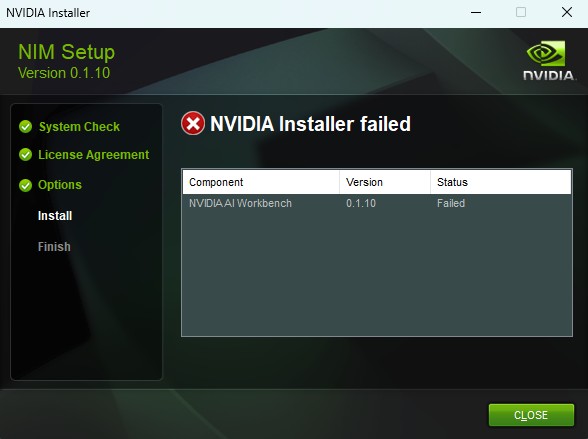
I’m trying to install NVIDIA AI Workbench on Windows 11 (using the latest NIM installer, version 0.1.10). The installation consistently fails because the WSL2 distribution archive workbench.tar.gz is missing at:
C:\Program Files\NVIDIA AI Workbench\resources\distros\workbench.tar.gz
As a result, the WSL distro NVIDIA-Workbench is never imported, and the setup fails silently.
System details:
Windows 11 (22H2)
GeForce RTX 4090
WSL2 + Ubuntu installed
Docker Desktop installed but disabled during install
Do you know why this is happening?
Could you please provide a direct download link or send me the correct workbench.tar.gz file so I can manually import it via WSL?