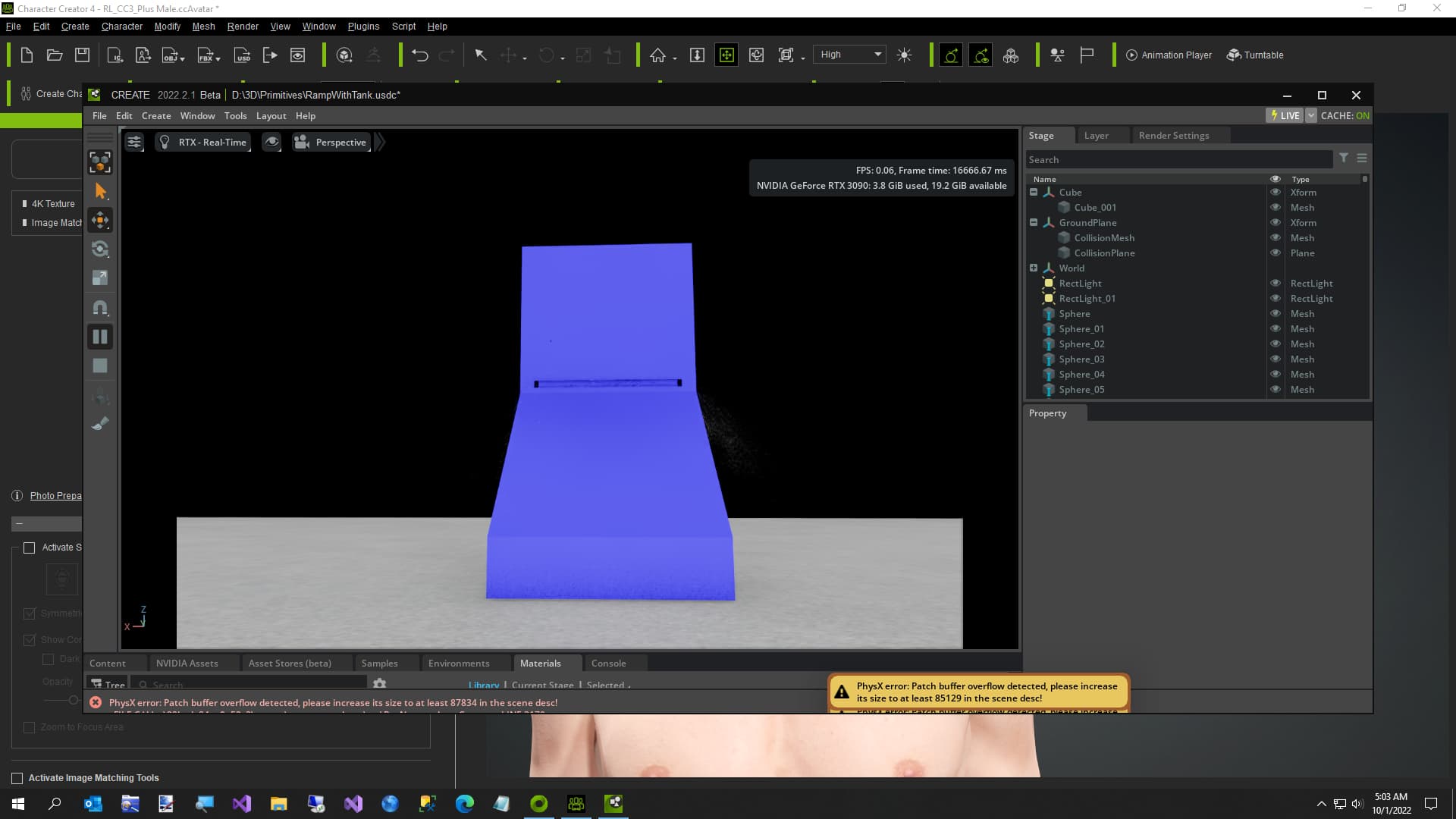
The error says Please Increase Its Size to 85129 in the scene desc.
Can you tell me what this means? Create didn’t like me trying to create 25,000 tiny spheres to create a ‘Fountain’ type effect.
Thank you
The error says Please Increase Its Size to 85129 in the scene desc.
Can you tell me what this means? Create didn’t like me trying to create 25,000 tiny spheres to create a ‘Fountain’ type effect.
Thank you
Hi,
this error means that internal PhysX SDK GPU buffer is too small. Currently this buffer is not resizeable in runtime. Please select the PhysicsScene and in the GPU parameters part you can increase this buffer size. If you dont have a physicsScene in your stage, please add one and set the size there.
That should help, for next release we improved the error msg to say what has to be done.
Thank you. I will try that.
Hi @AlesBorovicka ,
I am stuck in Isaac Lab with a similar buffer overflow problem.
Is there a way to set the buffer size in Python code?
Yes, you can change those using python like this:
from pxr import PhysxSchema

physxSceneAPI = PhysxSchema.PhysxSceneAPI.Apply(physics_scene_prim)
physxSceneAPI.CreateGpuTempBufferCapacityAttr(16 * 1024 * 1024 * 2)
physxSceneAPI.CreateGpuHeapCapacityAttr(64 * 1024 * 1024 * 2)
Regards,
Ales
This topic was automatically closed 14 days after the last reply. New replies are no longer allowed.