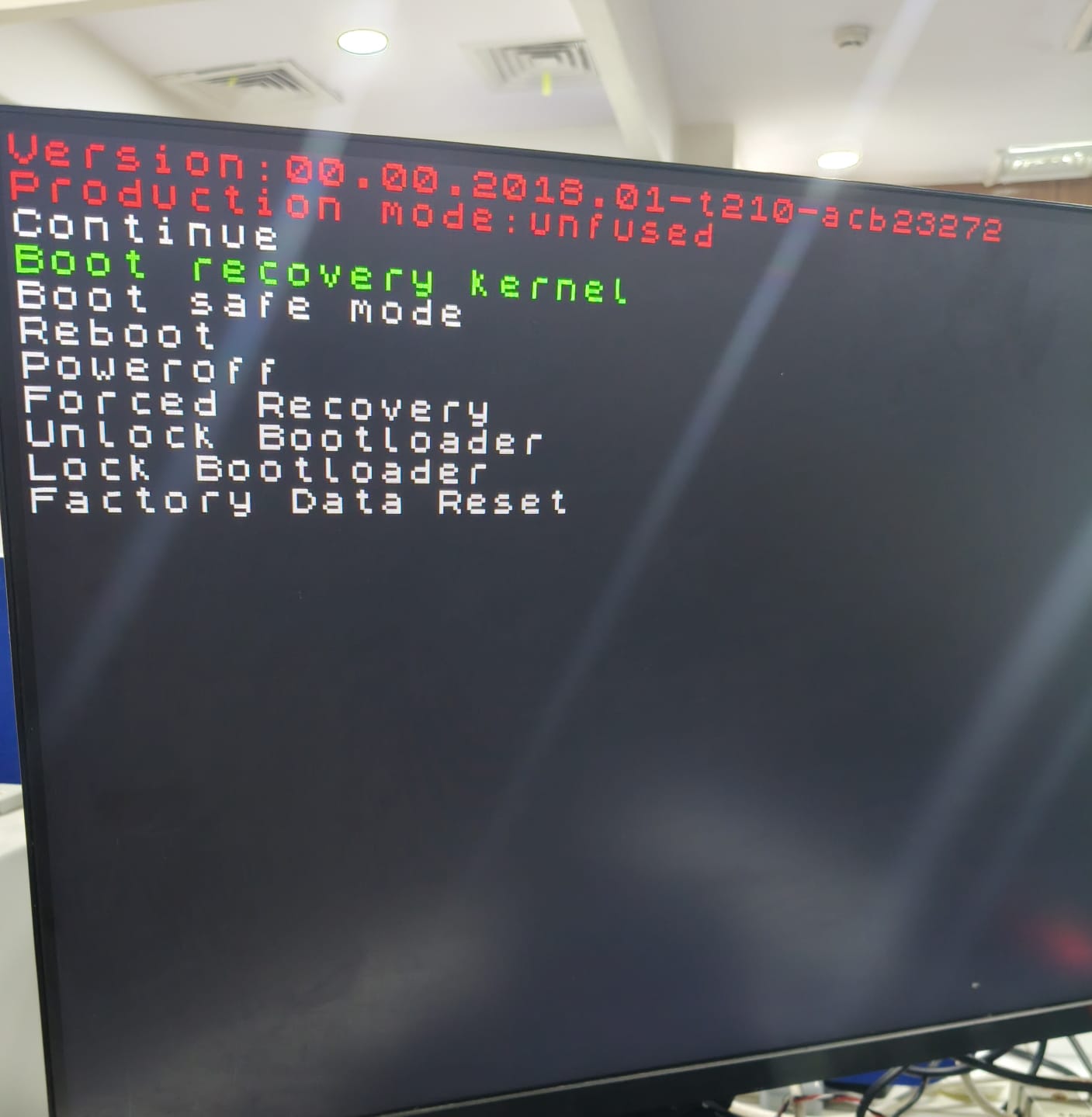
When I have connected Nano Jetson to monitor with flashed SD card inserted then this screen is open after NVIDIA logo by giving all connections to nano jetson but I am not able to move further by this screen means ENTER button or whole keyboard is not working in it and the kyeboard is all perfect it has no problem
Then how to press Enter and move further ?
Hi,
What is your JP/BSP version?
Thanks
Hi,
Please try flashing the latest JP 4.6.6 version.
Thanks
Hi,
But there is no SD card image released for this version officially . So I need to flash via SDK manager?
Thanks
Hi,
Yes.
Please prepare 18.04 native ubuntu (not VM) and install sdk manager to full flash your device.
Thanks

Reply it sir ?
What is the next initial step ?
And when you are going to reply that why the problem occurs ?
Telll me the exact reason?
Did you know that you need to put Jetson board into recovery mode so that sdkmanager can flash it?
yes I put it in recovery mode by short force recovery and ground then I have started flashing
Does the flash process finish successfully or not?
Above “install sdk components” process could be skipped first. SDK components do not affect the boot up process.

Please go to your ~/nvidia and search for Linux_for_Tegra directory first.
If it exists, then we could process for next step.
No there is no file with this name exists?
Then where did you choose sdkmanager to install files on your host PC?
Just want to clarify. Sdkmanager is just a GUI tool which installs Linux_for_Tegra to your host.
Then this GUI tool uses the tools inside of Linux_for_Tegra to flash your Jetson.
If that Linux_for_Tegra does not exist on the location I mentioned, it means either you changed the default path or the file fails to get installed on your host PC due to other reasons.
Please click the “EXPORT LOGS” button on your sdkmanger GUI and attach the whole log file here for us to check.
Hi, have you tried creating an SD card from this image: https://developer.nvidia.com/jetson-nano-sd-card-image ?
Check this out: Get Started With Jetson Nano Developer Kit | NVIDIA Developer
Yes, after flashing is done the continue tab on monitor appearing and keyboard stops working
On what comment are you trying to reply here?
Your issue won’t get fixed by using sdcard image because sdcard image does not really reflash the board…
This issue could only rely on sdkmanager or flash.sh to flash…
I have replied to shekelobango
By the way can I use ubuntu 22 version instead of ubuntu 18.04 version