Bug in gltf importer

Hello,

I have to import the following glb into Omniverse:
Candy.C3609.SeatBack_AR_62,5_R.glb (222.9 KB)

This should be the result:

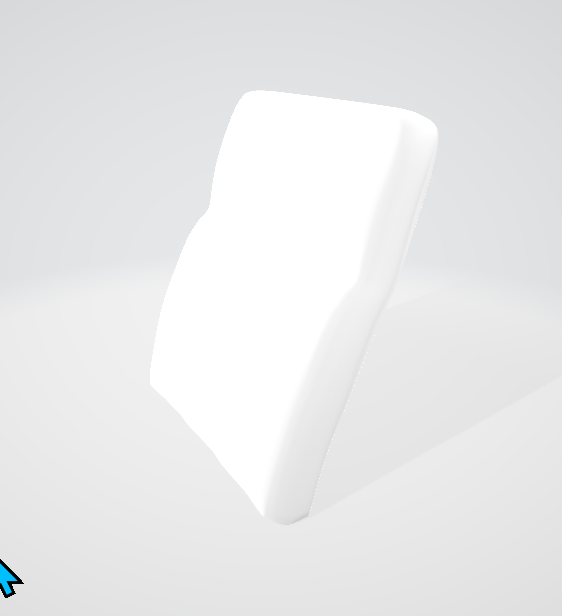
But when importing it to USD compose, this is the result:
kit_mIDElbA7KN

…as you can see it is rotated by 90 degrees. I’ve tried several different Combinations of import options, but I cannot get USD compose to import it the right way.

@mati-nvidia would be great if you can have a look at this… we have a very important presentation next week and this is currently the last showstopper for us…

Look like the glb has a root transform, that is not applied by the asset importer…

“nodes”: [{
“mesh”: 0,
“skin”: 0,
“translation”: [-1.09378741e-15, -2.62459254e-09, -0.736828685],
“scale”: [4.49752006e-05, 4.49752006e-05, 4.49752006e-05]
}, {
“name”: “SeatBack_AR_62,5_R”,
“translation”: [0, 3.09586517e-06, 1.83582301e-06],
“rotation”: [0.707106829, 0, 0, 0.707106709],
“children”: [0]
},

And here is another sample… this time the animation / skeleton is not imported…

Candy.C107X.WF_WallfreeCushion_82.glb (602.7 KB)

is that happening to all gltf mesh meshes? what’s the layer’s world axis setup - Y-up or Z-up?

Yes this is a Y up vs Z up issue. Try setting your stage to the opposite of what you have now.

Hi Richard,

the problem here is that I’ve hundrets of other assets that loads fine, so I cannot change up, because I do not know what “up” ist for each asset.

I think the problem here is that the up-settings from the asset are not interpreted. Because even Windows -3D-Viewer opens this asset and the other assets that are loaded correctly in USD compose, in the correct way
@rozhang can you have a look at this?

@c.bickmeier We’ll track this issue internally for now. And will keep an update here once we have any progress. Thanks for your patience.