Thank you for posting your inquiry on the NVIDIA Developer Forum - Infrastructure and Networking - Section.
Based on the information provided, there can be several low-level issue with your install/config:
Missing or Incorrect Firmware: The BlueField DPU’s firmware might be missing the necessary components or be an incompatible version to support the DPA feature.
Missing or Incorrect DOCA Driver/Runtime: The DOCA software stack (drivers, libraries) on the host or the DPU might not be installed correctly or is an incompatible version with the firmware.
Resource Limits/System Configuration: On the BlueField DPU, the maximum number of DPA processes or UARs may have been exceeded, or an essential kernel module (like mlx5_ib) is not loaded.
Hardware or Initialization Error: Less common, but a rare hardware error or an issue during the DPU’s boot process could cause this low-level resource creation to fail.
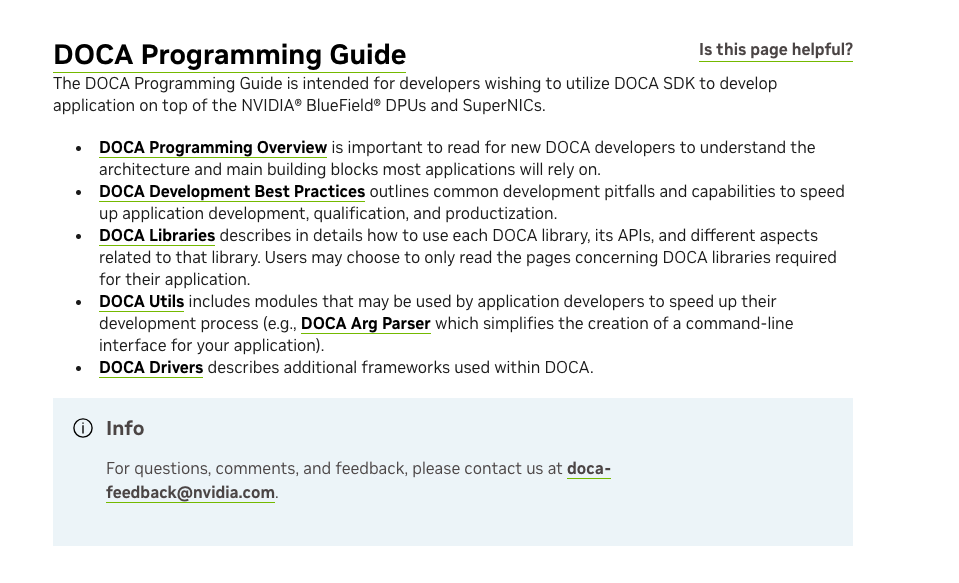
As this is an example of the DPA application code, the following guidance was provided on the main page of the “DOCA Programming Guide”