planning to use virtualbox of ubuntu 18.04 and SDK Manager in order to flashing Jetson TX2
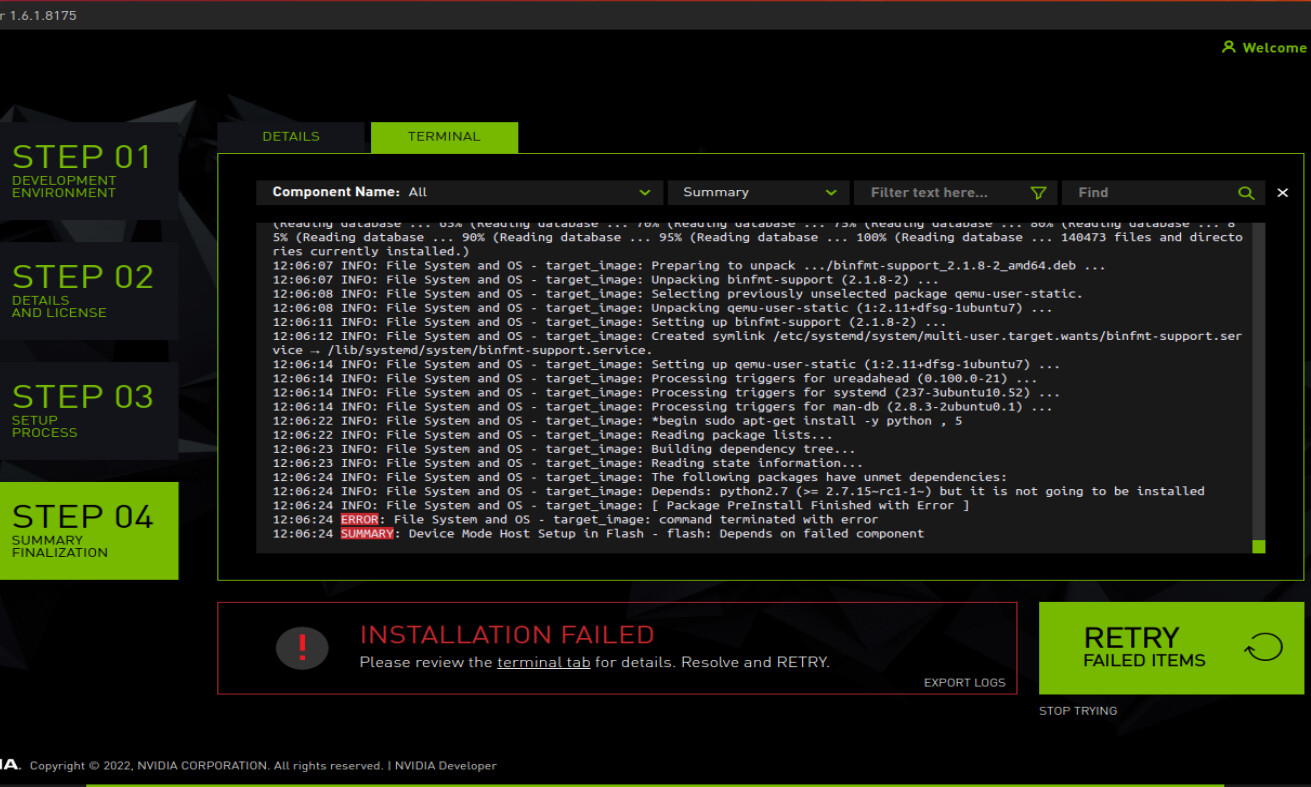
demo pic by NVIDIA SDK Manager, flashing Jetson TX2 , with install error - Album on Imgur
problem: the SDK package download failed with Dependency error
apt-get missing dependencies, there are missing dependencies in
apt-get database.Try ‘apt-get -f install’ with no packages [ or
specify a solution ] in a terminal, and click RETRY.
I have tried this for about 3 days, still stock on this, I just want to flash TX2 ( ´•̥̥̥ω•̥̥̥` )
Hi,
Generally, this issue is not related to jetson. It is more related to your host PC…
apt-get is not able to work fine on your host PC, so sdkmanager returns error…
EXPORT LOGS may tell more about your issue.
I also taking the screenshot for EXPORT LOGS
below is the the error picture
please review the terminal tab for details. Resolve and Retry
= = = =
Failed compoent:CUDA on Host
Error: (APT system is broken and requires manual fix)
- the terminal tab looks like:
ERROR: File System and OS - target_image: command terminated with error
SUMMARY: Device Mode Host Setup in Flash - flash:Depends on failed component
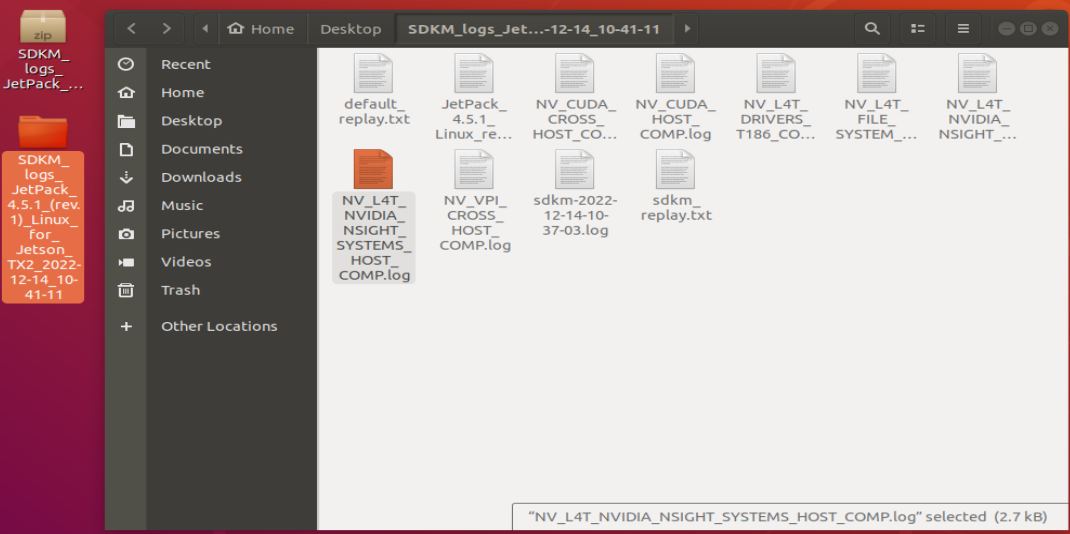
- the download log/record file I saved on desktop, but not sure will be usefull
for this issue how can I deal with it?
use a native Ubuntu 18.04 Linux host not a vm
because I’m using Ubuntu 20.04, downgrade to Ubuntu 18.04 is harder cause the official Ubuntu not allow us to do so, and I searched that 18.04 is support until 2023,
I will use use a native Ubuntu 18.04 Linux host not a vm as last resort
I hope just simply use vm do first that I did see demo/instance using vm
how about using an USB mass storage to install Ubuntu 18.04?
then you can keep your 20.04 as it is, and have 18.04 too.
ok, I will try to do that , I will tell the result in 2 days, I gatta study how to do so, thanks