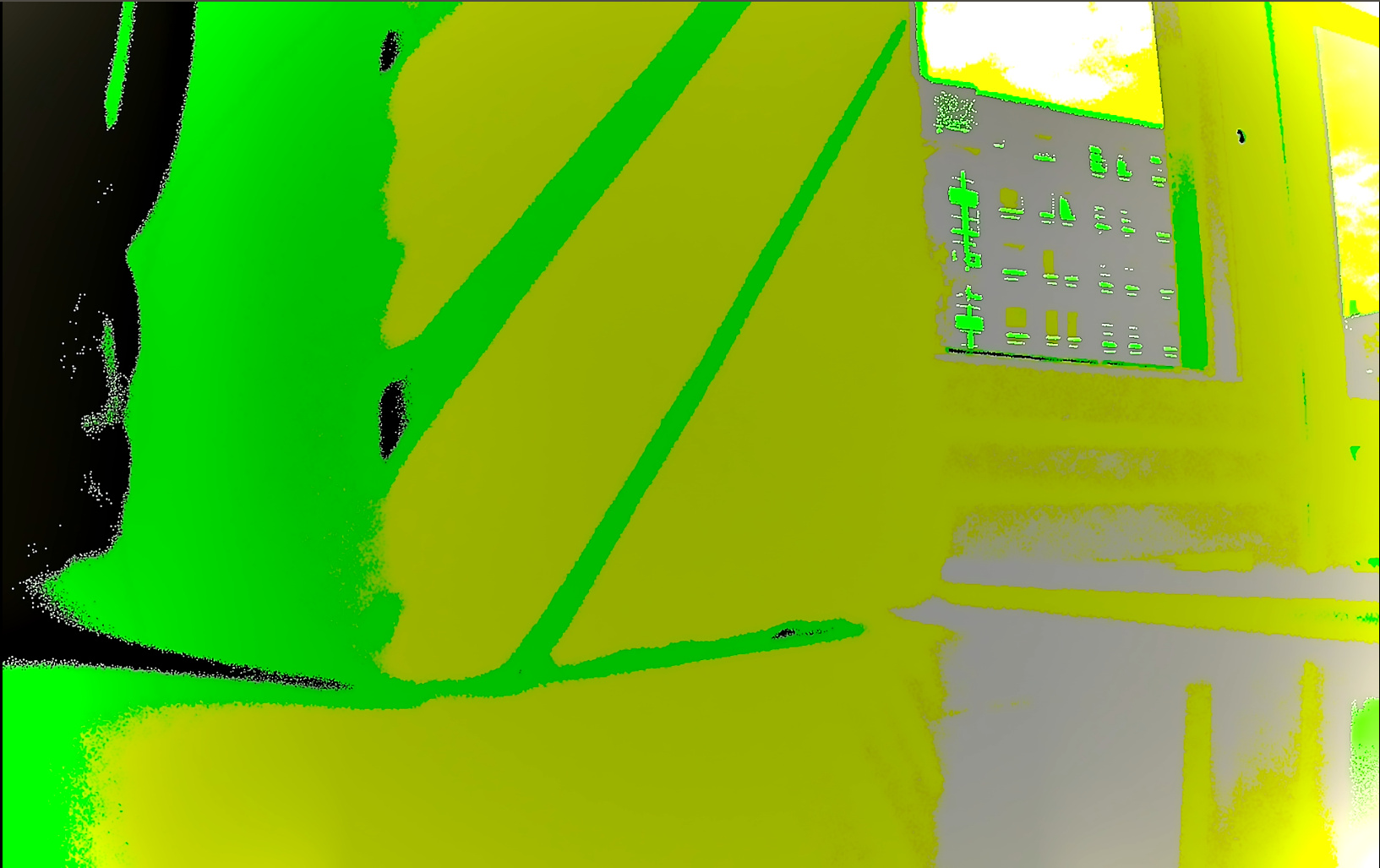
After I upgraded from Drive Software 9 to Drive Software 10.0, I am not able to use the IPP Raw (nvmipp_raw) with the sample plugin. Because the AutoExposure and Auto White Balance (AWB) algorithms are broken.
I am getting nvmedia errors of the type: failed to populateSensorAttributes. I attached the complete log and command to reproduce, also an image result.
In the next link, NVIDIA mentioned that this is a known issue. But my work currently depends on this and I am blocked. After some effort, I modified the sample plugin source to get the AE working, but the AWB is still broken. Is there a way for me to fix the AWB sample plugin?
How did you get AE working? by calling NvMediaISCGetSensorAttributes() to get those attributes?
What do you mean “fix the AWB sample plugin”? Can you modify IPPPluginSimpleAWB() in sample_plugin.c for it?
No, I did not use NvMediaISCGetSensorAttributes. In order to make AE work I manually hardcoded the values as described below:
In populateSensorAttributes(NvMediaIPPPlugin *pluginHandle) in sample_plugin.c I hardcoded the following values:
minET[i] = 0.000057;
maxET[i] = 0.032856
minGain[i] = 0.8
maxGain[i] = 95.953125
fineET[i] // Not set, because behavior didn’t seem to change
stepET[i] // Not set, because behavior didn’t seem to change
This workaround allowed me to use AE. However, the AWB still produces the greenish image from above. There are a bunch of other associated problems, for example, I noticed that the IPPPluginSimpleAWB divides the computed gains by the input gains in NvMediaIPPPluginInput. These are sometimes zero which produces invalid gains.
The AWB algorithm seems to need valid gain ranges, but I’m not able to find them.
Can you explain to me how to use NvMediaISCGetSensorAttributes in order to get valid sensor limits
Is there an estimated date for a release with this fix?
If this fix is waiting on other releases, would it be possible to receive the modified libraries?
Basically, on the process function of the Sample Plugin. At the 16th frame or near, one incoming WB gain is zero. The AWB algorithm then makes a division by zero… and after that, the AWB produces absurd values. The sample plugin receives this through the following object:
NvMediaIPPPluginInput-> NvMediaISCWBGainControl → gains.
This is happening in the ProcessExFunction. According to the docs, this function receives information from the previous component. This information is incorrect after the first frames.
This function is called at capture speed, one call per image. The plugin receives input information in the pluginInput structure and puts the results into the pluginOutput structure.
Does anyone have an idea of what is going on here with the ISP and ISC components at the IPP Capture? Can you please elaborate on how NVIDIA fixed this?
Because IPP will be depreccated in the next release (IPP will be lasted for only the release though), I would suggest you to move your efforts onto SIPL.
As I mentioned in below topic, you can peek at the SIPL camera sample to know how plugin will work in it.