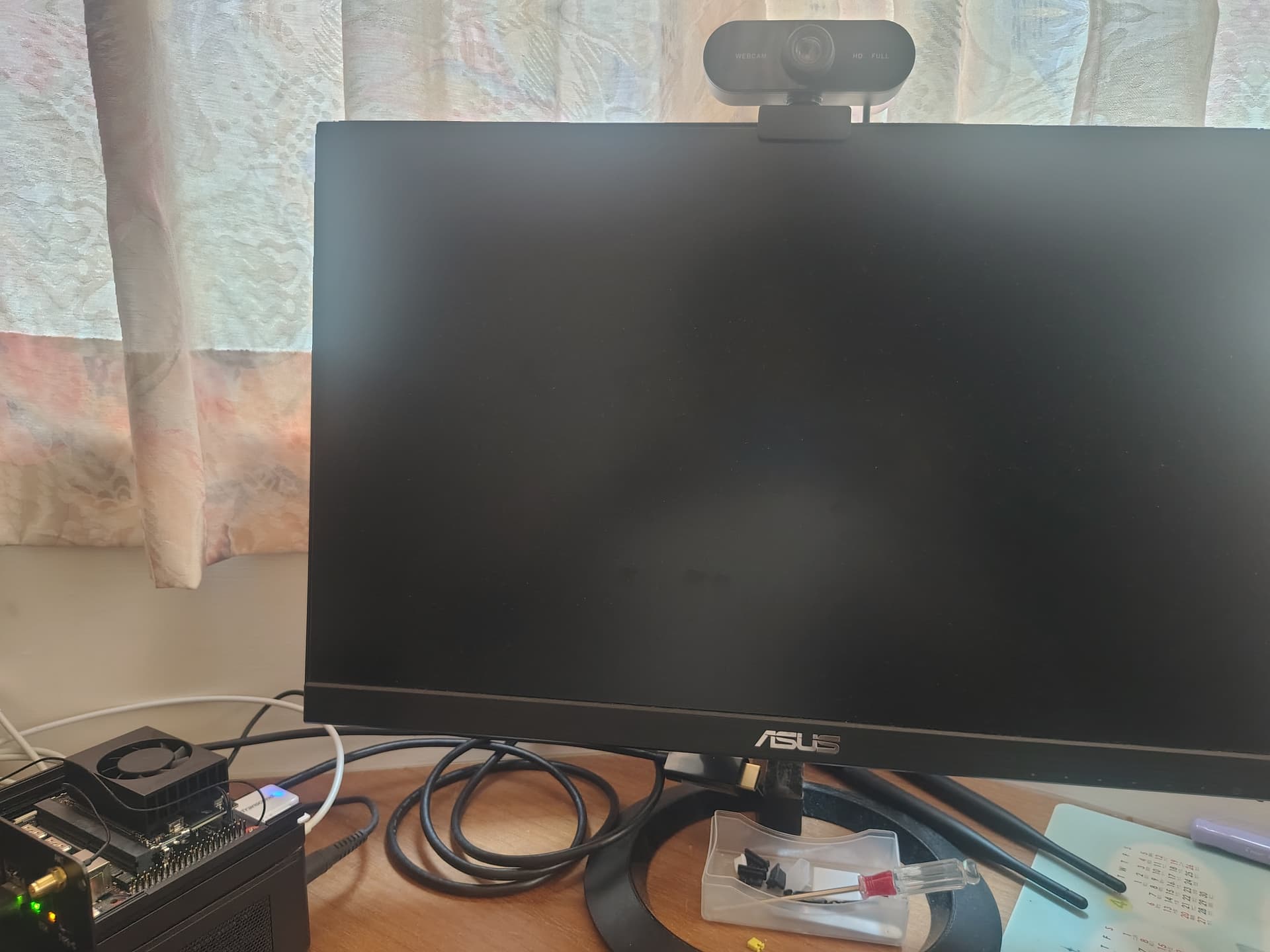
I used the SDKManager to install JetPack 6.2 to the M.2 SSD, and Jetson Linux was successfully installed, and it automatically started and logged in the Jetson Linux. Then, SDKManager continued to install Jetson SDK Runtime until 50.4%, the SDKManager lost the connection with Jetson Orin Nano Super, and the mouse and keyboard of Jetson Orin Nano Super stopped working, and the both LEDs of Ethernet Port were always on.
After 1 hour, SDKManager on Host PC still stopped at 50.4%, and Jetson Orin Nano Super still did not work.
Currently, when Jetson Orin Nano Super is powered on, the fan starts twice, every time is about 10 seconds, both Ethernet LEDs are always on, mainboard of Power LED is also on, the keyboard cannot be detected, the keyboard LEDs are off, and the DP doesn’t output anything.
If the Orin Nano Super enters the Recovery Mode(JP9 + JP10), use the lsusb command on Host PC and the Host PC does not find the Orin Nano Super, the SDKManager is, too.
Hi, David,
Yes, I use a native ubuntu 20.04 as my Host PC. (Intel NUC i5-11500h, 32GB RAM, 1TB NVMe SSD).
After SDK Manager failed to install the Jetson Runtime Components (stopped at 50.4%), my Orin Nano Super’s status is …
Please refer to my video. (https://drive.google.com/drive/folders/1Zs1Dr2iQdrGLYZ5kVbfn7SqwNy1aBAf0?usp=sharing)
Currently, all USB-A ports, USB-C, Ethernet, and DP don’t work. I tried to use a microSD that is with the JetPack 6.2 to boot up my Orin Nano Super. But, not working.
I feel that QSPI/UEFI doesn’t redirect to the microSD, the Orin Nano Super’s status is always as my video.
Just to confirm, at some point you were able to flash the board using SDK Manager and the same host machine right ?
Which means that at some point the computer was able to detect the Jetson board through USB, correct?
I would suggest trying to connect to the Jetson’s UART interface.
That should at least show you boot messages, maybe we could get a better understanding of what the board is doing and why is it behaving the way it is.
best regards,
Andrew
Embedded Software Engineer at ProventusNova
Hi, @proventusnova
Yes, I tried to use the miniCom(115200, 8N1) to capture some logs at power on. But, no any response. I feel the Button Header of Jetson Orin Nano Super doesn’t work, too.
But, the Reset (PIN7, 8) is work, Force_Recovery (PIN9, 10) cannot let the Host PC finds the Jetson Orin Nano Super via USB-C.
I think this issue should be studied. SDK Manager installs the Jetson Runtime Components should not cause any malfunctions at the Jetson Orin Nano Super. I think at best it’s just a software mess in my SSD.
That sounds like a possible HW issue to me.
The board should show the boot logs even if the SSD is on a bad state.
I would try a different computer, different USB port and different cable.
But if the behavior persists, we should start considering a possible HW issue with the Jetson board and you might need to get it RMA.
Either way, please keep us posted if you run any other tests, we would like to hear the results.
best regards,
Andrew
Embedded Software Engineer at ProventusNova
Hi, @proventusnova
It’s nice of you.
Yes, I have requested an RMA because I can’t find any way to re-create a connection to Jetson Orin Nano Super from my ubuntu 20.04 host pc. Even, I had reinstalled an all-new ubuntu 22.04, and wish the all-new environment can bring me miracle. Nothing happend.