Hello
I’ve been testing the latest UE nvrtx 5.3.2 build, and noticed significant blurring of high frequency texture detail and even cast shadows in certain cases. I imported a few nanite megascan assets into Unreal to demonstrate what happens when Sampled Lighting (with NRD Relax) is turned on:

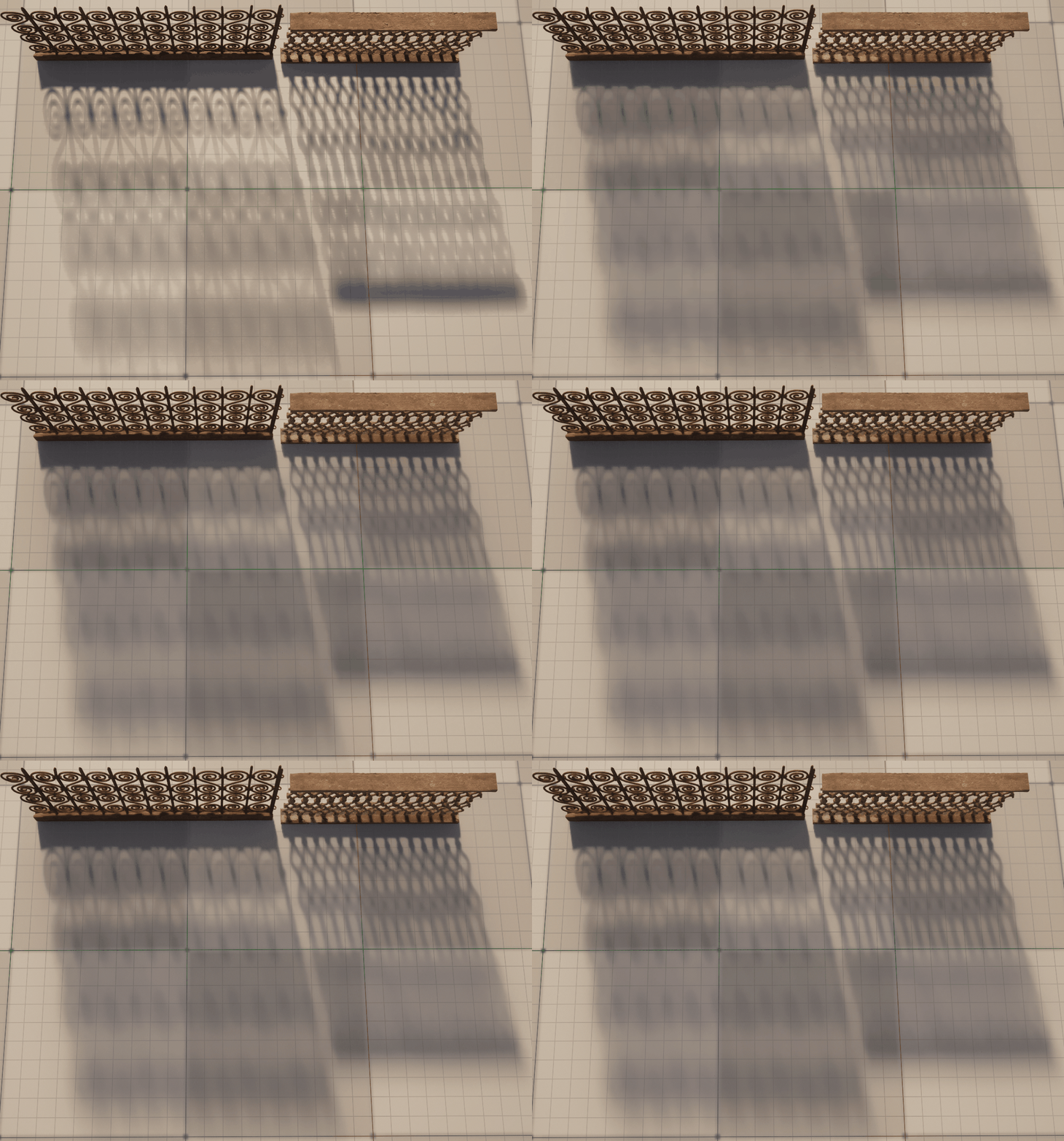
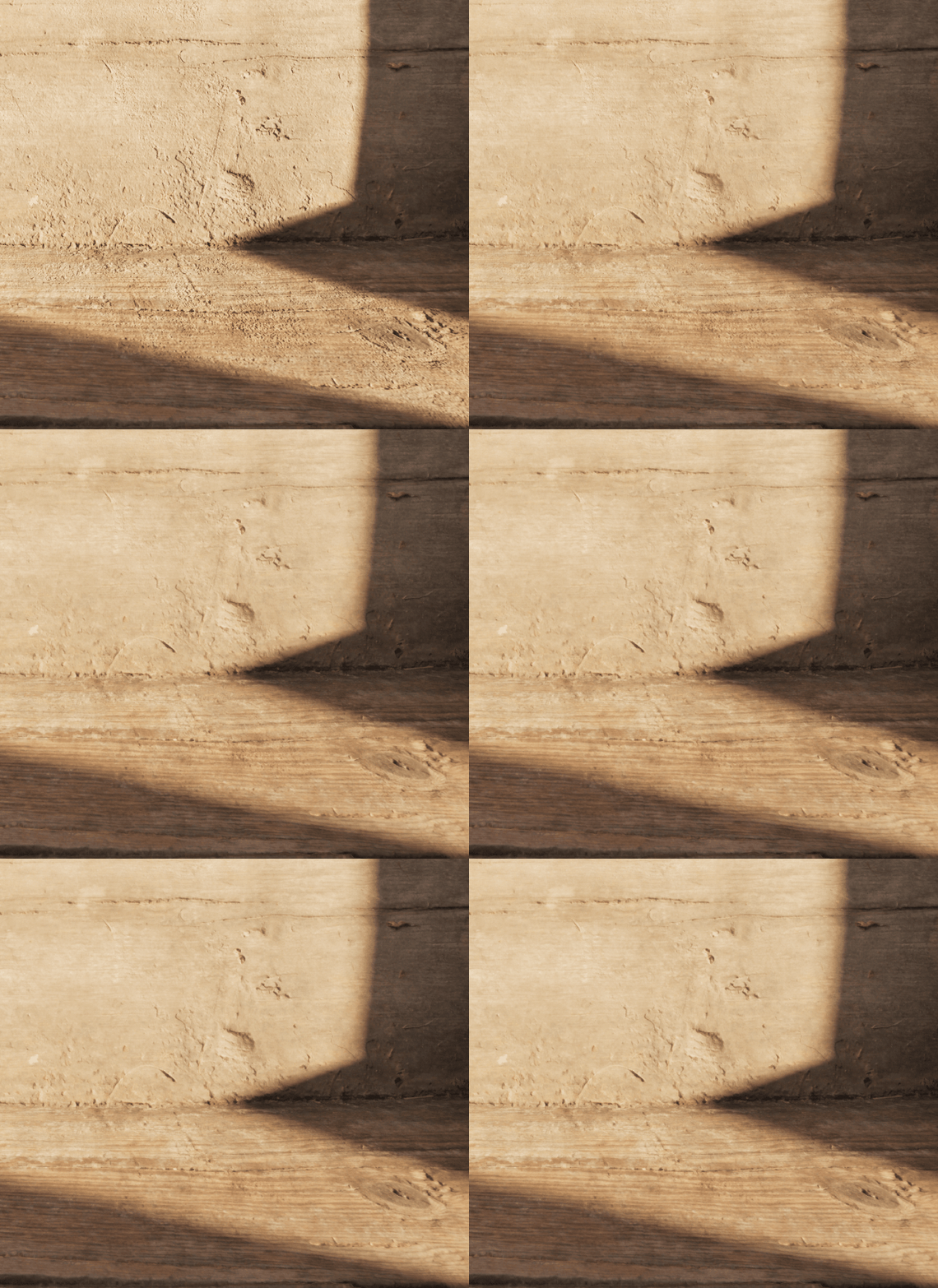
I have also tried the latest build with ReSTIR GI (April 23rd), and tested CVARS such as:
r.RayTracing.SampledLighting.Temporal.ApplySpatialHash r.RayTracing.SampledLighting.DemodulateMaterials r.RayTracing.SampledLighting.Spatial.Samples
r.NRD.Relax.DI.Atrous.Iterations
r.NRD.Relax.DI.DenoisingRange
Setting Spatial Hash/Atrous Iterations to 0, or upping spatial samples (without the denoiser) can work in some cases, but it’s not ideal for large scenes.
I was wondering if there are any specific settings that can be used to make sure that high frequency detail is preserved with the Relax denoiser?
Thank You
More tests with a larger set, Sampled Lighting 0/1, NRD Technique set to ReLAX:

The Sampled Lighting mode is definitely more accurate, but the NRD ReLAX denoiser seems to blur textures, lighting information, and distant geometry detail.
I also tested the RTXDI sample that’s included with the NVRTX build, and added a simple megascan normal map to the box geometry:
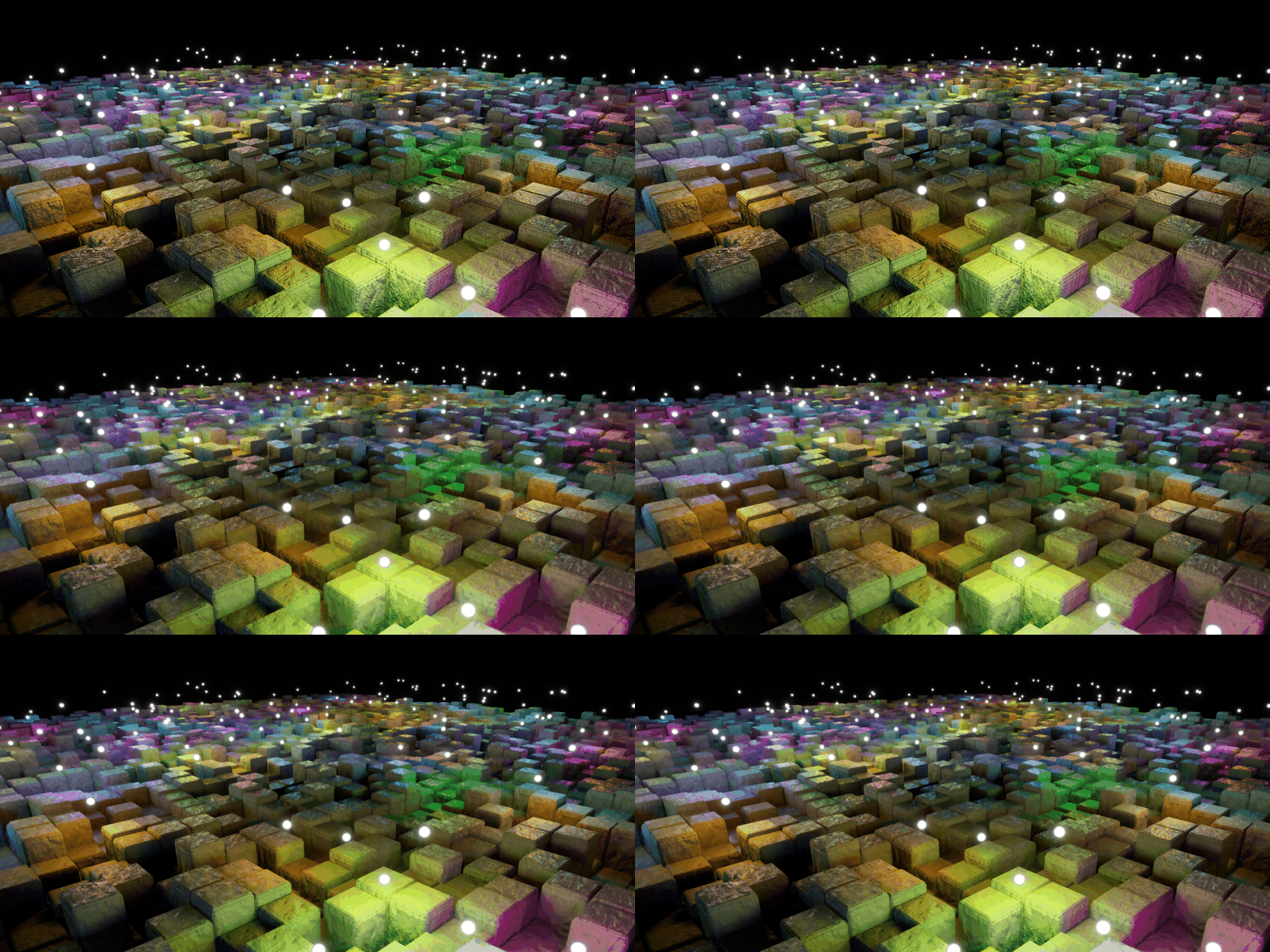
It’s possible to get rid of some of the flickering by increasing spatial and brdf samples, but the blur definitely affects the normal map texture, and the overall sharpness of the final image. Same render without the light geo in the viewport:
Going back to the original question, is this the expected functionality of using RTXDI with NRD? Is it possible to preserve texture and geometry detail with certain CVARS that are not activated when Sampled Lighting is turned on?
Having gone through both the RTXDI and NRD docs, I didn’t notice anything that mentioned these issues specifically, but it would be really good to update those readme’s for users.
I also encountered the exact same problem.
RTX DI+Lumen HWR
It is obvious that RTX DI’s noise reduction will cause the texture to lose a lot of detail.
UE5 Path tracer
1 Like
There is definitely a loss of detail between the two renders.
Have you tried NVRTX 5.4? I’ve been testing certain cvars, but I have not noticed a major difference in successfully bringing that detail back. Maybe ray reconstruction could help some of this. Also had issues with RestirGI flickering quite a bit in interior spaces, so I’m going to start doing some more comparative tests with Unreal’s Megalights and Lumen.