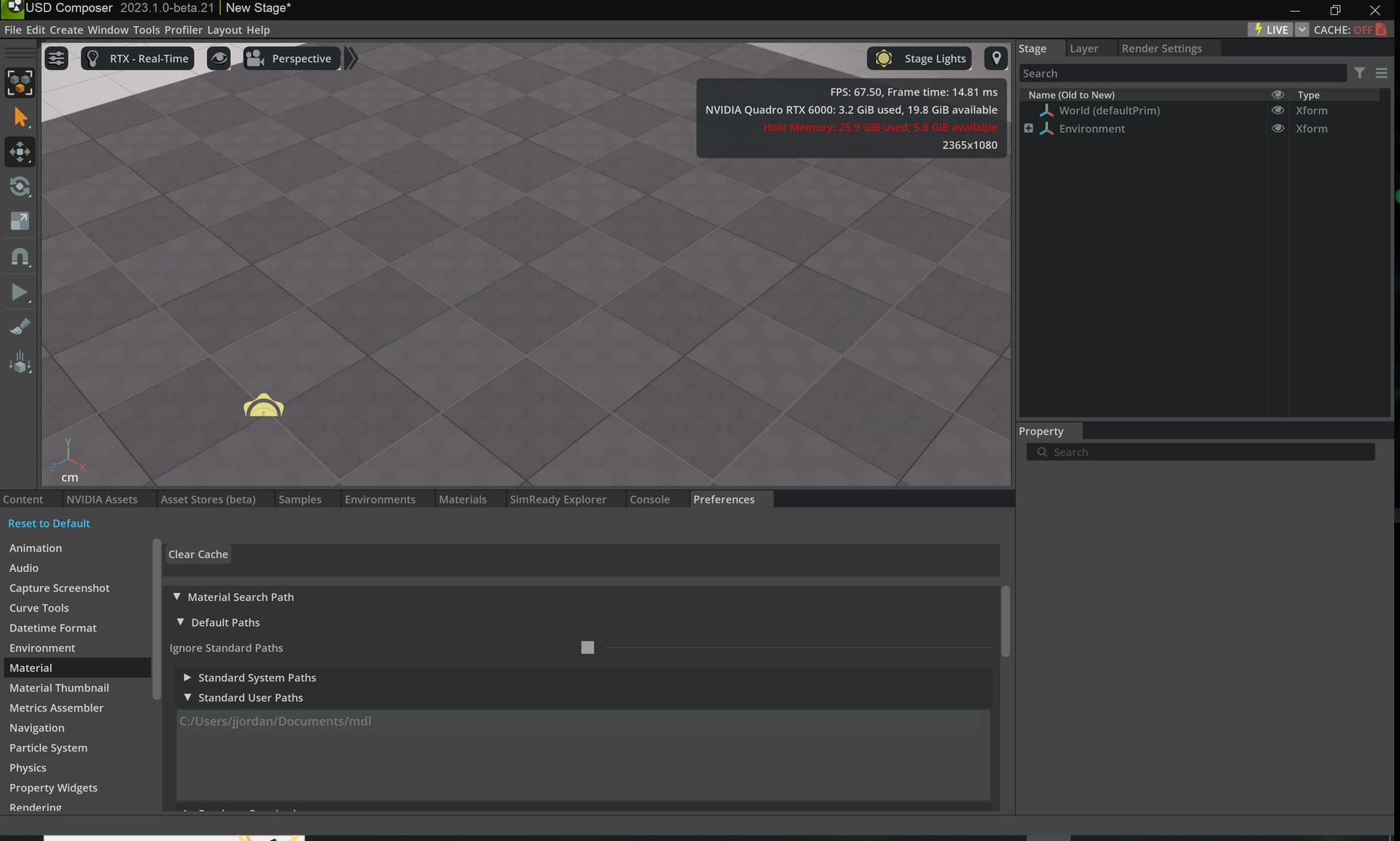
I’m starting to fiddle with MDL, in particular the checkerboard component. What I want is the checkerboard to be fixed in world space such that the pattern moves across the object as the textured object’s position changes.
I’d call this word space projection, but it seems setting world_space for placement alone doesn’t do what I need. Do i need to feed in a counter blancing offset and if so where would i get that? I’m currently working in Omniverse Material Graph but I’m happy to drop down to shader code if someone can point me at how to do that in Omniverse Code.
The 3d checker texture from the graph editor does not have a world space option.
either you modify the ::nvidia::core_definitions module or you could use the module ::base (core_definitions is mostly a simplifies view on ::base)
to modify ::nvidia::core_definitions:
-make your own copy (rename it)
you can find it on disk in composer for example (similar in code)
C:\Users<username>\AppData\Local\ov\pkg<composerdir>\kit\mdl\core\mdl\nvidia
So I don’t see an ov directory in my AppData\Local
Is there a specific filename or extension I can search for to find the right directory? This is Win11 if it matters
(I found a match in D:\projects\Omniverse\Libraries\deps\b5fa2c43b3da3291ed6e3dc18d62602b\mdl\core\mdl\nvidia is this right?)
So, I played with this all day and have had no luck getting it to recognize my new shader. I even turned OFF the default paths to see what that did, and nothing changed.
Is there some kind of cache clear I need to do when changing the available MDL files?
Maybe a first question should have been, which Kit/create/usd_composer version are you using?
D:\projects indicates a custom install dir for OV, in that case, yes you need to translate the default install dir to your custom install. the directory you found looks correct, although you might have multiple kit installations and you need to find the right one for your create/usd composer to pick up. you will have a usd composer install and it will softlink to that kit dependency.
With recent kit versions there is a default location for user modules:
Is there a simpler way of doing this? I want to apply a texture on a prim and I want the textures size to be fixed. If the model is bigger than the texture than the texture image should repeat itself. How can I achieve this without going deep into code to make changes
This is helpful since I am looking to apply the texture on all 3 planes and preferably on the object coordinates instead of world coordinates. However, I am not sure exactly how to use that, is there any explanatory video for the triplanar node? I tried connecting it to a shader node but that didnt work
Regarding the fixed texture size, I also believe it is something to do with scale of the mesh I am applying it to. At least on blender, if I can normalize the scale of a mesh (How to NORMALIZE the SCALE of an OBJECT in Blender and why it’s important - YouTube) and after that its uv mapping gets fixed and the material is no longer stretched.
Can you tell me how to do this on omniverse such that the material does not get stretched?
I need a material where the image texture size remains fixed, (something on these lines in blender: Fix Texture Stretching in Blender with 1 Click! (youtube.com))
For general questions about Omniverse, please see the Omniverse forums. Omniverse - NVIDIA Developer Forums
But i have to point out that Omniverse is a developer plattform, not an end user application. The documentation will expect a basic understanding underlying technologies like USD and scene graphs.