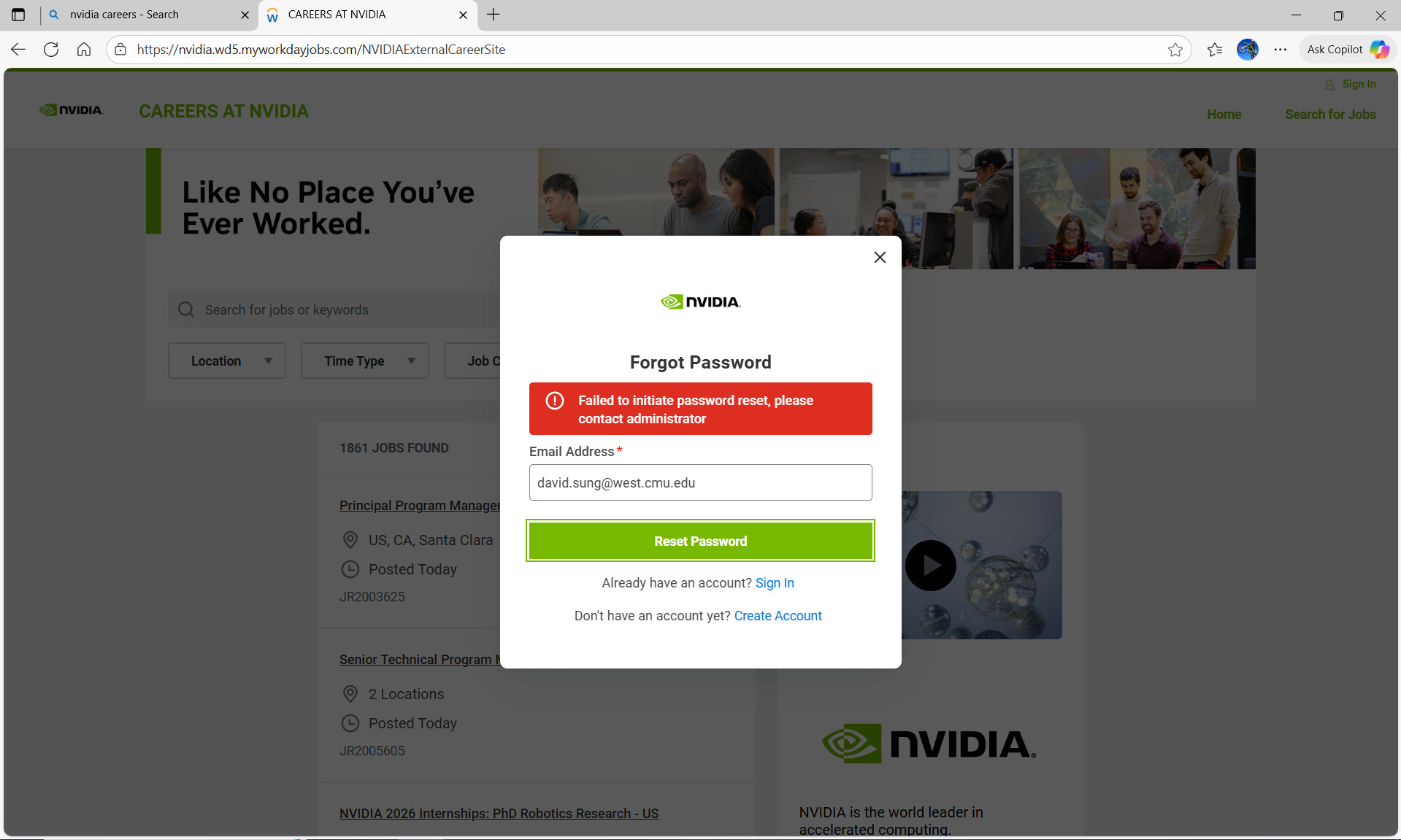
I’m trying to reset the password for my NVIDIA Careers (Workday) account, but the reset flow errors immediately with:
“Failed to initiate password reset, please contact administrator.”
Details
Email on the account: david.sung@west.cmu.edu
Where it happens: Careers at NVIDIA → Sign In → Forgot Password
What I’ve tried: Edge/Chrome/Firefox, cleared cache & cookies, incognito, Windows 10 desktop.
Also tried Create Account (it says the email already exists), so I’m stuck.
Screenshots attached for reference.
Request
Could a moderator or NVIDIA recruiting/Workday admin check my account and help trigger a password reset or advise next steps? Thank you!
Thanks, Markus. I saw that message/thread. My issue is different:
When I click Forgot Password, I immediately get a red banner saying “Failed to initiate password reset, please contact administrator.” No email is sent. I’ve waited >30 minutes, tried <5 times today, used Edge/Chrome/Firefox, incognito, and cleared cache on Windows 10. Create Account also says the email already exists.
Could someone check/unlock my candidate profile and manually trigger a reset? My account email is david.sung@west.cmu.edu. Happy to DM any details. Screenshots attached. Thank you!
Please first of all follow the instruction in the thread I linked above. There are time-outs involved that can seem like access is broken. Just try to be patient.
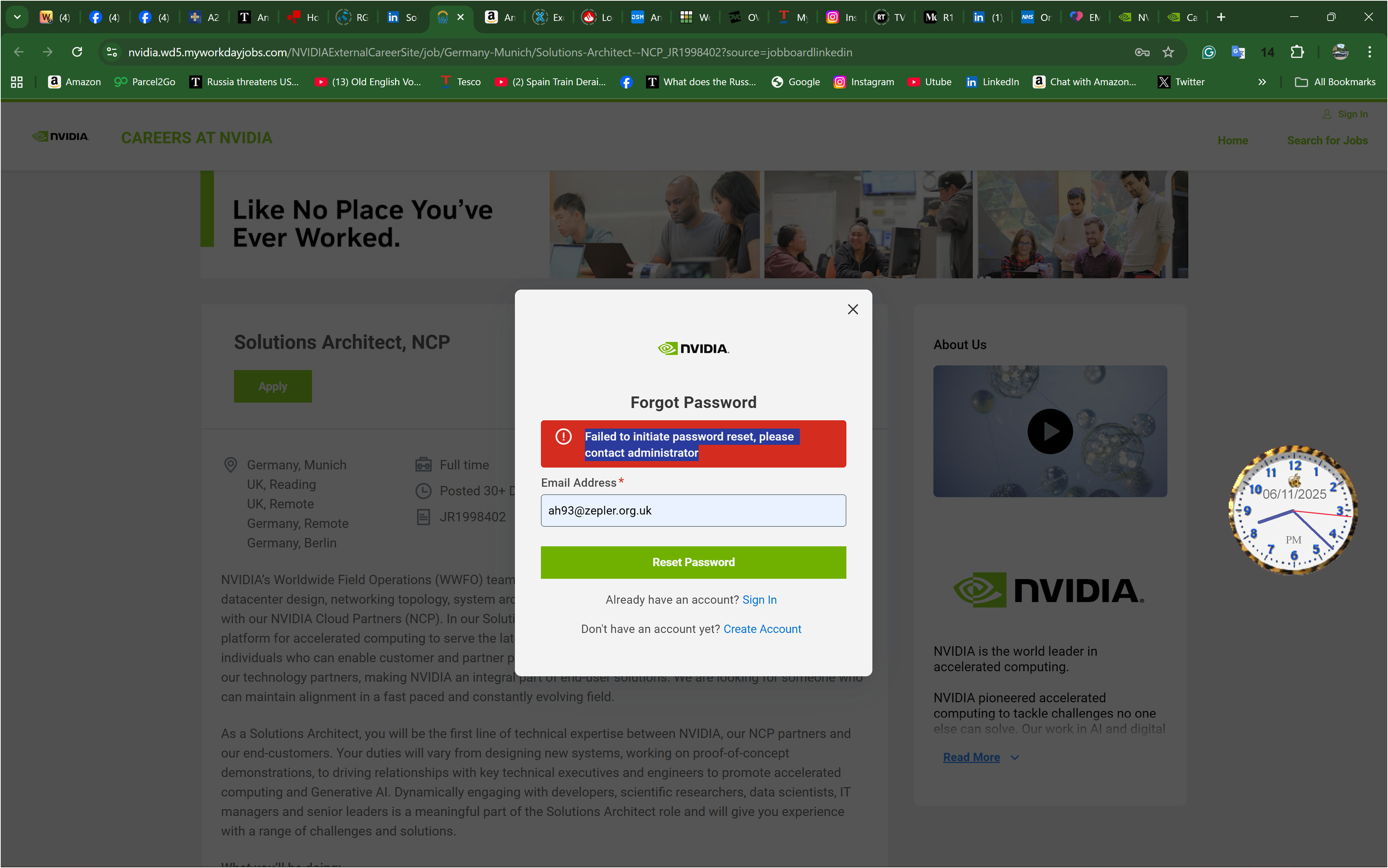
when i try to reset password on ah93@zepler.org.uk i get the above screen, "message “Failed to initiate password reset, please contact administrator’. Please could you delete the ah93@zepler.uk account and I will set it up from scratch. Please do it asap. Please let me know when it has been done. Thanks. Andrew