Isaac Sim Version
[√] 4.5.0
Operating System
[√] Ubuntu 22.04
[√] Windows 11 (also)
GPU Information
-
Model: Geforce RTX3090
-
Driver Version: 560.94
Topic Description
Detailed Description
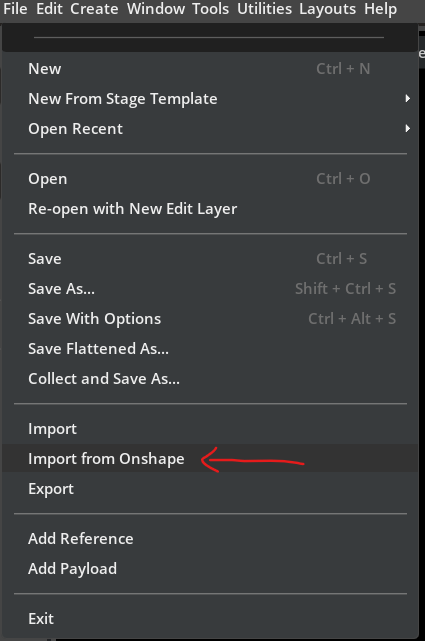
I’d like to use the “Import from Onshape” feature from a Python script.
My goal is to iterate over the parameters defined in an Onshape model’s configuration table, import each configuration into Isaac Sim, and then save it as a flattened USD.
There is a link for follow up how to import own onshape documents.
But it doen’t work… empty link…

Using the Isaac Sim UI I can import a configuration easily, but I’m looking for a Python-based automation.
Is there any Python API or example showing how to:
-
specify an Onshape document/assembly and select a configuration,
-
run the Onshape importer from a script/headless environment, and
-
programmatically save the imported stage as a flattened USD for each configuration?
Any sample scripts would be greatly appreciated!
Thank you.
Screenshots or Videos
Additional Information
What I’ve Tried
Tracking the extension of ‘omni.importer.onshape’… complex to me..
Additional Context
In short, I want to load every configuration (declared in the configuration table) of an Onshape 3D model into Isaac Sim and export a flattened USD for each configuration—all automatically.