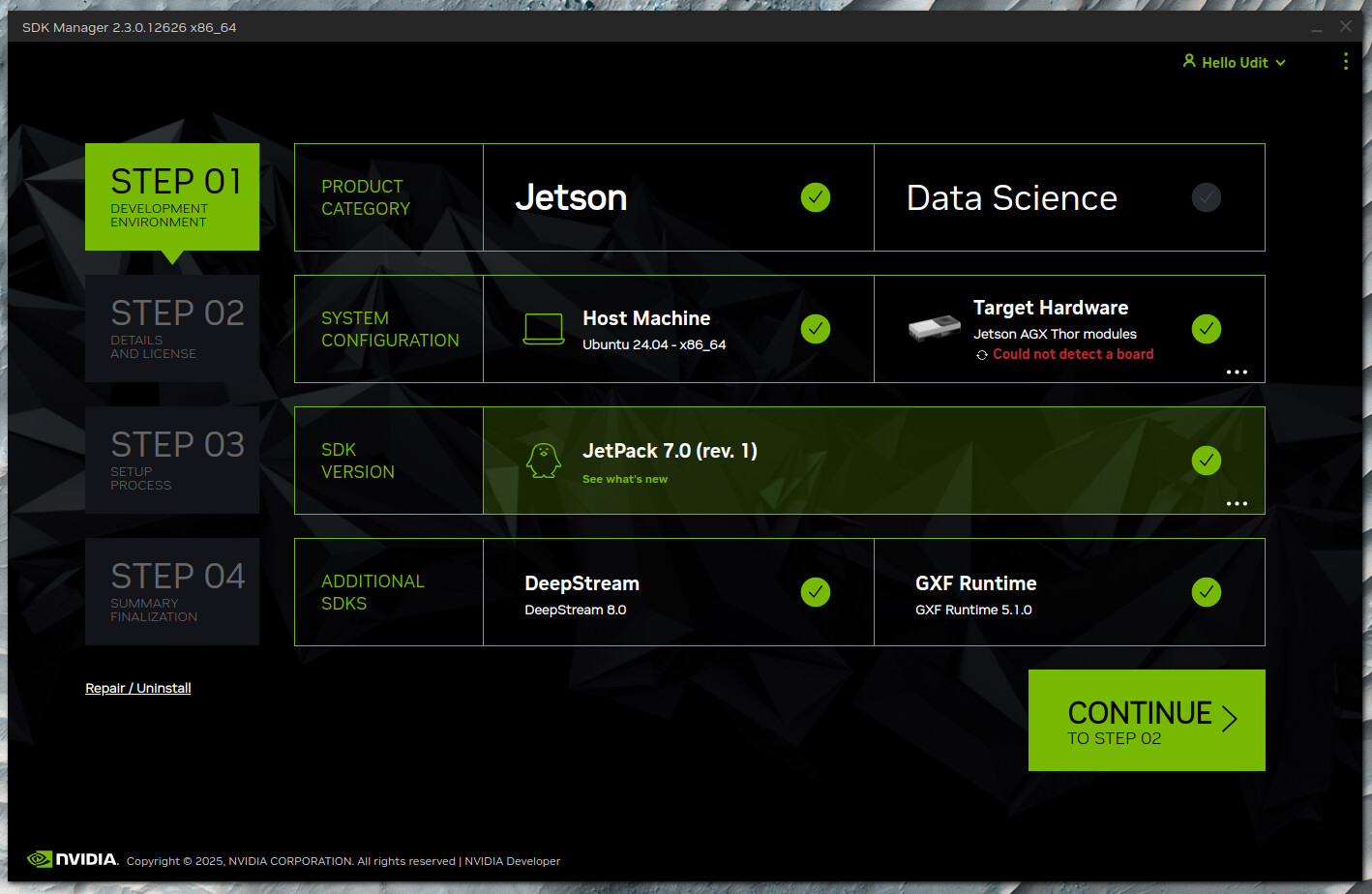
I am trying to setup a Jetson Thor using Nvidia SDK Manager. Jetson Thor is not detected by SDK manager even though it shows in lsusb. On connecting a display to device to Thor it tried booting via Ethernet and then dropped into a shell. I was unable to force it into recovery mode.
``bash > lsusb Bus 003 Device 016: ID 0955:7045 NVIDIA Corp. Tegra On-Platform Operator
```
After I power off. holding the recovery button first, then the power button and releasing both, the device power led turns on but the fan doesn’t spin nor does the lsusb output change (also nothing on the display)
Could you please confirm if the flashing cable is connected to the host computer?
Additionally, make sure the device is in recovery mode by following the instructions in the documentation below:
We encountered the same issue while attempting to flash the Thor developer kit with SDK Manager. We thought we had to use the USB-C port under the magnetic cover, but we were wrong. We successfully flashed the Thor by using the USB-C port next to the HDMI port for flashing and the power cable installed in the adjacent USB-C port. Pressing Reset + Recovery with power connected didn’t seem to work for us - instead we unplugged the power cable, held down the Recovery button, plugged the power cable in, then released Recovery. We then saw the correct 0955:7026 output from lsusb on the host computer.
Thanks! Its in recovery and being detected now. (I already flashed one orin using the flash drive method). I don’t know why they don’t mention it anywhere which USB port to use (with an image would be great). My obvious guess was since it was hidden from the user has to be the USB port under the magnetic cover. Thanks once again