Operating System:
Windows x
Kit Version:
108
Kit Template:
USD Composer
GPU Hardware:
A series (Blackwell)
GPU Driver:
Latest 581.42
Main Issue:
I am workign with the awesome city scene by TheScope: https://www.scopelocations.com/
I have not changed the scene in anyways. I started by opening the:
CNTRParkPlaza02_ScopeCity_001_view01.usd
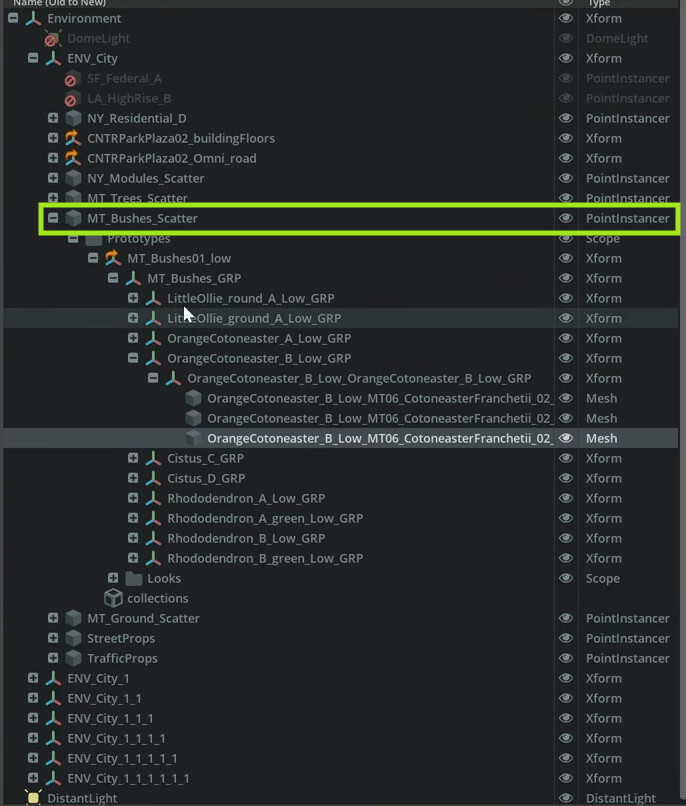
file and then started to deactivate assets so I can export just the needed street elements as FBX for crowd sim in iClone8.
But see this strange behaviour:

I select them by search, I delete them ( de-activate ) but they still are there. I cannot select them by mouse and I do not see them in stage..
But only after scene re-load they are gone..
What can this be?
In power shell I see only this message:

Pekka