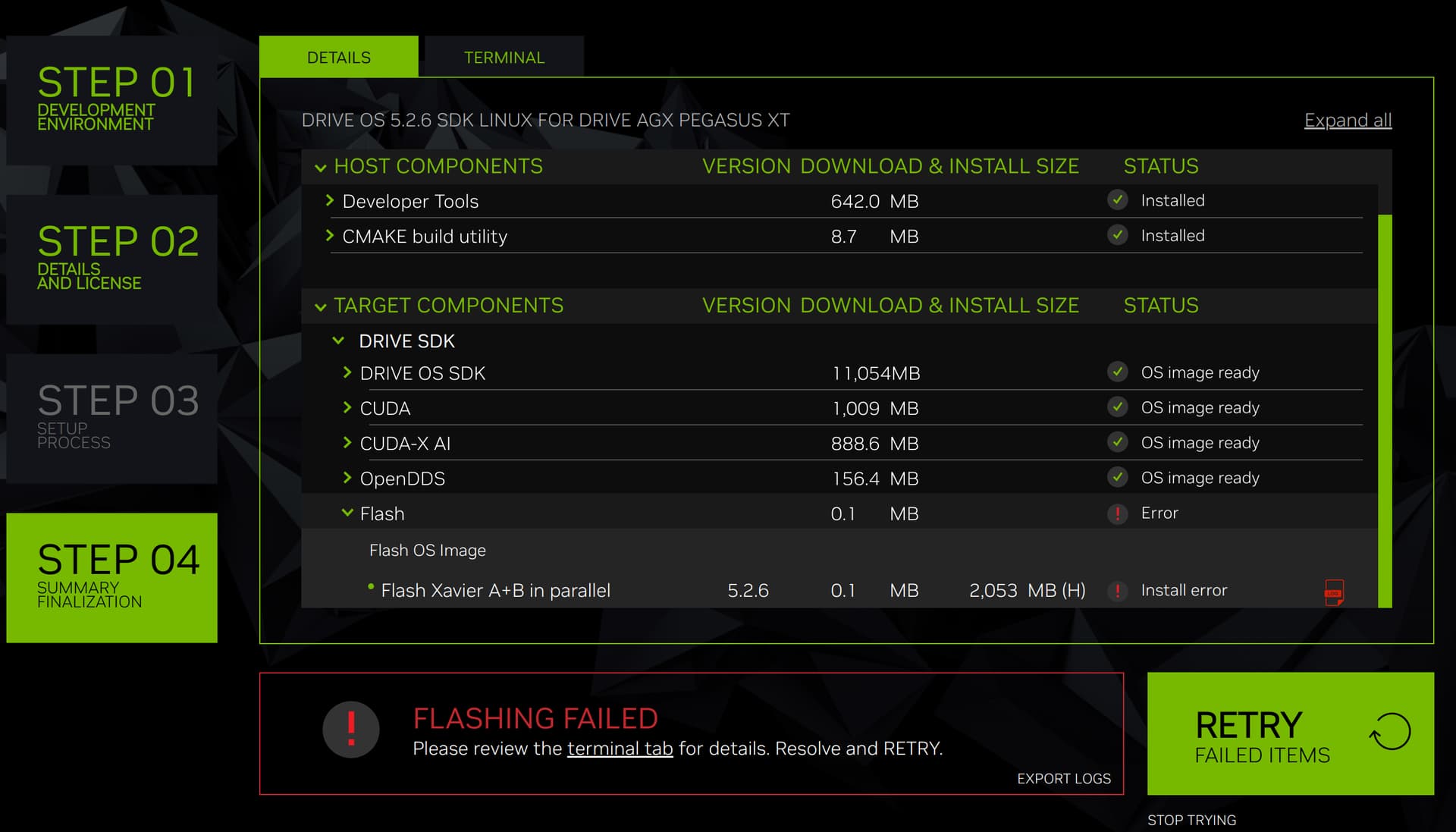
I try to flash Nvidia DRIVE OS into Nvidia pegasus.
However, install error occurs but i don’t know how to solve it.
This is my host pc
: Ubuntu 18.04 LTS
Dev system: Nvidia DRIVE pegasus
The error is
“flash: [exec_command]: /bin/bash -c /tmp/tmp_NV_DRIVE_FLASH_DDPX_PARALLEL_COMP.arc.sh; [error]:”
Please verify the aurix port via minicom. Check connecting to /dev/ttyUSB3(default aurixport) if it works.
If aurix port can be opened via minicom, check if you see additional NVIDIA device on host (run lsusb on host) when board is set to recovery mode. The board can be set to recovery mode by runningtegrarecovery on & tegrareset on aurix console.
Make sure to keep the board in normal mode( run tegrarecovery off & tegrareset on aurix) and close all minicom connected sessions to target before attempt to flashing.
Someone flash DRIVE OS but it doesn’t work well. So i try to flash(reflash) 5.2.6 DRIVE OS on target.
“sudo minicom -D /dev/ttyUSB3” This command works!
When i use “lsusb”, there are four “Future Technology Devices International” ports but there is no NVIDIA port. I think “Future Technology Devices International” ports are NVIDIA related ports
AND, i wonder how to run tegrarecovery on & tegrareset on aurix console.
Would you tell me how to do it? how to get into aurix console to execute aurix commands.
[2024-02-06 12:45:52,741 root ERROR pdk_bind.py 136 68] Could not fetch board revision. Re-try either by re-connecting board or make sure all serial port processes such as minicom are closed.
Here are some relevant topics that might provide insights into resolving this issue:
If you haven’t had previous experience in flashing the devkit, I recommend referring to Setting Up the E3550 Platform to set up the connections properly.