Kit Template:
USD Composer
USD Explorer
USD Viewer
Custom
GPU Hardware:
A series (Blackwell)
A series (ADA)
A series
50 series
40 series
30 series
GPU Driver:
Latest
Recommended (573.xx)
Other
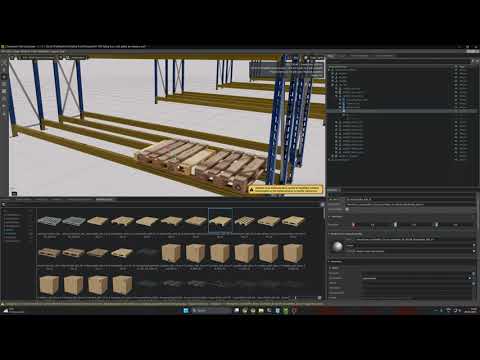
I want to populate my scene with pallets and boxes by duplicating them. After that would like to replace some of them with a different versions of those pallets and boxes.
See here my try:
In some software for example Alt or Crtl + dragging the new asset over my current one in scene, will replace the asset.
I cannot find that in omniverse. How can I do this quickly?
@pekka3 one way to do it is to drag and drop not into another payload, which will establish a hierarchy, but onto the payload’s Asset Path. the downside is the payload name won’t necessarily reflect the new payload name and may require manual prim rename in the stage panel.
you could also change the path programmatically via python as well in bulk if you are dealing with a large scene.